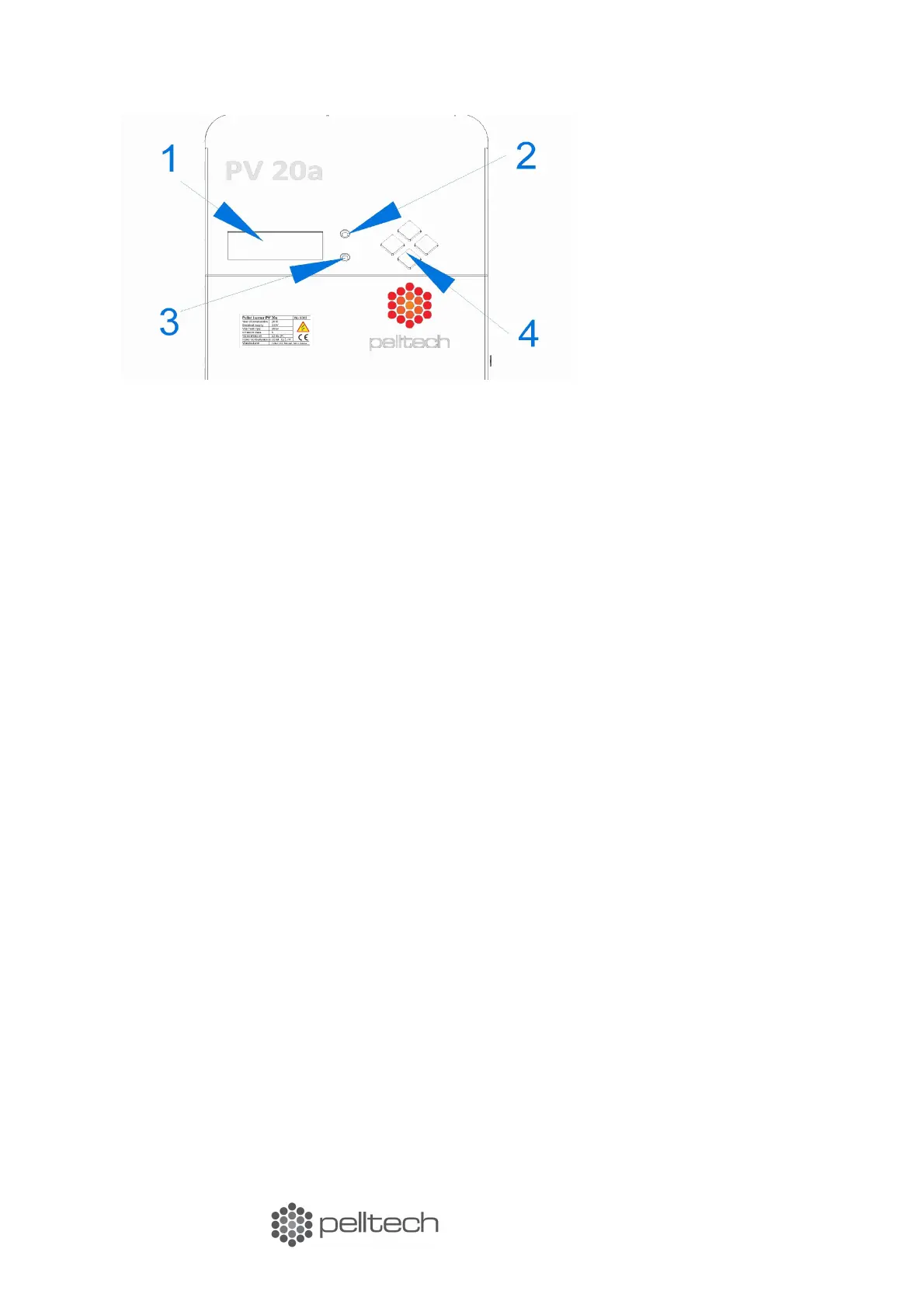
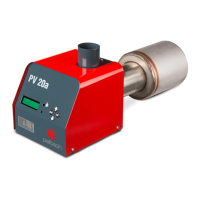
PV 20a
Figure 10 Front panel
Starting
Prior to the initial start-up of the burner make sure that:
• The burner is connected to the boiler
• The boiler thermostat is installed and is functioning properly
• The boiler thermostat is turned to lowest temperature
• The external auger is installed and connected to the burner
• The smoke duct is connected to the chimney, the dampers for smoke gases are open and
there is sufficient draught. When the burner is operating, the negative pressure inside the
boiler must stay between 4-6 Pa
To turn on the burner, switch on boiler main switch. If burner displays ’Stopped’, then go to settings
menu and change parameter ’Burner’ from OFF to ON. The display shows ’Waiting’. Now turn boiler
thermostat to desired temperature. The burner will go to Loading-state. If this is the first run, extern-
al auger needs to be filled with pellets. It can take up to 20 minutes.
To stop the burning, turn boiler thermostat to lowest point. The burner will now finish the process
after all fuel is burnt.
Caution! Never turn off a working burner from the main switch of the boiler. Use the thermostat
switch for that purpose. In order to stop safely, let the burner burn empty. Do not leave the burner
unattended when it has been necessary to use the emergency stop.
Log
Log screen displays last events (burner states) and their duration. All states are described in Table 4.
The duration is in form mm:ss (’m’ in the middle) or hh:mm (’h’ in the middle). For example ’Igniting
01m25 means the burner ignition state lasted 1minute and 25 seconds.
Last row of the log shows current state. To reach the last row, press the “down” button, until you
reach the current state. The duration of current state updates every second or minute.
15 www.pelltech.eu


 To Next Page