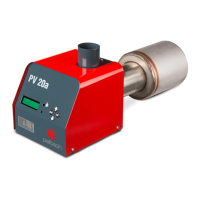
PV 20a
Operation
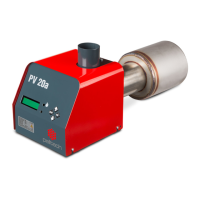
The burner is controlled via user interface on the front panel. LCD screen (1) displays settings menu,
event log etc. Yellow light (2) shows the presence of flame in burning chamber. Or if blinking, the
burner is out of normal operation. Status can be seen on log screen. Green light (3) indicates if there
is fuel in the burner. To move in menus, use up and down buttons (4), to change parameter, press
OK, to go back to LOG press “ESC” button.
14 www.pelltech.eu


 To Next Page