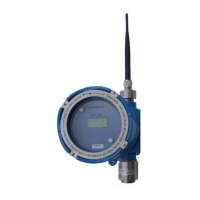
PT395 Series Detector
Flow Chart
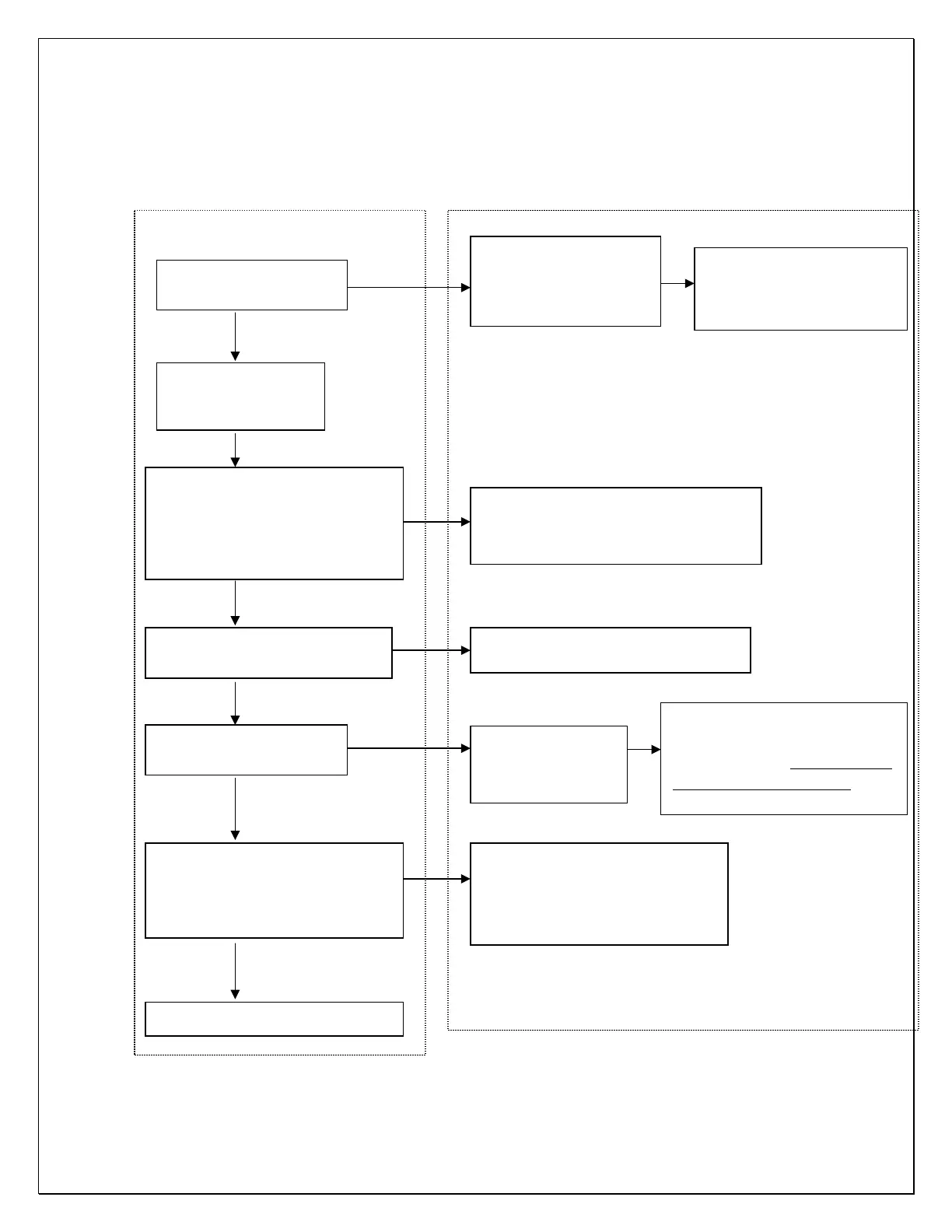
Sensor Calibration
User Action Sensor Display / Response
Initiate Calibration via
magnetic switch
CAL is displayed for 5 to
10 seconds
Sensor makes initial
Calib. gas value flashes on the
display and sensor waits for
the gas to be applied
Apply Calib Gas within 60
seconds to avoid “Calibration
Time Out”. Change the value of
calibration gas being used if
Display flashes calibration gas value at
the slower rate when the gas is
Apply Calib Gas for 1-2 minute
(Apply nitrogen for Oxygen sensor)
Display flashing once every second
1-2 minute calibration
time ended
displayed for few
seconds
adjustments and recording
calibration data. Do not remove
the gas while ADJ is being
Remove Calib Gas when display
Starts flashing rapidly
(approximately 5 times per
Display flashes rapidly for about
10 seconds. Returns to normal
operation when sensor has
cleared
Sensor Calibrated Successfully
Wait till display flashes
Calibration gas value



 To Next Page