Specification Test
Sensitivity and Frequency
Range
Recall the DEFAULT settings.
Select 50 input impedance, 1x
attenuation, MANual trigger and Trigger
level
0V.
Connect a signal from a HF generator to
Connect the power splitter to Input A of
your counter and an oscilloscope.
Set the input impedance to 50 on the
Adjust the amplitude according to the fol-
lowing table. Read the level on the
oscilloscope. The timer/counter should
display the correct frequency.
Connect the signal to Input B.
Select 50 input impedance, 1x
attenuation, MANual trigger and Trigger
Press MEAS FUNC Freq Freq A
Repeat the measurements above for Input
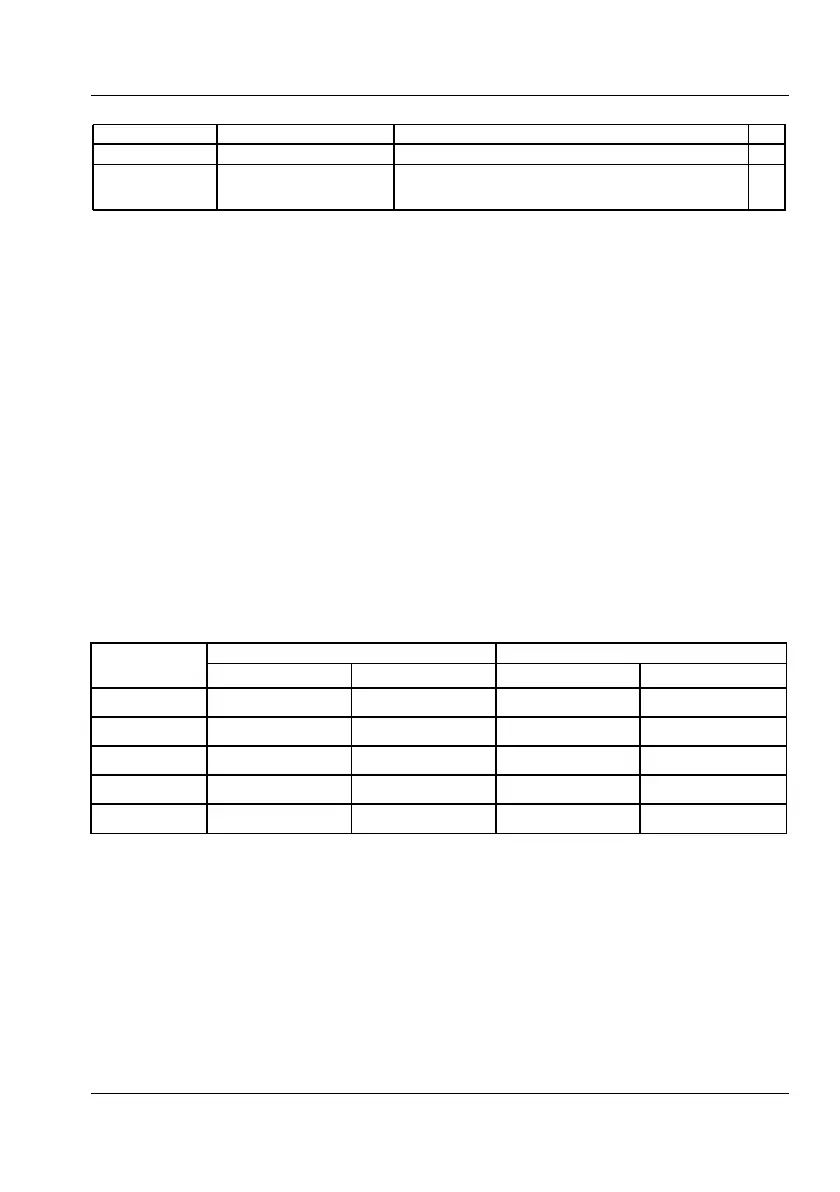
Sensitivity for inputs A & B at various frequencies
USER MANUAL ● CNT 9x Series ● Rev.22 February 2020



 To Next Page