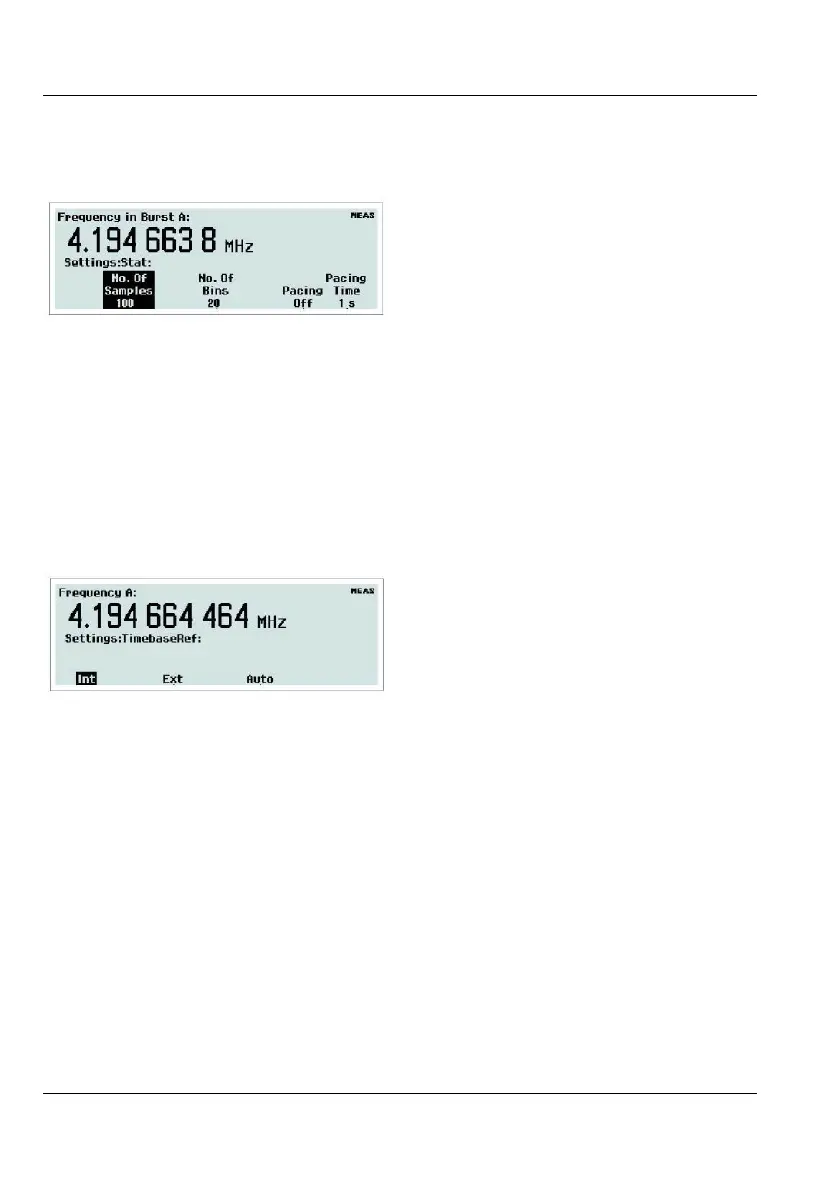
Entering statistics parameters.
In this menu you can do the following:
Set the number of samples used for calculation
of various statistical measures.
Set the number of bins in the histogram view.
The delay between measurements, called
pacing, can be set to ON or OFF, and the time
can be set within the range 2 s - 500 s.
Selecting timebase reference source.
Here you can decide if the counter is to use an
Internal or an External timebase. A third al-
ternative is
Auto. Then the external timebase
will be selected if a valid signal is present at
the reference input. The EXT REF indicator at
the upper right corner of the display shows that
the instrument is using an external timebase
reference.
USER MANUAL ● CNT 9x Series ● Rev.22 February 2020
2-13



 To Next Page