13
Weighing Procedure
1. Before seating the resident in the chair, ensure all belts are on the chair and
the patient is properly secured.
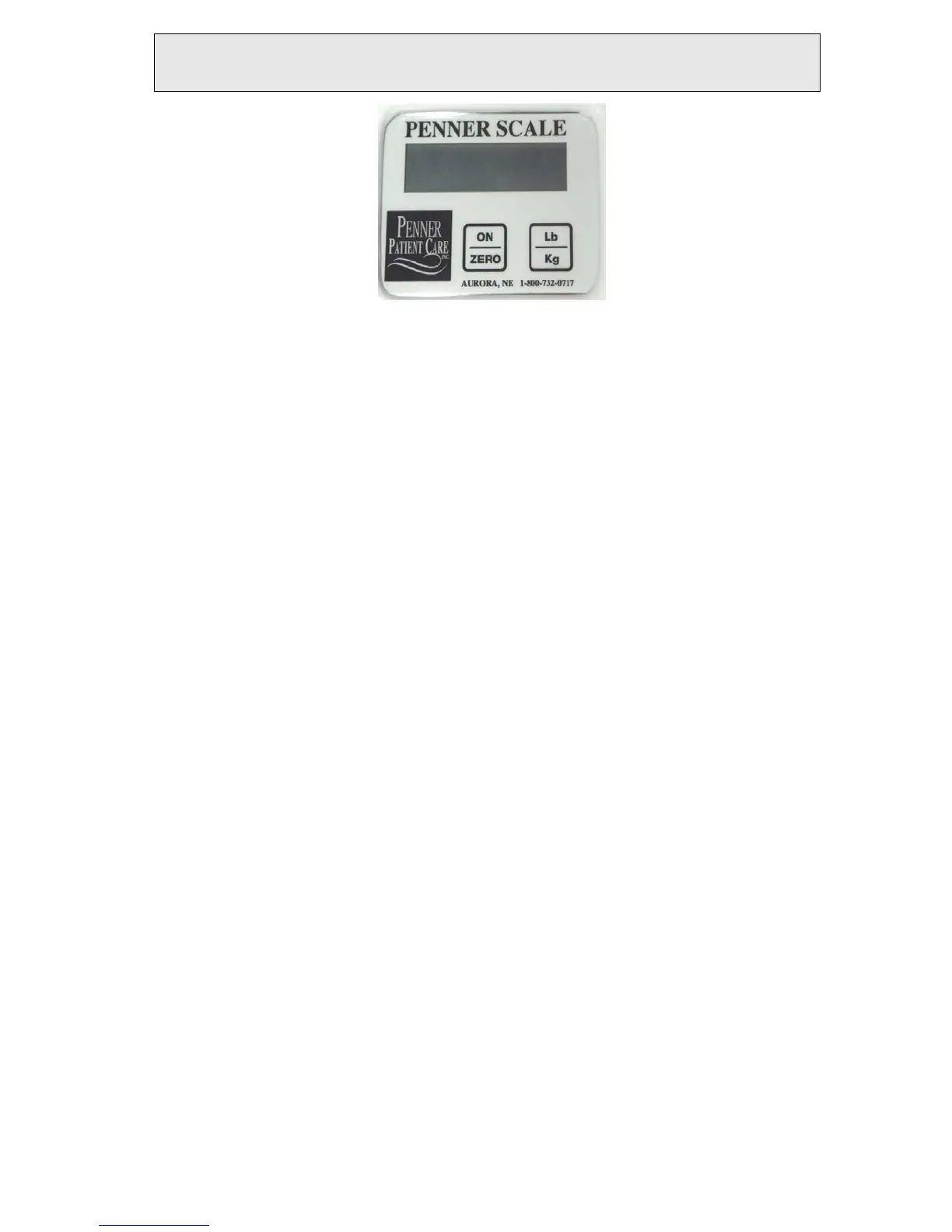
2. Press the “ON / ZERO” button once to turn on. Press again to zero.
3. The scale weighs in increments of ½ Lb. accuracy +/- 1 Lb.
4. The indicator should show “0”. This should only need to be done once a day
or when seat empty indicates anything other than zero.
5. If indicator reads anything other than zero, start over and zero again. If it
does not read “0” the scale may need to be recalibrated. Note: Negative
weights are indicated by the weight flashing on and off.
6. Pressing the Penner Patient Care Logo or the recall button, recalls the last
weight which was “Held”.
7. Press the “Lb./Kg.” button and hold to convert to Lb. or Kg.
8. Once the patient is in the seat, ensure that the arms, legs, or feet are not
touching anything. This would give an inaccurate reading.
9. After the resident is stabilized the scale indicates “HOLD”, a reading of the
weight may now be taken.
10. The battery for the Scale read out is located in the bottom of the read out.
There are four AA batteries.
Figure 7



 To Next Page