EasyManua.ls Logo

Pentair AUTOTROL 363 - User Manual

Pentair AUTOTROL 363
13 pages
Print Icon
To Next Page IconTo Next Page
Loading...
AUTOTROL
®
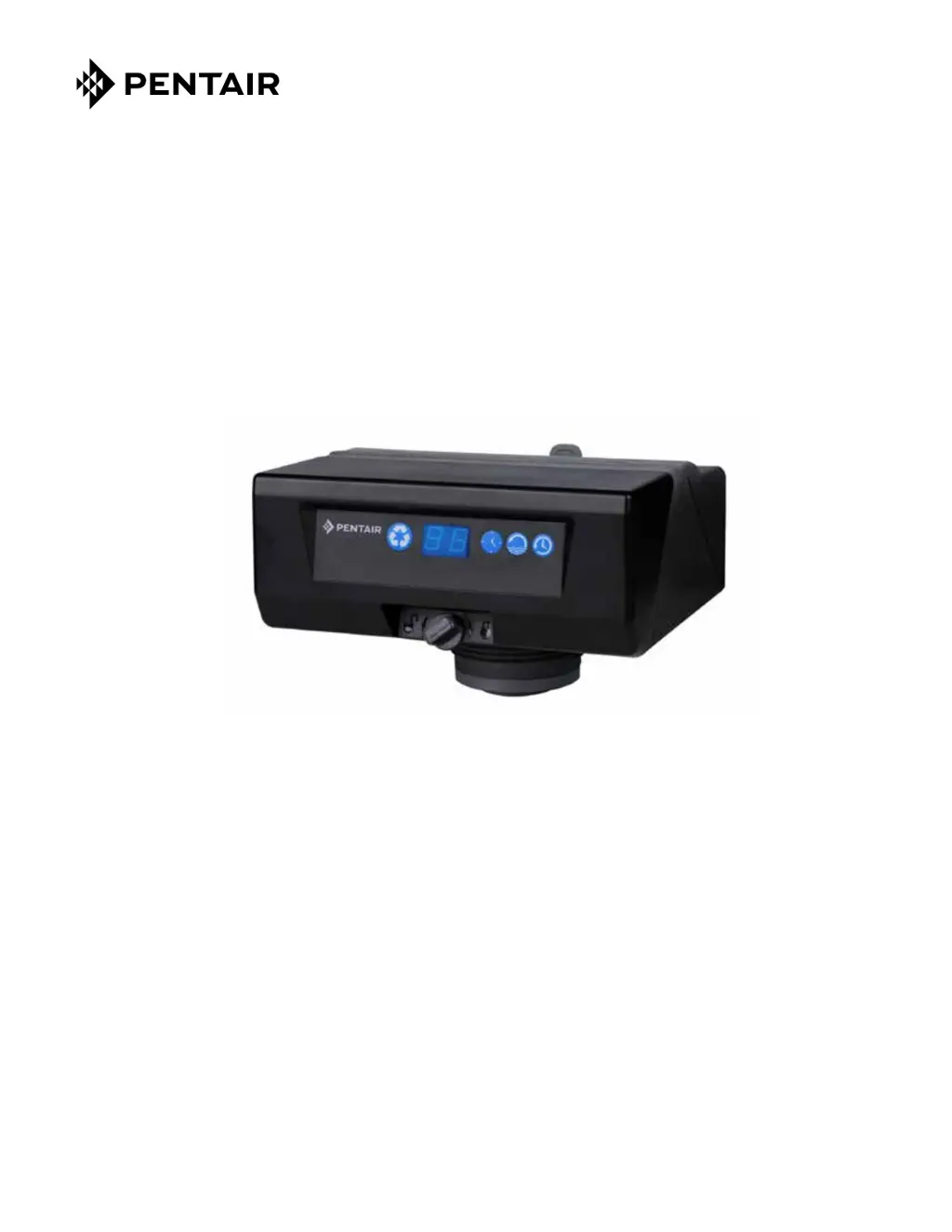
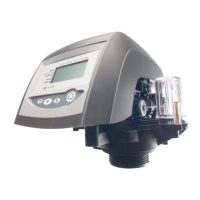
363 DEMAND AUTOMATIC FILTER VALVE
Service Manual
©2014 Pentair Residential Filtration, LLC www.pentairaqua.com/pro

Questions and Answers

  • J
    john66Aug 3, 2025
    What to do if Pentair AUTOTROL 363 Control Unit will not complete a cleaning cycle automatically?
    • R
      Rhonda JenkinsAug 3, 2025
      If your Pentair Control Unit doesn't automatically complete a cleaning cycle, several factors could be responsible. First, ensure the AC adapter and motor are properly connected to provide power. Debris obstructing the camshaft's rotation can also prevent completion, so clear any obstructions. A defective motor may be the cause, requiring replacement. Lastly, a meter clogged with debris can impede the process; remove and clean the meter to resolve this.
  • R
    Robert HendersonAug 8, 2025
    Why flow indicator on Pentair AUTOTROL 363 does not display service flow?
    • M
      Michael MelendezAug 8, 2025
      If the flow indicator on your Pentair Control Unit isn't displaying service flow, there are a few potential reasons. Check if the bypass system is engaged; if so, disengage it. Ensure the meter cable is fully inserted into the valve. Lastly, the meter might be clogged with debris, so remove and clean it.
  • S
    ssmithAug 13, 2025
    What to do if Pentair Control Unit displays E3 error?
    • M
      mooreshaneAug 13, 2025
      If 'E3' is displayed on your Pentair Control Unit, it indicates that the control is not detecting the camshaft position and is returning to the service position. Wait for the control to return to the service position. If the camshaft isn't turning, check that the motor is connected, verify the motor wire harness and optical sensor are correctly connected and in place, and ensure the motor gear has engaged the camshaft. If the camshaft is turning for more than five minutes to find the Home position, check the optical sensor's placement and connection, inspect the camshaft slots for debris. If problems persist, replace the motor assembly and optical sensor, then the control.
  • M
    Mitchell JamesAug 18, 2025
    How to fix backwashes or purges at excessively low or high rate in Pentair Control Unit?
    • J
      Jonathan SmithAug 18, 2025
      If your Pentair Control Unit backwashes or purges at an excessively low or high rate, it could be due to a missing drain line flow control. Install a drain line flow control to regulate the rate. Alternatively, a restricted drain line could be the issue; remove any restrictions to ensure proper flow.
  • K
    kathywilkersonAug 23, 2025
    What to do if Pentair AUTOTROL 363 Control Unit has flowing or dripping water at drain after cleaning cycle?
    • T
      thomasquinnAug 23, 2025
      If you notice flowing or dripping water at the drain of your Pentair Control Unit after a cleaning cycle, it's likely that debris is preventing valve disc #3 or #4 from fully closing; remove any debris. Alternatively, the valve discs #3 or #4 may be worn and require replacement.
  • A
    Allison HollowayAug 28, 2025
    How to clear E1 error on Pentair AUTOTROL 363?
    • R
      Randy CarterAug 28, 2025
      If 'E1' is displayed on your Pentair Control Unit, it means the program settings have been corrupted. Press any key, then reprogram the control. If the 'E1' error persists, replace the control.

Summary

Manual Overview

How To Use This Manual

Guidance for installers on using the service manual for filter installation.

Icons That Appear In This Manual

Explanation of symbols used in the manual, such as warnings and notes.

Safety Information

Electrical Safety Precautions

Guidelines for safe electrical connections and power source usage.

General Safety Precautions

Important safety rules for operation, water quality, temperature, and handling.

Location Selection Criteria

Requirements for choosing an appropriate installation location for the water treatment system.

Outdoor Installation Considerations

Specific factors to consider when installing the equipment outdoors, like moisture and temperature.

Typical Tools and Fittings Required

Valve Dimensions

Valve Layout

Equipment Installation

Grounding the Plumbing System

Procedure to ensure electrical continuity and proper grounding of the plumbing.

Water Line and Bypass Connection

Steps for connecting the water supply, bypass valve, and filter.

Specifications Overview

Summary of flow rates, valve connections, and design parameters.

Drain Line Flow Control Installation

Instructions for installing the Drain Line Flow Control (DLFC) and its washer.

Drain Line Connection Requirements

Guidelines for proper drain line connection, including air gaps and elevation.

Electrical Connection Requirements

Details on connecting the controller's 12-volt AC power supply.

System Startup

Installation Checklist

Control Operation and Layout

Control Display and Button Functions

Overview of the controller's LED display and the purpose of each button.

Programming the 606 F Demand Control

Setting Time of Day

How to set the current time on the control unit.

Configuring Backwash Duration

Adjusting the duration of the backwash cycle for optimal cleaning.

Setting Cleaning Cycle Interval

Programming the water volume or time between regeneration cycles.

Calendar Override Function

Setting a time duration for regeneration to ensure filter function.

Accessing History Values

How to view diagnostic and operational history for troubleshooting.

Manually Initiating Cleaning Cycles

Procedures for starting delayed or immediate cleaning cycles.

Quick Cycling Control Functions

Instructions for quickly cycling the control through different operational steps.

Auxiliary Switch Functionality

Information on using an optional switch to control auxiliary functions during cycles.

Valve Assembly

Troubleshooting

Control Error Codes

Explanation of error codes displayed by the control and their solutions.

System Troubleshooting Guide

Common problems and their causes and solutions for system operation.

Flow Diagrams

Flow Performance Data Charts

Pentair AUTOTROL 363 Specifications

General IconGeneral
BrandPentair
ModelAUTOTROL 363
CategoryControl Unit
LanguageEnglish

Related product manuals