42
Taking Pictures
4
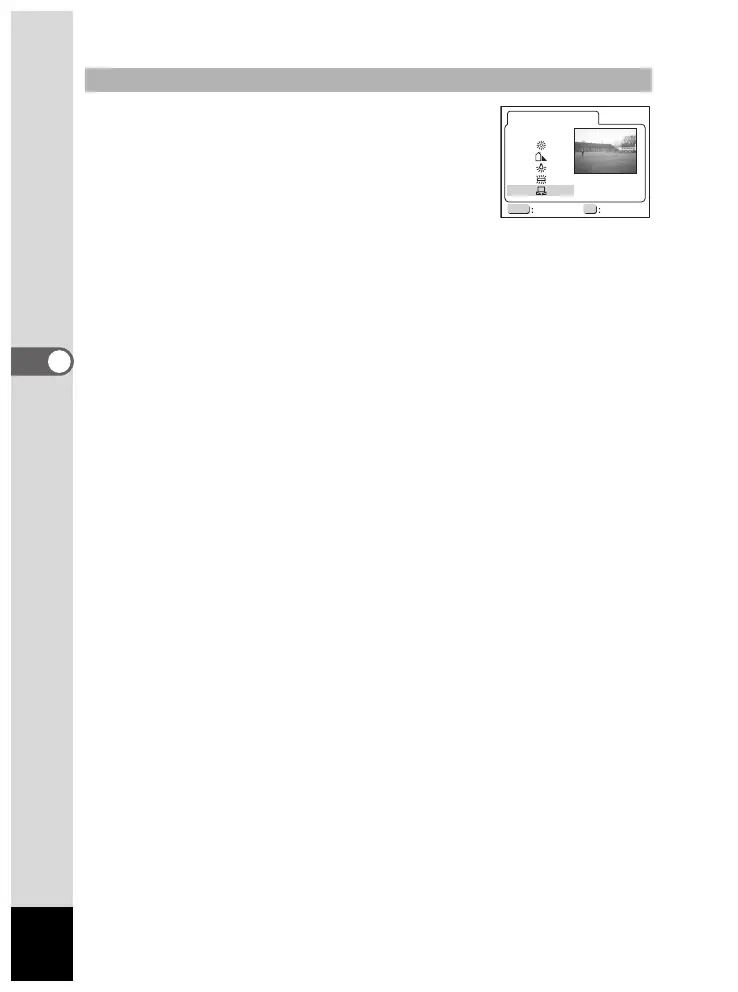
1 Select [K] (Manual) on the White
Balance selection screen.
2 Point your camera at white paper to
fill the screen.
3 Press the OK button.
The LCD monitor will display "Adjusting", and return to the menu
screen when the white balance is adjusted.
4 Press the OK button.
The camera is ready to take a picture.
Setting Manually
MENU OK
AUTO
Exit Ok
White Balance













 To Next Page