EasyManua.ls Logo

Pentax Optio 33WR - User Manual

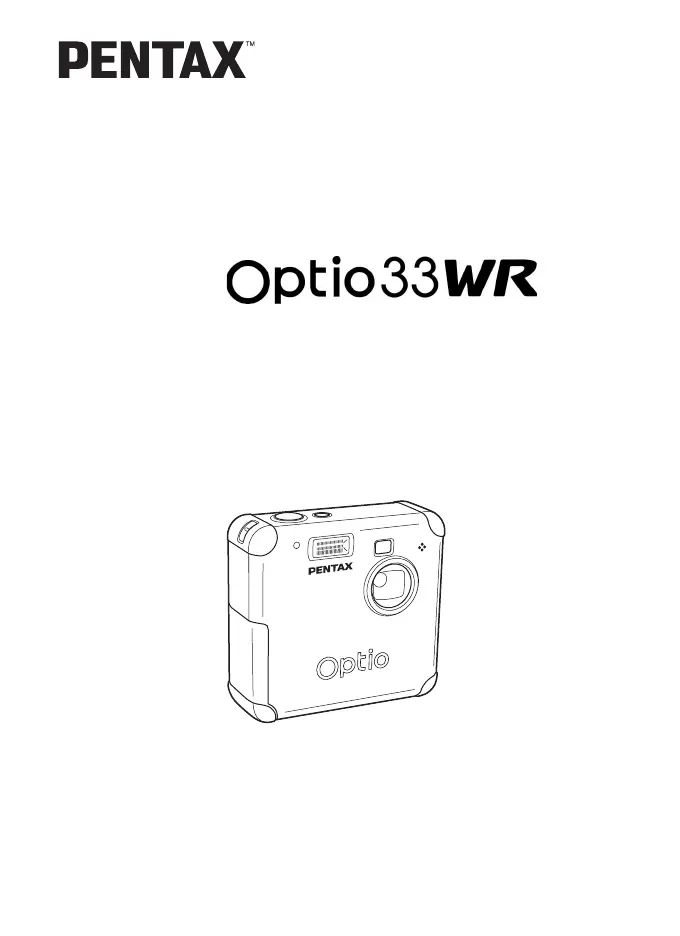
Pentax Optio 33WR
116 pages
Print Icon
To Next Page IconTo Next Page
Loading...
Digital Camera
Operating Manual
To ensure the best performance from
your camera, please read the Operating
Manual before using the camera.

Table of Contents

Other manuals for Pentax Optio 33WR

Questions and Answers

Summary

For Your Safety

Handling the Camera

Instructions on how to properly handle and care for the camera.

Water-resistant Feature

Details on the camera's water resistance and care instructions.

Getting Started

Attaching the Strap

Guide on how to attach the camera strap.

Powering the Camera

Instructions for powering the camera on and installing batteries.

Installing and Removing SD Memory Card

Steps for inserting and removing SD memory cards.

Turning the Camera On and Off

Procedure for switching the camera's power on and off.

Initial Settings

Guide for initial setup like language, date, and time.

Quick Start

Taking Still Pictures

Basic guide to taking your first still photographs.

Playing Back Still Pictures

How to view still images captured by the camera.

Using SD Memory Card

Instructions for using the SD memory card for storage.

Common Operations

Using Button Functions

Explanation of button operations in different camera modes.

Setting the Menu

Guide on navigating and using the camera's menu system.

Menu List

Comprehensive list of menu items and their functions.

Taking Pictures

Setting the Capture Functions

Adjusting various settings for capturing images.

Program Mode

Using the camera's automatic Program mode for shooting.

Picture Mode

Selecting scene-specific shooting modes for optimal results.

Taking Panorama Pictures

Guide to capturing panoramic images using the camera.

Using the Self-Timer

Instructions for using the self-timer function for delayed shots.

Continuous Shooting

How to take multiple shots in quick succession.

Taking Pictures at Fixed Intervals

Setting the camera to take photos automatically at set intervals.

Using the Zoom

How to use the optical and digital zoom functions.

Recording Sound

Capturing audio recordings using the camera's voice mode.

Taking Movie Pictures

Instructions for capturing video clips with sound.

Saving the Settings

Configuring the camera to save custom settings.

Playback and Deleting

Playing Back Images

Viewing captured still images on the camera's LCD.

Using Slideshow for Continuous Playback

Setting up an automatic slideshow of images.

Playing Back Movie Pictures

How to watch recorded movie clips.

Adding a Voice Memo

Attaching voice notes to still images.

Deleting Images

Procedures for removing unwanted images from the camera.

Protecting Images from Deletion

How to prevent accidental deletion of images.

Viewing Images on a TV

Connecting the camera to a TV for image viewing.

Setting the Printing Service (DPOF)

Configuring DPOF for printing images.

Editing and Settings

Editing Images

Options for modifying captured images like resizing and trimming.

Camera Settings

Configuration options for camera functions and behavior.

Setting the Alarm

How to set and manage the camera's alarm feature.

Appendix

List of City Names

Reference list of cities and codes for world time settings.

Messages

Explanation of messages displayed on the camera's LCD monitor.

Troubleshooting

Solutions for common problems encountered with the camera.

Main Specifications

Technical details and specifications of the camera.

Warranty Policy

Information regarding the product's warranty coverage and terms.

Declaration of Conformity

Regulatory compliance statements for the device.

Pentax Optio 33WR Specifications

General IconGeneral
BrandPentax
ModelOptio 33WR
CategoryDigital Camera
LanguageEnglish

Related product manuals