74
5
Playback/Deleting
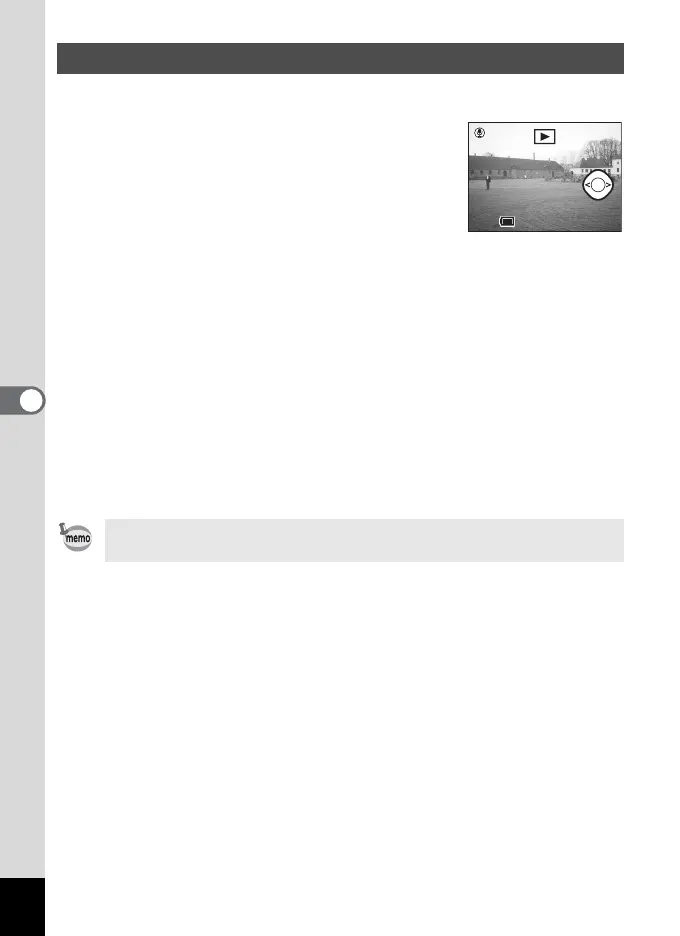
You can add a voice memo to a recorded image.
1 Enter the playback mode and choose
the image to which you want to add a
voice memo with the four-way
controller (45).
If the image has no voice memo, the screen for
recording a voice memo is displayed on the
LCD monitor.
2 Press the O button.
Recording starts.
3 Press the O button.
Recording stops.
4 Press the four-way controller (3).
The recorded voice memo will be played back.
5 Press the four-way controller (3).
Playback stops.
Adding a Voice Memo
• A voice memo cannot be added to protected (Z) images.
• Images with a voice memo are indicated with U on the LCD monitor.
11:20
10/10/2003
10/10/2003
11:20
100-0001Start



 To Next Page