59
4
Taking Pictures
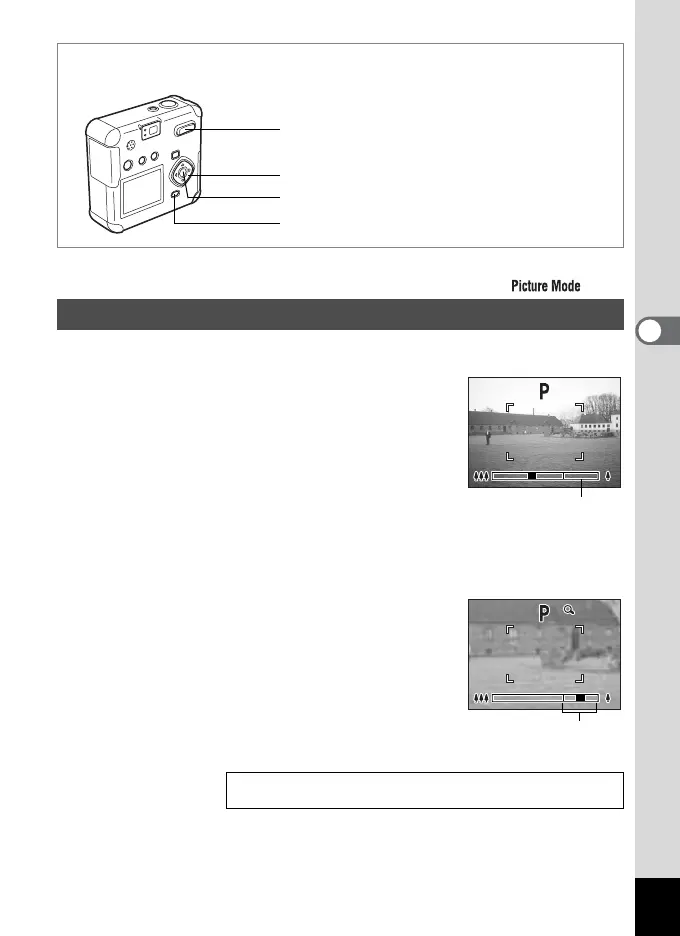
You can use the Zoom to take pictures in Tele or Wide mode.
1 Press the Zoom button in Capture
mode.
x
Tele: Subject becomes larger.
w Wide: Subject becomes smaller.
When the digital zoom function is disabled, the
optical zoom can be used to enlarge the subject
up to 2.8 times.
When the digital zoom function is enabled, you can further enlarge the
subject up to 11.2 times.
e F
Using the Zoom
Saving the Zoom Position 1p.68
MENU button
Four-way controller
Zoom button
OK button
100
Zoom bar
100
100
Digital zoom range



 To Next Page