80
5
Playback/Deleting
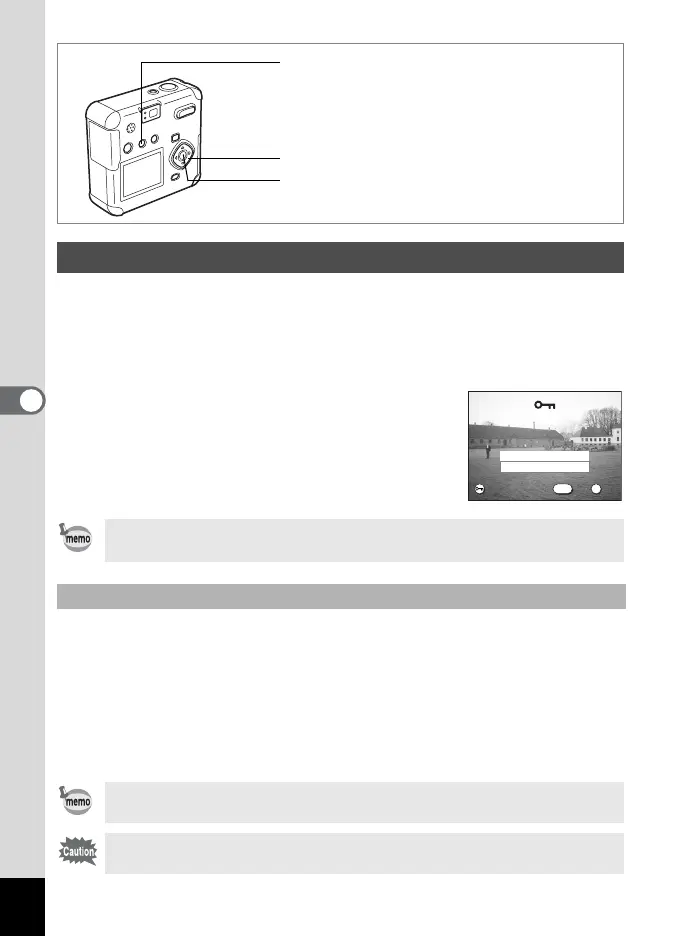
You can protect images/sounds from being accidentally deleted.
1 Enter the Playback mode and choose the image or
sound you want to protect with the four-way controller
(45).
2 Press the Z button.
The Protect screen will be displayed.
3 Select [Protect] with the four-way
controller (2).
4 Press the OK button.
You can protect all images/sounds from being accidentally deleted.
1 Enter the Playback mode.
2 Press the Z button twice.
The Protect All Images & Sounds screen will be displayed.
3 Select [Protect] with the four-way controller (2).
4 Press the OK button.
Protecting Images from Deletion (Protect)
• Select [Unprotect] in step 3 above to cancel the Protect setting.
• Z is displayed during playback of protected images and sounds.
Protect All Images/Sounds
Select [Unprotect] in step 3 above to cancel the Protect setting on all of
the images/sounds.
Even protected images/sounds will be deleted when formatting the SD
Memory Card / MultiMediaCard.
Four-way controller
Z button
OK button
OK
Exit
OK
Protect
Unprotect
OK
Exit
All images & sounds
All images & sounds
MENU
100-0001



 To Next Page