61
4
Taking Pictures
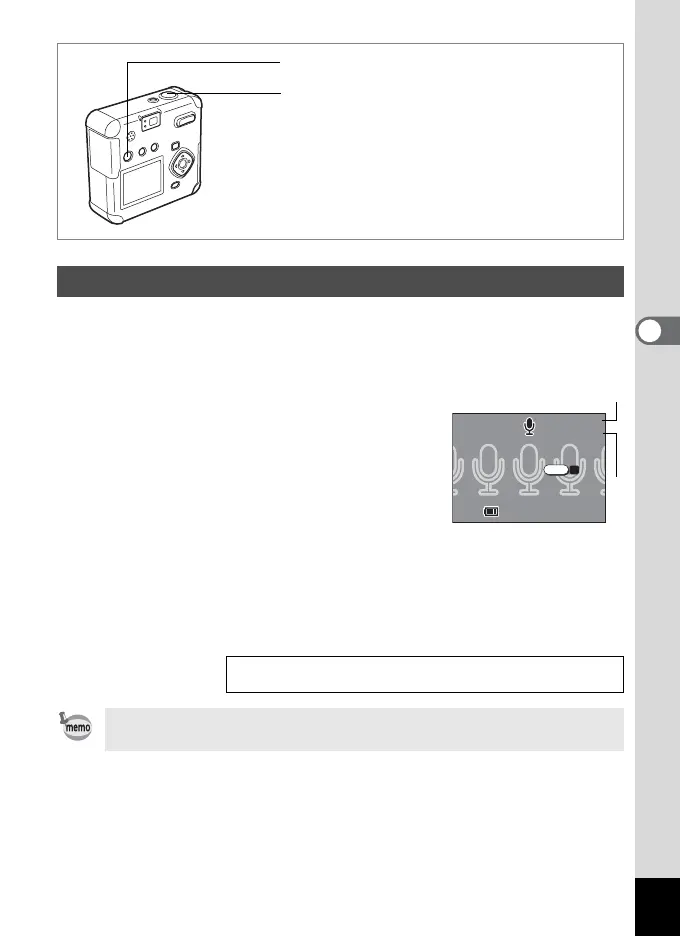
This mode is for recording sound. The recordable time is displayed on
the LCD monitor according to how much memory is available on the SD
Memory Card / MultiMediaCard.
1 Press the O button in Capture mode.
The recordable time is displayed on the LCD
monitor.
1. Remaining time 2. Recording time
2 Press the shutter release button.
Recording starts. O flashes during recording.
3 Press the shutter release button.
Recording stops. The remaining available recording time is displayed.
Recording Sound (Voice Recording Mode)
Playing Back Sound 1p.76
Sound is saved as a monaural WAVE file (PCM method).
Voice button
Shutter release button
11:20
10/10/2003
10/10/2003
Start
Start
11:20
10:1610:16
00:00
10:16
00:00
SHUTTER
REC
2
1



 To Next Page