65
4
Taking Pictures
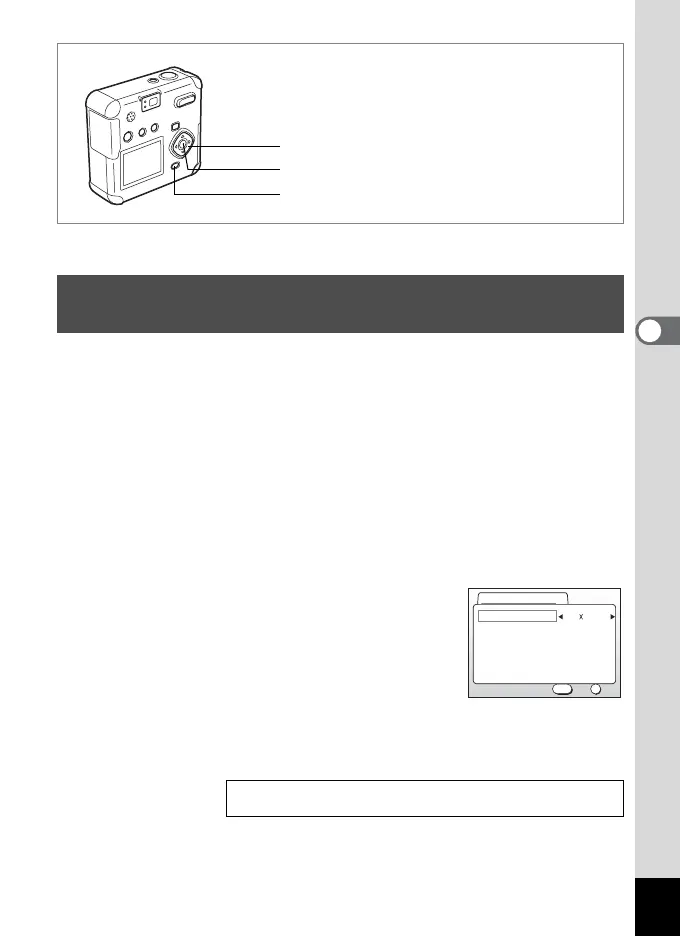
In movie picture mode, you can select either 320×240 or 160×120 for the
number of recorded pixels (resolution).
The more pixels there are, the larger the image size but the smaller the
recording time.
1 Press the MENU button in Capture mode.
The [A Rec. Mode] menu will be displayed.
2 Select [Movie] on the [
A
Rec. Mode] menu.
3 Press the four-way controller (5).
The movie setup screen will be displayed.
4 Press the four-way controller (45)
to change the recorded pixels.
5 Press the OK button 2 times.
The camera is ready to record a movie.
C
Changing the Recorded Pixels Setting When
Taking Movie Pictures
Taking Movie Pictures 1p.63
MENU button
Four-way controller
OK button
Off
Full Color
320 240Recorded Pixels
Color Mode
Fast Fwd Movie
OK
OK
Exit
MENU
Movie



 To Next Page