28
2
Quick Start
Quick Start
Using an SD Memory Card / MultiMediaCard
Images taken with the camera are recorded on the
SD Memory Card / MultiMediaCard. You can use
the camera to view the images recorded on the
card, transfer the images to your PC, and print them
out.
One advantage of a digital camera is that you can
check the picture as soon as you take it. You can
check the composition and brightness, and take a
picture again if you are not satisfied.
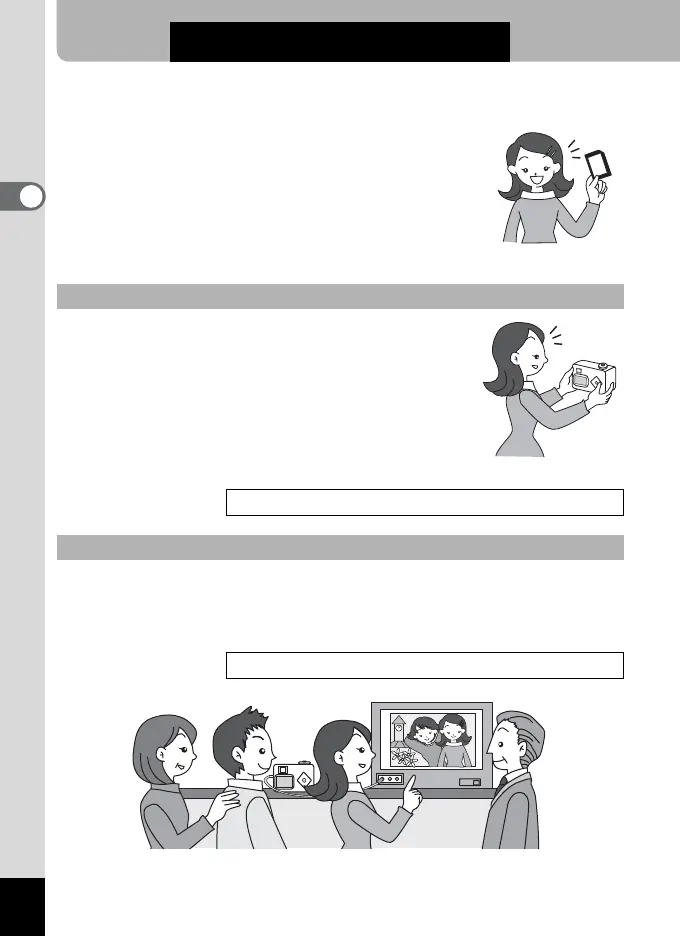
Displaying your pictures on a TV is handy for those group occasions. To
view images on your TV, connect the camera to the TV with the AV
cable.
Viewing images on the camera
Playing Back Still Pictures1p.70
Viewing Images on a TV
Viewing Images on a TV1p.81



 To Next Page