57
Taking Pictures
4
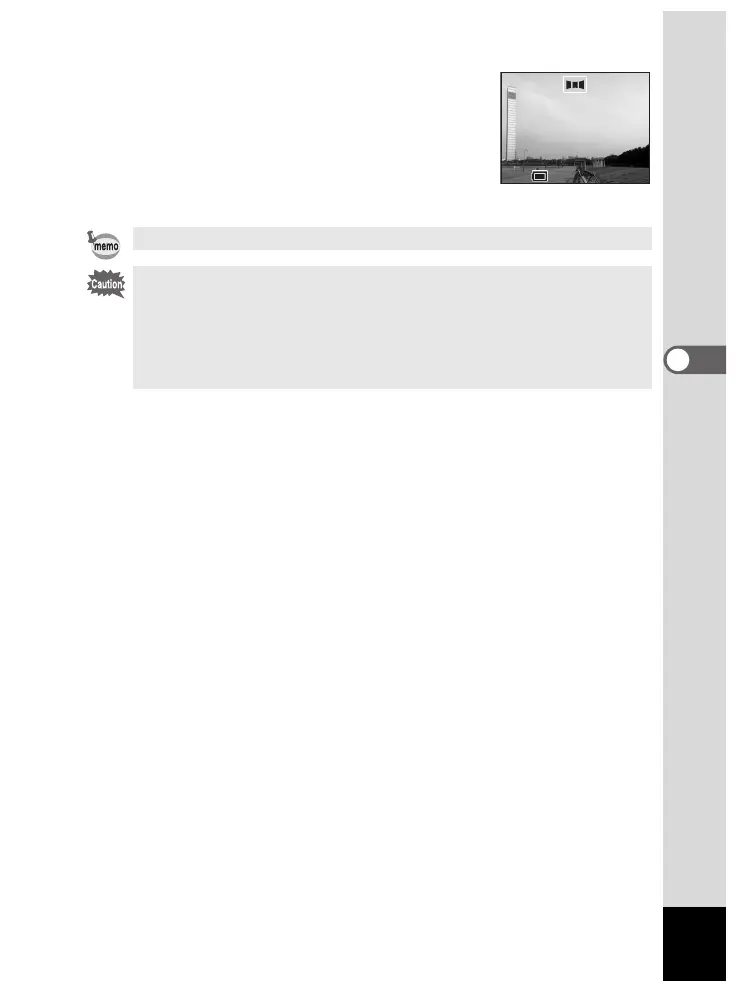
6 Move the camera to the right, and
take the second picture.
Repeat this procedure for the third and
following pictures.
7 Press the OK button.
The screen returns to step 4.
To cancel Panorama Assist mode, switch to any other mode.
• The camera cannot join the images. Use the software provided. For
details on joining panorama images, see the separate booklet
“Viewing Your Digital Camera Images On Your PC”.
• Continuous shooting is not available in Panorama Assist mode.
• You need a Windows PC for joining panorama pictures. (The
provided software is not Macintosh-compatible.)













 To Next Page