EN-29
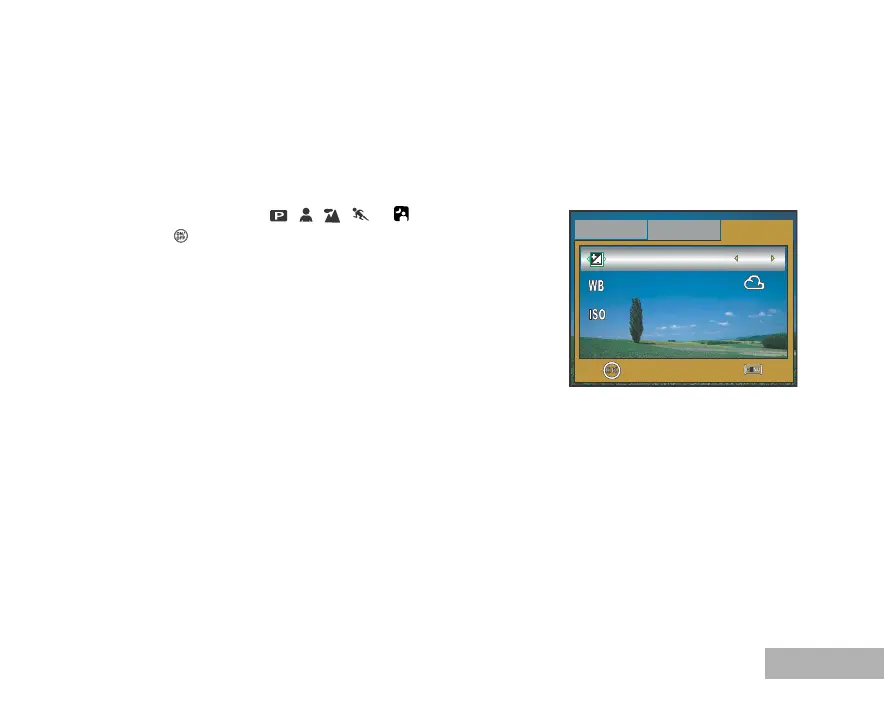
Adjusting the Exposure (EV Compensation)
You can manually adjust the exposure determined by the digital camera. Use this mode when the proper
exposure cannot be obtained, for example, when the contrast (difference between bright and dark
areas) between the subject and the background is extremely high. The EV compensation value can be
set in the range from –2.0EV to +2.0EV.
1. Rotate the mode dial to , , , or .
2. Press the button to turn on the power.
3. Press the MENU button, then use X to select the [Mode3] menu.
4. Use T to select [EV Comp.], then use W or X to set the range
of EV compensation value from –2.0EV to +2.0EV.
5. To exit the menu, press the MENU button.
OK :
Exit :
Mode1
Mode2
Mode3
EV Comp.
White Bal.
Sensitivity
+1.7
200
1 / 3



 To Next Page