45
Taking Pictures
4
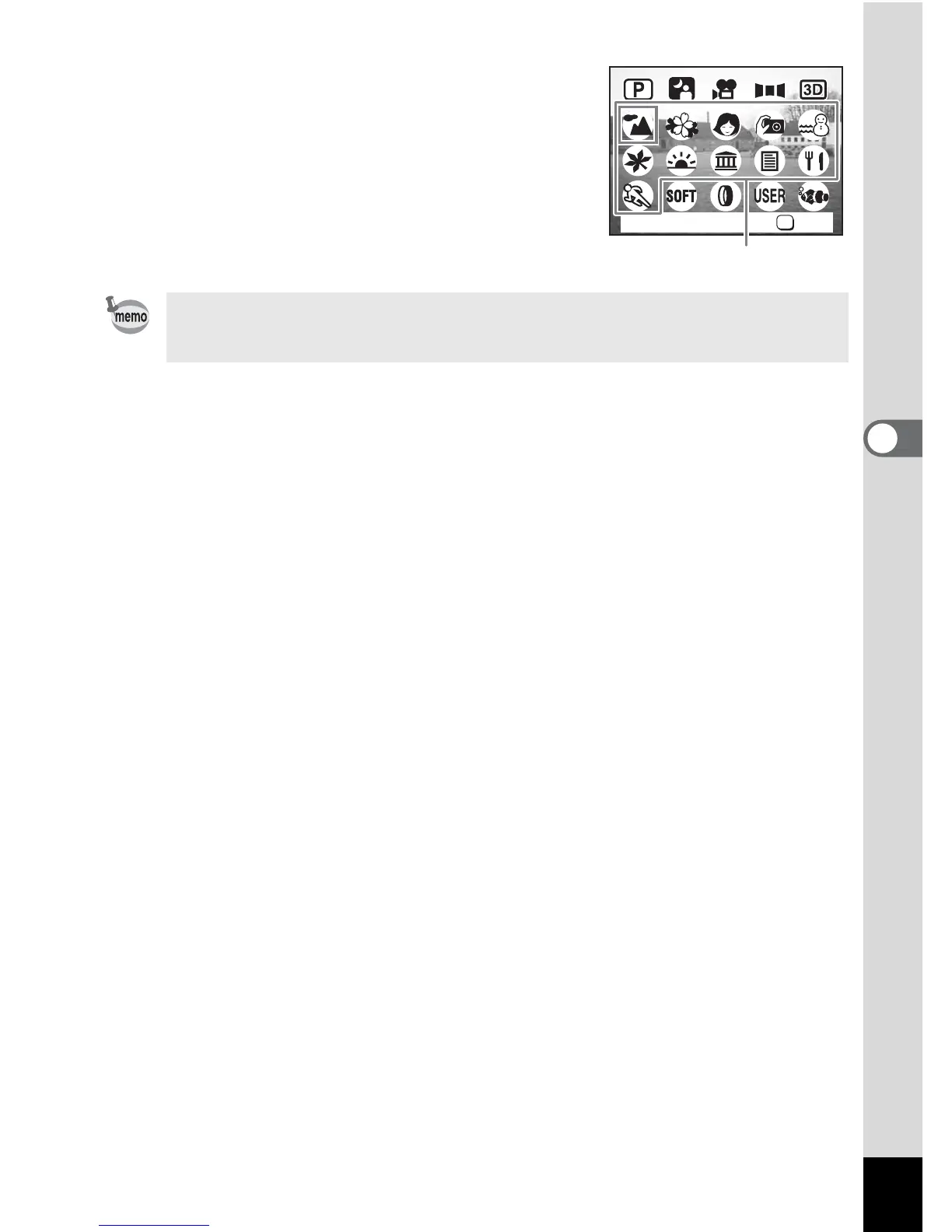
3 Press the OK button.
4 Press the shutter release button
halfway.
The focus frame on the LCD monitor will
light green when the camera is in focus.
5 Press the shutter release button.
The picture is taken.
In Picture mode, the EV compensation, saturation, contrast,
sharpness and white balance are automatically set to their default
settings. You can change the settings.
OK
OK
Landscape
Picture mode





 To Next Page