68
Taking Pictures
4
This mode lets you take movies at a delayed frame rate so that when you
play the movie back, the action appears speeded up.
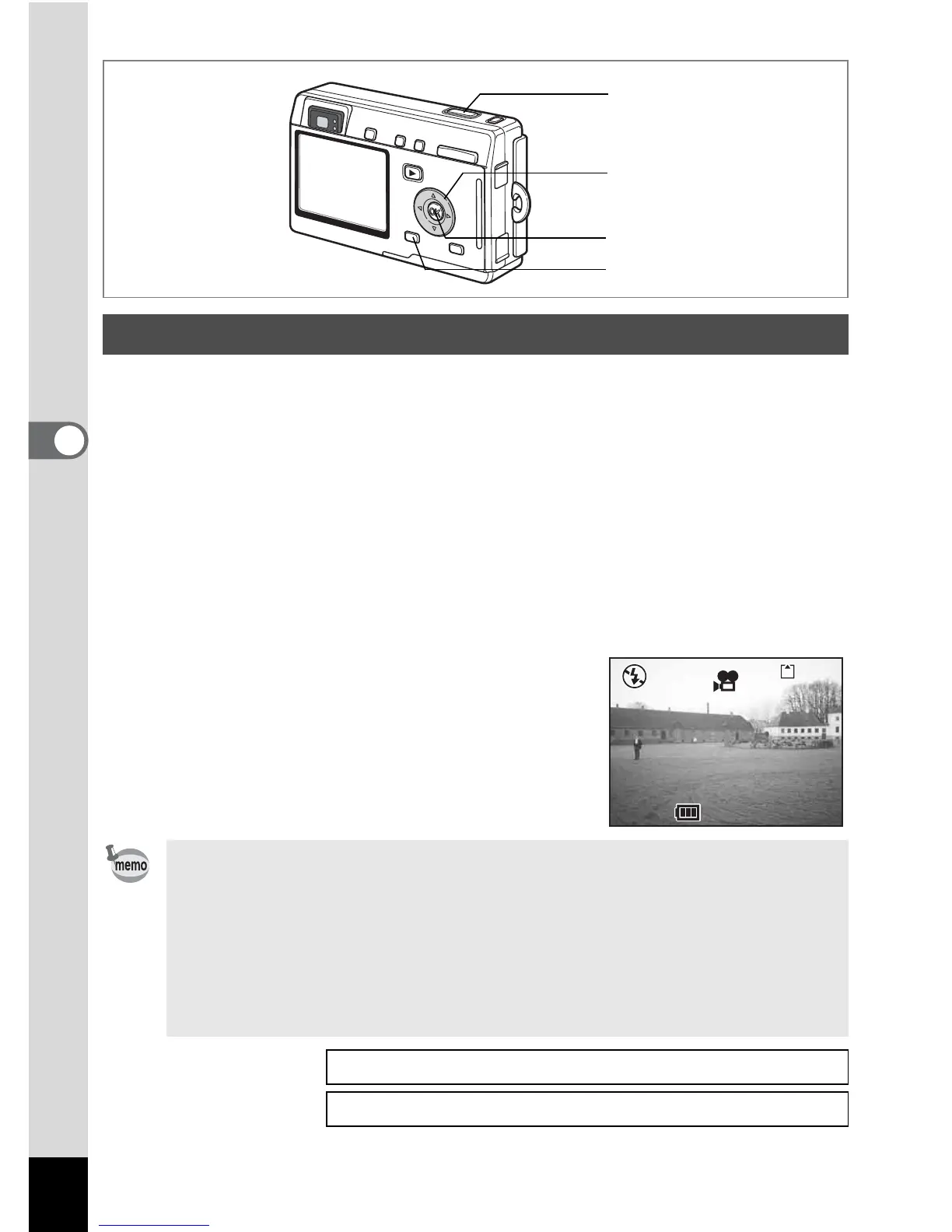
1 Press the MENU button in Movie mode or Marine Movie
mode.
The [A Rec.Mode] menu appears.
2
Use the four-way controller (
2
3
) to select [Time-lapse
Movie].
3 Use the four-way controller (45) to choose
[Off (×1)], [×2], [×5], [×10], [×20], [×50] or [×100].
4 Press the OK button.
5 Press the shutter release button.
Shooting in Time-lapse Movie mode starts.
Taking Time-lapse Movies
• Off (×1) is the normal setting for movies (15 frames per second).
Each time ×2 or ×5 is selected, the number of frames taken per
second is reduced to 1/2 or 1/5.
• As movies are normally played back at the rate of 15 frames per
second, movies taken at ×2 appear to be played back at twice the
normal speed and movies taken at ×5 appear to be played back at
five times the normal speed.
• Sound cannot be recorded.
Taking Movies 1p.47
Taking Underwater Movies
1p.56
5
4
2, 3
1
12:00





 To Next Page