19
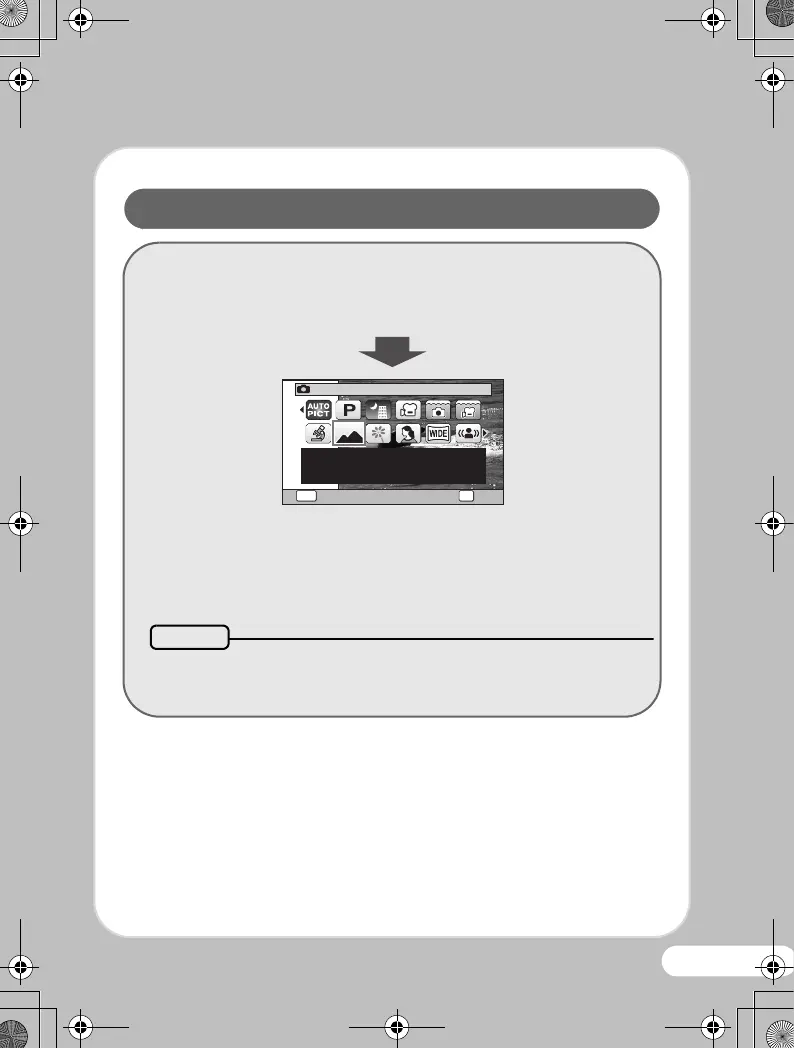
You can choose the right mode for your particular situation
from the Capture Mode Palette.
Press the four-way controller (3).
Use the four-way controller
(2345) to choose
a shooting mode, then
press the 4 button.
An explanation appears when you select the shooting mode.
Selecting a Shooting Mode
Landscape
For capturing landscape
views. Enhances colors
of sky and foliage
1/2
OK
OK
MENU
Cancel
Memo
OptioWG-1_QSG_ENG.book Page 19 Friday, March 11, 2011 8:59 AM



 To Next Page
 Loading...








