22
zDeleting Images
Deleting a Single Image
You can delete the currently displayed image.
Play back the image you want to delete.
Press the i button.
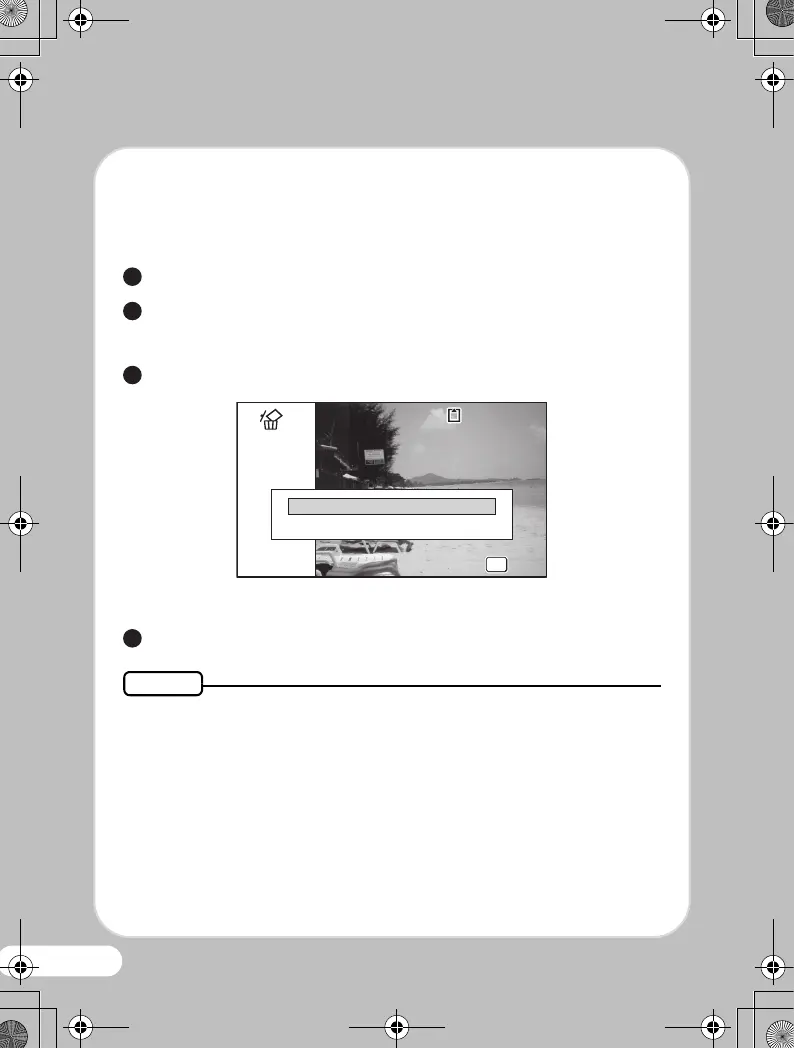
The confirmation screen appears.
Use the four-way controller (2) to select [Delete].
Press the 4 button.
• You can delete several images selected from the 6- or 12-image
display.
• You can delete all images at once.
• You can protect stored images from being accidentally deleted.
1
2
3
100-0017
100-0017
Delete
Cancel
OK
OK
OK
OK
4
Memo
OptioWG-1_QSG_ENG.book Page 22 Friday, March 11, 2011 8:59 AM



 To Next Page
 Loading...








