37
5.3 Troubleshooting
PLP-701 / PLP-702 / PLP-701R / PLP-702R
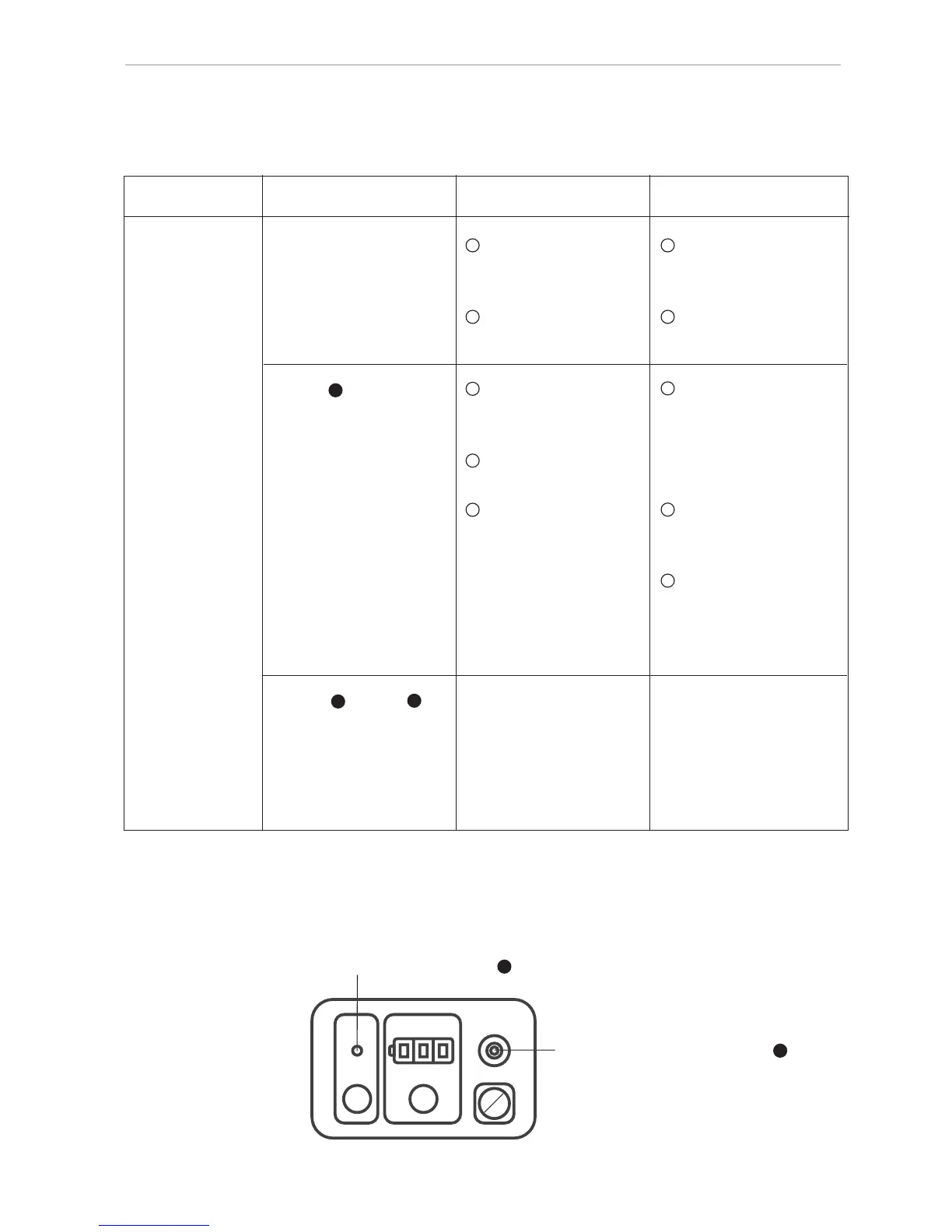
Rotor Display Content Checking point
Display lamps are Battery capacity Replace with fresh
not turned on. is low. batteries or charge
battery
Incorrect battery Check the polarity
insertion. of the batteries.
Lamp turns on. Instrument’s tilt Turn off the power
exceeds auto leveling supply and reset the
area. (± 5.7°) instrument level
Instrument is tilt (± 5.7°) and turn on
largely by any cause. again.
After power supply Turn off the power
turns on, unstable supply and turn on
state of auto again.
self-leveling function Turn off the power
continues supply and turn on
approx.3 min. again.
NOTE*
Lamp & lamp Defect of instrument Turn off the power
blink mutually itself. supply and turn on
again. If the lamps blink
farther, instrument need
to be repaired.
*
NOTE:
• When the operation is continued, set the laser beam on the reference
mark and perform it.
Does not rotate


 To Next Page