Operator’s manual Pentruder RS2 wall saw and Pentpak 3 HFi power pack – Original instructions Page 36
Menu functions
5.3.1 Navigating the menu
1. Press the Enter button to open the menu. This can be done during cutting.
2. Move the “marker” using the + and – buttons to the menu item you want to choose and press the Enter
button.
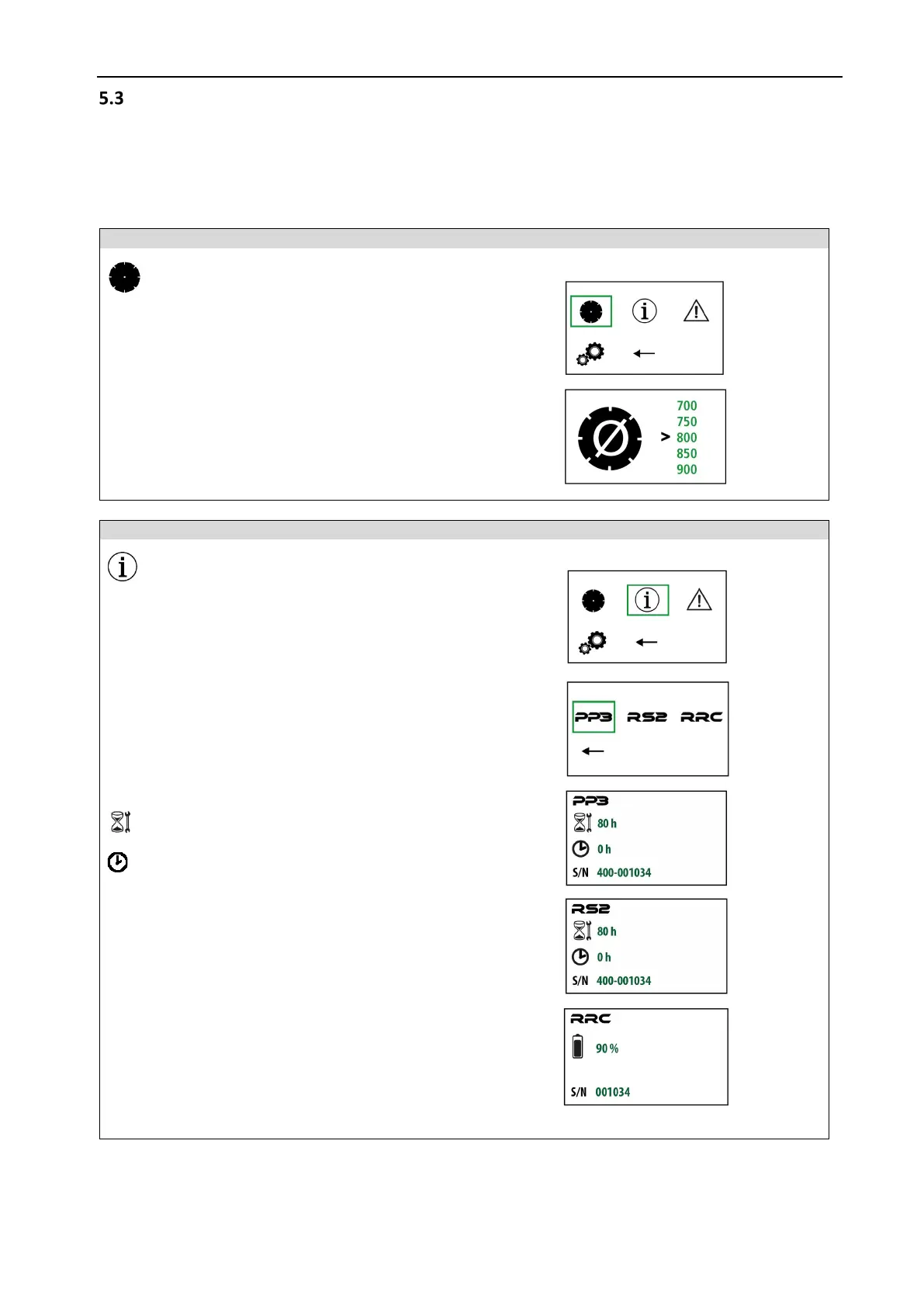
Machine and service information
Choose which module, Pentpak 3, RS2 saw head or
RRC radio remote control to get more information
Software version
RRC Radio remote control
Serial number



 To Next Page