EasyManua.ls Logo

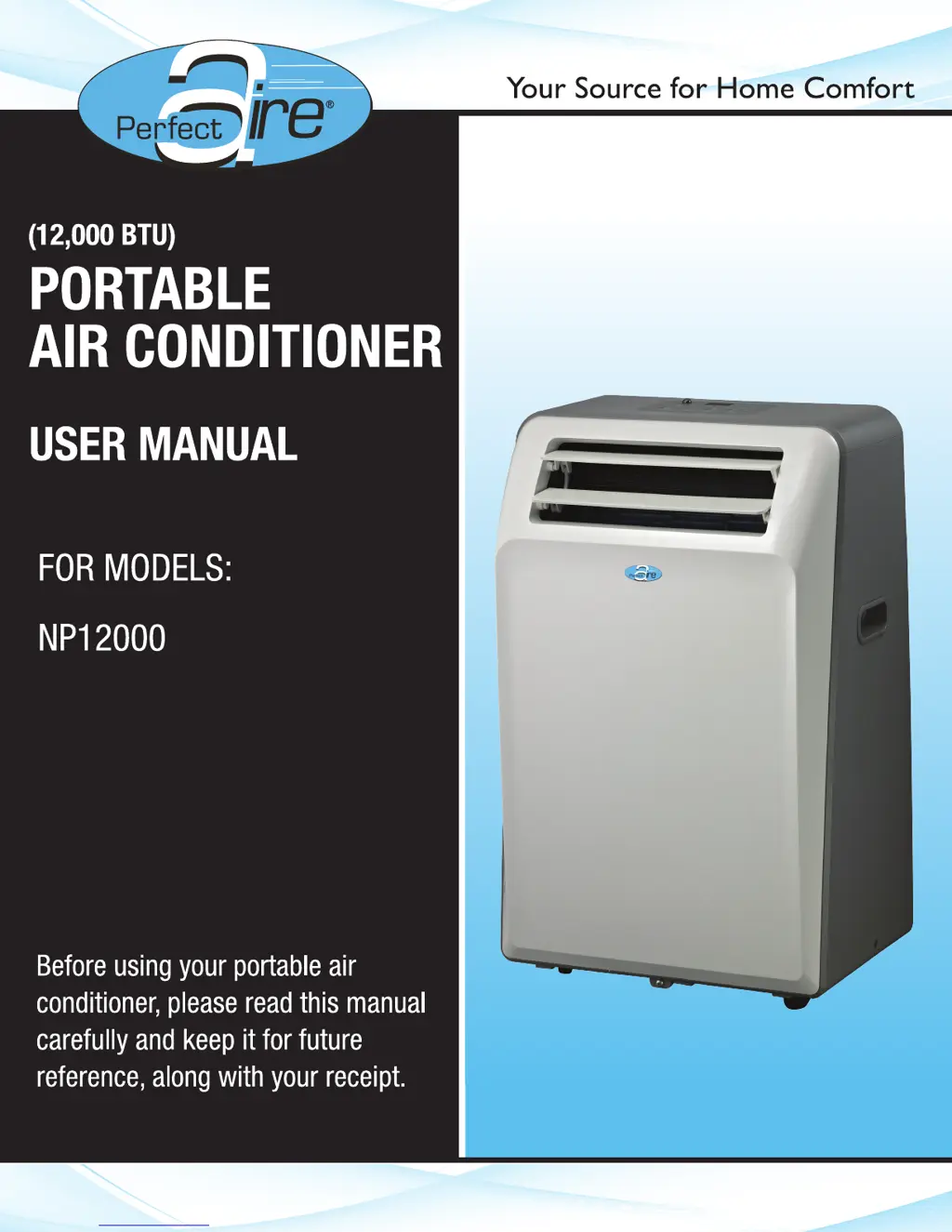
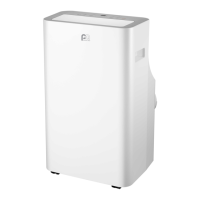
Perfect Aire NP12000 - User Manual

Perfect Aire NP12000
16 pages
Print Icon
To Next Page IconTo Next Page
Loading...

Questions and Answers

  • W
    Wendy BakerJul 30, 2025
    Why is my Perfect Aire NP12000 Air Conditioner not cooling the room?
    • C
      Cody MooreJul 30, 2025
      If your Perfect Aire air conditioner isn't cooling the room or blowing cold air, ensure the unit's size is appropriate for the room and that all doors, windows, and curtains are closed. Check for obstructions blocking airflow to or from the unit. Allow sufficient time for the room to cool, especially in high outside temperatures. Verify the filter is clean, the louvers are fully open and directed correctly. Make sure the unit is set to Cool Mode with an appropriate temperature setting. Relocate the unit if it's near a heat source. If the air feels cool, recheck the points above. If using Follow Me, move the remote away from the unit. As a last resort, unplug the unit for at least 5 minutes, following the reset instructions on the plug.
  • M
    Melissa BanksAug 3, 2025
    What to do if my Perfect Aire NP12000 unit will not turn on?
    • C
      Chad WatsonAug 3, 2025
      If your Perfect Aire unit won't turn on, try these steps: Reset the circuit breaker, ensuring not too many items are on the same breaker. Check the plug connection. If the plug uses an on/off switch, ensure it's on. Try a different outlet. Unplug the unit for at least 5 minutes and follow the plug's reset instructions.
  • J
    Jessica CarrollAug 7, 2025
    Why is ice forming on my Perfect Aire NP12000?
    • J
      Jeffrey BassAug 8, 2025
      If your Perfect Aire air conditioner is cooling, but the room is too warm and ice is forming on the cooling coil, it could be due to several reasons. If the outdoor temperature is below 64ºF (18ºC), or if the thermostat is set too cold, set the unit to Fan Only mode to defrost the coil, then set the temperature to a higher setting. Also, a dirty air filter can cause this issue, so clean the filter.
  • J
    Jose BrownAug 12, 2025
    How to fix a noisy Perfect Aire NP12000?
    • A
      Austin HernandezAug 12, 2025
      If your Perfect Aire air conditioner is making unusual noises, first check for any debris obstructing the unit. Next, inspect the fan blade for cracks or chips. Ensure the window slider kit is securely mounted in the window. Finally, clean the air filter.
  • J
    Justin SmithAug 16, 2025
    Why does my Perfect Aire NP12000 cycle on and off too frequently?
    • N
      Nancy BoothAug 16, 2025
      If your Perfect Aire air conditioner is cycling on and off too frequently, make sure the unit is appropriately sized for the room. Also, ensure nothing is blocking the louvers and that there is no dirt or debris inside the unit or on the filters.
  • R
    Robert PowellAug 21, 2025
    Why does my Perfect Aire NP12000 Air Conditioner keep blowing fuses?
    • T
      Teresa WilcoxAug 21, 2025
      If your Perfect Aire unit blows fuses or pops the circuit breaker, ensure the circuit has enough available amps for the air conditioner. Large units running on 230v will require a dedicated 20 or 30 amp circuit.
  • T
    travisbrianAug 26, 2025
    Why does the 'Follow Me' function on my Perfect Aire NP12000 Air Conditioner remote deactivate early?
    • D
      debra40Aug 26, 2025
      If the Remote Sensing / Follow Me feature on your Perfect Aire air conditioner is deactivating prematurely, ensure the remote control is within a 20 ft range and 180º radius of the front of the unit. Also, make sure there are no obstructions blocking the remote control signal.

Summary

Safety Precautions

Energy Saving Tips

Tips for efficient energy usage of the air conditioner.

Identification of Parts

Accessories

List of included accessories for installation and use.

Suggested Tools for Window Kit Installation

Recommended tools for fitting the window slider kit.

Names of Parts

Identification and diagrams of front and rear unit components.

Operation of Current Device

Air Conditioner Features

Operation Panel Overview

Explains the functions of the control panel buttons and display.

Indicator Lights Explained

Details the meaning of various indicator lights on the unit.

Operating Instructions

COOL Operation

Instructions for operating the unit in cooling mode.

HEAT Operation

Instructions for operating the unit in heating mode (if applicable).

DRY Operation

Instructions for operating the unit in dehumidifying mode.

FAN Operation

Instructions for operating the unit in fan-only mode.

AUTO Operation

Instructions for operating the unit in automatic mode.

TIMER Operation

How to set automatic start and stop times.

FOLLOW ME Feature

Using the remote control as a thermostat.

Error and Protection Codes

Explains error codes and troubleshooting steps.

SLEEP Operation

How to use the Sleep mode for quieter operation.

Other Features

Details on Auto-Restart and airflow adjustment.

Installation Instructions

Location Recommendations

Guidance on placing the unit for optimal performance and safety.

Window Slider Kit Installation

Steps to install the window slider kit for exhaust hose setup.

Installation in Double-Hung Sash Window

Specific instructions for installing the window slider kit in double-hung windows.

Installation in Sliding Sash Window

Specific instructions for installing the window slider kit in sliding sash windows.

Exhaust Hose Installation

How to connect and install the exhaust hose.

Wall Exhaust Installation

Steps for installing the exhaust hose through a wall opening.

Water Drainage

Procedures for draining condensate water from the unit.

Care and Maintenance

Air Filter Cleaning and Maintenance

How to clean and maintain the unit's air filters.

Unit Enclosure Cleaning

Guidelines for cleaning the exterior of the air conditioner.

Long-Term Storage

Steps for preparing the unit for extended periods of non-use.

Troubleshooting Tips

Unit Not Cooling or Blowing Cold Air

Solutions for when the unit is not cooling or blowing air.

Room Too Warm with Ice Formation

Troubleshooting for insufficient cooling and ice formation.

Frequent or Insufficient Unit Cycling

Solutions for frequent or insufficient unit cycling.

Unit Will Not Turn On

Steps to take if the unit does not power on.

Blown Fuses or Tripped Circuit Breakers

Reasons for blown fuses or tripped circuit breakers.

Unit Making Noises

Diagnosing and resolving unusual noises from the unit.

Follow Me Feature Deactivating Prematurely

Troubleshooting the Follow Me feature.

Perfect Aire NP12000 Specifications

General IconGeneral
Cooling Capacity12, 000 BTU
Power Supply115V/60Hz
TypePortable
RefrigerantR32
Coverage Area450 sq. ft.

Related product manuals