DRIVING WAKEBOARD
Select the desired SETPOINT by pressing the UP or DOWN keys. Pull the rider up normally and
accelerate smoothly up to or slightly beyond the target speed. Once PerfectPass sees the actual
speed reach the SETPOINT it will automatically take control and will notify you of this with an audible
beep. (Top line will become highlighted during engagement).
While in engaged the WakeboardPro should hold a smooth steady speed in a straight course down
the lake. The driver should keep their hand on the throttle for safety, and to prevent it from pulling
back on its own which will cause PerfectPass to disengage.
The key to driving is to smoothly drive to the SETPOINT so the system can seamlessly take control.
If you accelerate aggressively past the SETPOINT it will hunt around for several seconds before
settling in. You will hear an audible beep when the system automatically takes control. If the rider
falls, simply pull back on the throttle and the system will disengage.
To Disengage System: If the rider falls simply slow the boat down. This will disengage speed control.
Return to rider slowly and pull up again. System will once again take over when SETPOINT is reached.
Turns / Over-riding the system: As the boat enters a turn, the engine RPM may increase to keep the
craft at the SETPOINT. If the driver would like less throttle (so the rider does not get whipped) then
simply pull back some on the throttle and help the system maintain a safe speed. As you complete
the turn, move the throttle gently forward and the system will re-take control. (The driver can
override the system at any time by pulling back or advancing the throttle).
Wake Surfing in Wakeboard mode is excellent in the 9 – 11 mph range. Prior to using your boat for
wake surfing, check with your boat builder or dealer to confirm it is safe for this sport.
WAKEBOARD SETTINGS
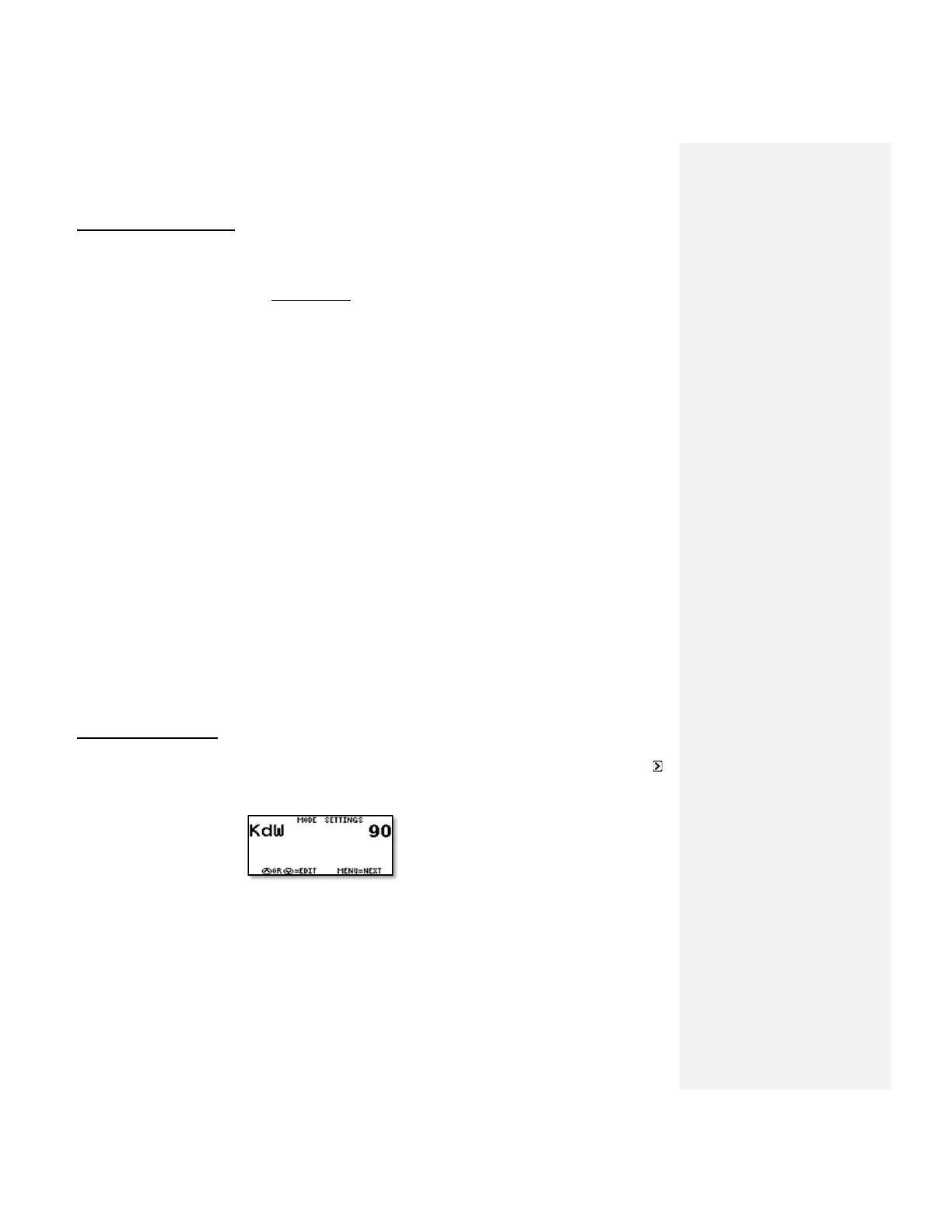
Wakeboard Settings are accessed by pressing the UP key on the Main Wakeboard Screen with the
highlighted. Then press the DOWN key when WAKEBOARD is highlighted on the Mode Select Screen.
KdW (Pull Characteristic) - KdW can be changed using the UP or DOWN keys with it highlighted on
the screen. Higher values = more aggressive control response. Factory setting is 80-90. (Example:
Heavily loaded boats may need a different value to maintain a steady, crisp pull. Try values from 40
to 120 to see what is best. After adjustment, press MENU to proceed.



 To Next Page