Now switch to the next speed you wish to calibrate and repeat.
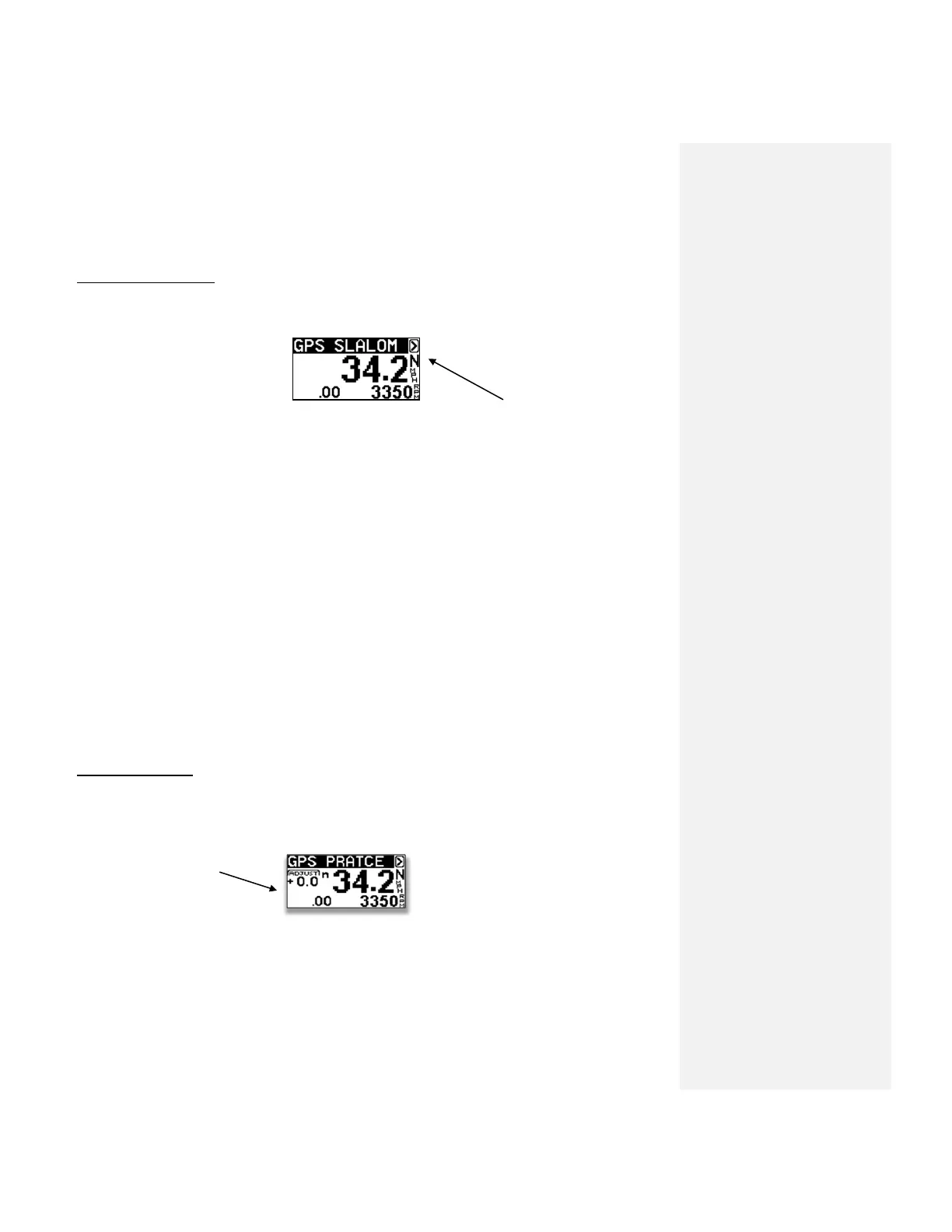
GPS SLALOM MODE
GPS Slalom Mode or Practice Mode are the most commonly used.
Skier Size (N=Normal)
Step.1 Select GPS SLALOM.
Step.2 Select Speed (Use Menu Key to highlight speed).
Step.3 Set Skier Size (ex: N)
Step 4 Tow Skier. (Pull skier up smoothly, do not over throttle in a short set up)
At the end of the course the full segment time will be on the screen. For mid course or “all
buoy”times, press the Down Key.
SKIER SIZE –Remember in GPS Slalom or Practice Slalom, you must have a Skier Size Letter selected
(F,L,N,X) when towing a skier. To change letters, simply highlight the letter (Ex; N) and press the up
or down keys to make a change.
FEATHER – For very small skiers.
LIGHT – For skiers 120 – 160 pounds
NORMAL – 160 – 200 Pounds
XLARGE – For 200 + pounds.
PRACTICE MODE
In this mode, you can tweak the set speed so you can train at in-between speeds.
Highlight and adjust
running speed
You can set an “Adjust value”, for example” -.5”. With” -.5” set the actual running speed would be
33.7.



 To Next Page