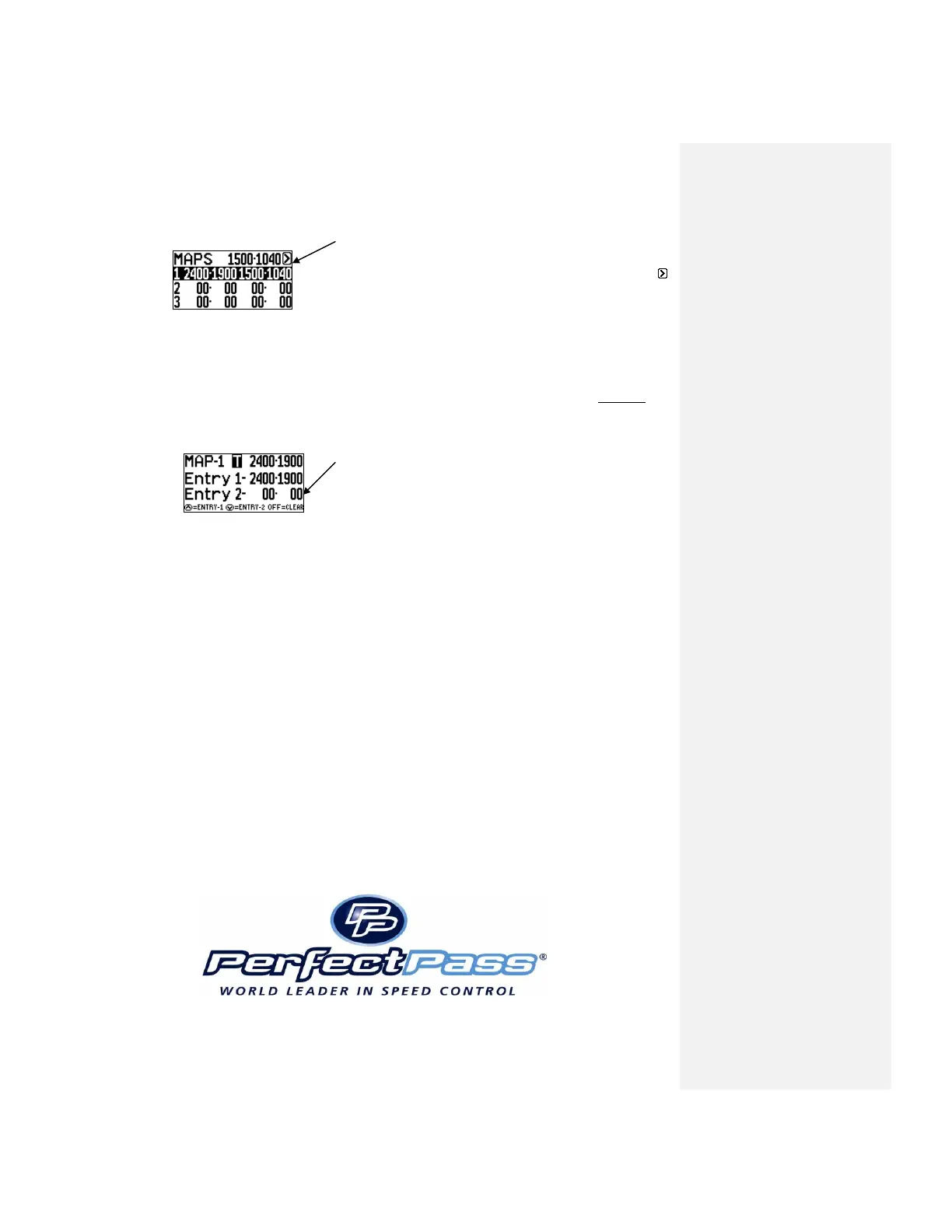
Use MENU Key to proceed.
MENU Arrow
To leave this screen, use MENU Key to highlight MENU
arrow and press UP Key.
If you wish to Map another course, highlight course #2 and press UP. Repeat procedure. If mapping
a jump course, you only lock in entry coordinates, no EXIT.
To clear any course you have mapped, highlight the course # (ie. Course 1) and press the OFF KEY to
clear the screen.
Press OFF Key to clear coordinates



 To Next Page