
 Need help?
Do you have a question about the Perlesmith PSXF4 and is the answer not in the manual?
Specifies the maximum weight capacity for the TV wall mount and compatibility check.
Details the required VESA mounting patterns for TV compatibility with the mount.
Lists components required for the first installation step, including washers and spacers.
Details M6 size bolts provided for TV attachment, with dimensions.
Details M8 size bolts provided for TV attachment, with dimensions.
Guidance on selecting the correct TV bolts and ensuring proper thread engagement.
Installation method for TVs with a flat back panel using provided brackets.
Installation method for TVs with a round back panel, potentially using spacers.
Installation method for TVs with a protruding back, may require spacers.
Using spacers to manage cable interference or inset mounting holes.
Instructions for attaching the wall plate to wooden studs using lag screws.
Instructions for attaching the wall plate to concrete/block walls using anchors.
Procedure for leveling the TV after mounting, using bolts to secure.
Procedure for adjusting the TV's tilt angle using a preassembled knob.
Instructions for shifting the mounted TV horizontally left or right.
 General
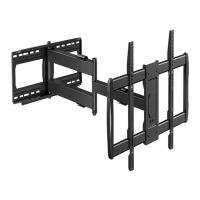
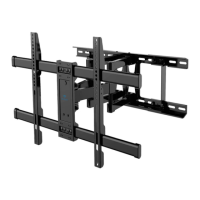
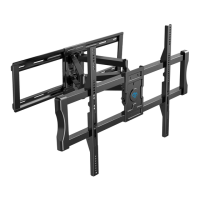
| Mount Type | Full Motion |
|---|---|
| Weight Capacity | 132 lbs |
| VESA Compatibility | 200x100mm to 600x400mm |
| Material | Steel |
| Color | Black |
| Installation Type | Wall Mount |





 To Next Page