DASH-MOUNTED FEATURES PART 4: CONTROLS AND DISPLAYS
– 24 – Y53-6007 (R10/06)
WARNING! Do not use daytime running lights
(DRL) during periods of darkness or reduced
visibility. Do not use DRL as a substitute for
headlights or other lights during operations
that require lighting of your vehicle. Doing so
could lead to an injury accident.
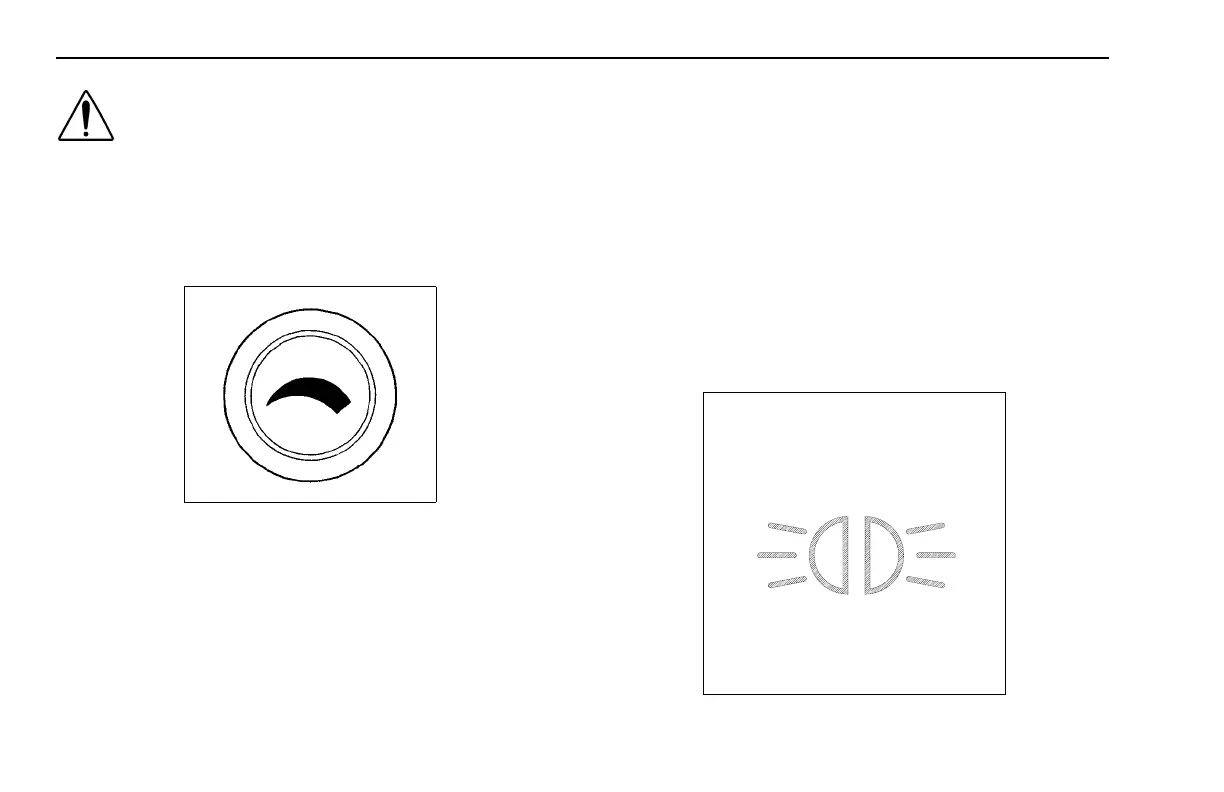
Panel Light Knob
02891
The Panel Light Knob lets you vary the brightness of your
instrument panel lights.
To Operate Your Panel Light Knob:
1. Turn on either the headlights, clearance lights, or fog/
driving lights with IGN on.
2. To brighten the instrument panel lights, turn the knob
clockwise (to the right).
3. To dim the instrument lights or to turn them off, turn
the knob counterclockwise (to the left).
ID and Clearance Lights Switches
These are the amber lights on top of your cab, the lights on
the front and sides of the trailer and the red lights on the
rear of a truck or trailer. They may be turned on and off by
the switch located on the lower left control panel labeled
CL LPS and showing the symbol below.
02892



 To Next Page