EasyManua.ls Logo

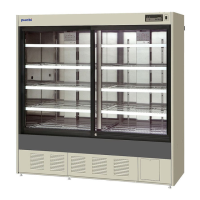
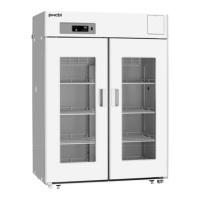
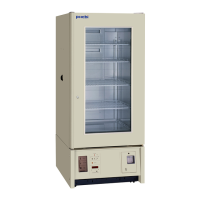
Phcbi MBR-506D Series - User Manual

Phcbi MBR-506D Series
32 pages
Print Icon
To Next Page IconTo Next Page
Loading...
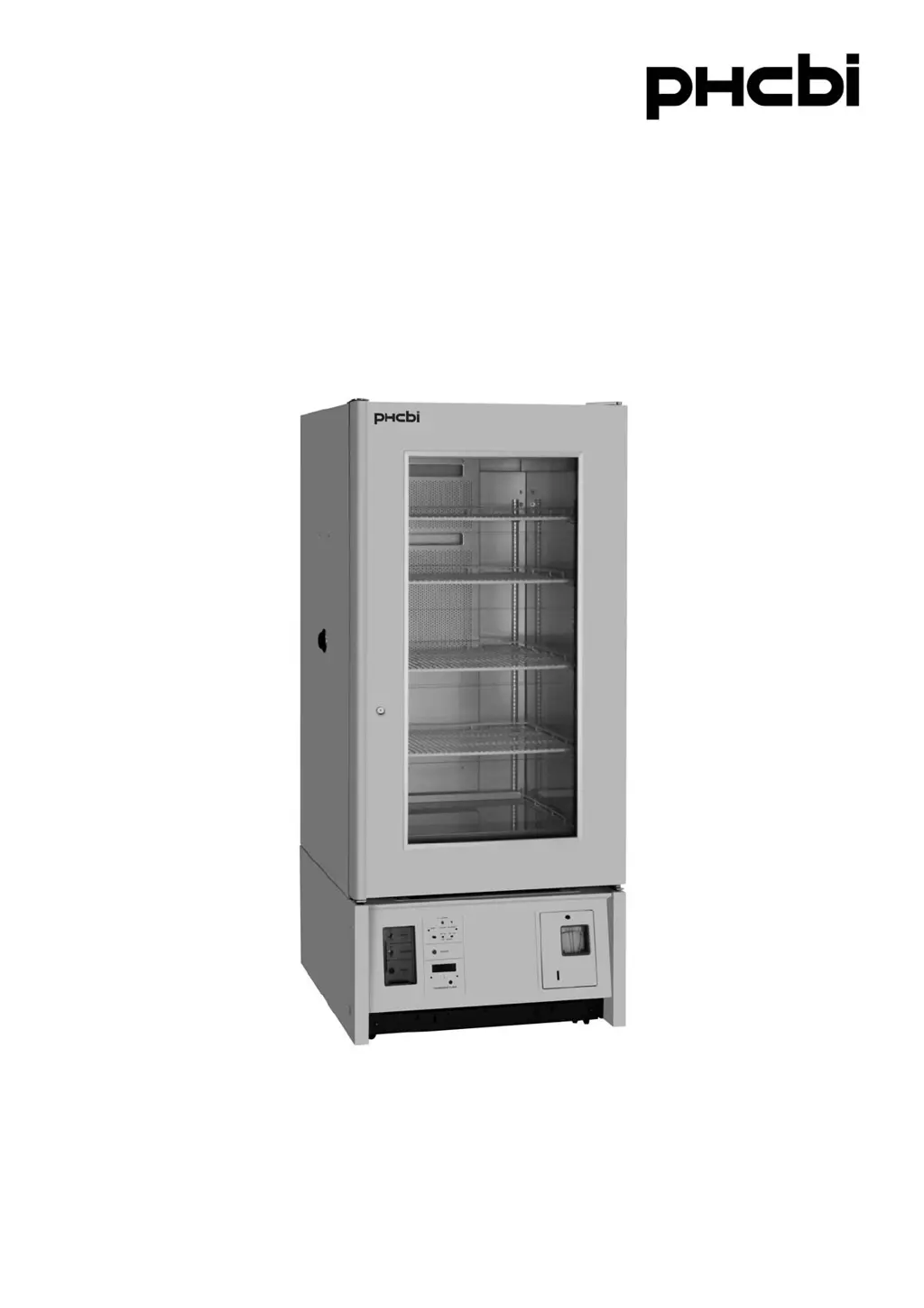
MBR-506DH Series
Please read the operating instructions carefully before using this product, and keep the operating
instructions for future use.
See page 28 for all model numbers.
Operating Instructions
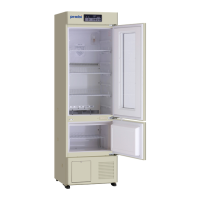
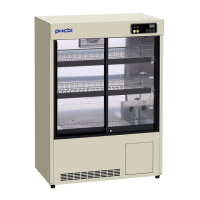
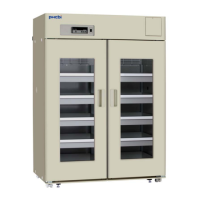
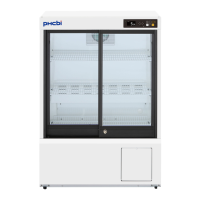
Blood Bank Refrigerator

Questions and Answers

  • M
    Madison ColeAug 10, 2025
    What to do if the Phcbi Refrigerator alarm device is activated?
    • J
      Jeffrey PottsAug 10, 2025
      If the alarm device is activated on your Phcbi Refrigerator, several factors could be the cause. Check if the fuse is blown or the circuit breaker is inactivated, and replace the fuse or reset the breaker if necessary. Ensure the power cord is properly plugged in. Also, verify that the door is securely closed and limit door opening time to under 3 minutes when adding or removing items. Stabilize the quantity and frequency of item changes inside the unit. If the voltage is abnormally low, reset the circuit breaker or check the voltage supply.
  • R
    robertrussellAug 15, 2025
    Why is my Phcbi MBR-506D not cold enough?
    • J
      James FrankAug 15, 2025
      Your Phcbi Refrigerator may not be cooling adequately due to several reasons. Avoid placing a large amount of items or warm products inside the unit. Ensure the machinery section has adequate ventilation. Move the unit out of direct sunlight. Limit how often you open the door.
  • S
    Sarah NelsonAug 20, 2025
    What to do if nothing operates on my Phcbi MBR-506D even when switched on?
    • X
      xshieldsAug 20, 2025
      If your Phcbi Refrigerator isn't working even when it's switched on, start by checking the power supply to ensure there isn't a power failure. Then, inspect the fuse to see if it's blown or check if the circuit breaker is inactivated; replace the fuse or reset the circuit breaker if needed. Finally, make sure the unit is properly connected to the power supply.
  • A
    Albert BakerAug 25, 2025
    Why is my Phcbi Refrigerator so noisy?
    • C
      cbrooksAug 25, 2025
      If your Phcbi Refrigerator is making excessive noise, there are several potential causes. Ensure the floor is sturdy and that the unit is set up securely. Also, check that the back of the unit isn't against a wall and that there are no containers or obstacles behind it. Move the unit away from the wall and remove any obstructions.
  • R
    Robert FranklinAug 30, 2025
    What to do if the temperature recorder does not function properly in my Phcbi MBR-506D Refrigerator?
    • D
      Dominic YoungAug 30, 2025
      If the temperature recorder on your Phcbi Refrigerator isn't working correctly, check several components. See if the quartz motor rotation check gear turns; if not, check if a battery is installed and replace it if necessary. Replace the battery if it was run down. Remove the tape sealing on the battery. Ensure the marking cartridge is properly installed. Remove the caught recording paper if the recording paper is caught on the sprocket. Empty the used recording paper compartment if it is filled. Re-fold the recording paper properly if it is not folded properly. Ensure the lid is not tightly closed.
  • E
    Emily CarrSep 4, 2025
    What to do if the alarm device does not function when the alarm test switch is pressed on my Phcbi Refrigerator?
    • M
      Michael WernerSep 4, 2025
      If the alarm device on your Phcbi Refrigerator doesn't function when you press the alarm test switch, it could be due to the nickel-cadmium batteries not being completely charged. Run the unit for about 3 hours, and then check again. If only the buzzer or only the alarm lamp functions when the alarm test switch is pressed, replace the non-functioning component.

Phcbi MBR-506D Series Specifications

General IconGeneral
CategoryRefrigerator
Defrost SystemAutomatic
Door LockYes
Power Supply220-240V, 50Hz
ControllerMicroprocessor
External MaterialPainted Steel
DisplayDigital
CertificationCE
ModelMBR-506D Series

Related product manuals