EasyManua.ls Logo

Phcbi MPR-S300H Series - User Manual

Phcbi MPR-S300H Series
68 pages
Print Icon
To Next Page IconTo Next Page
Loading...
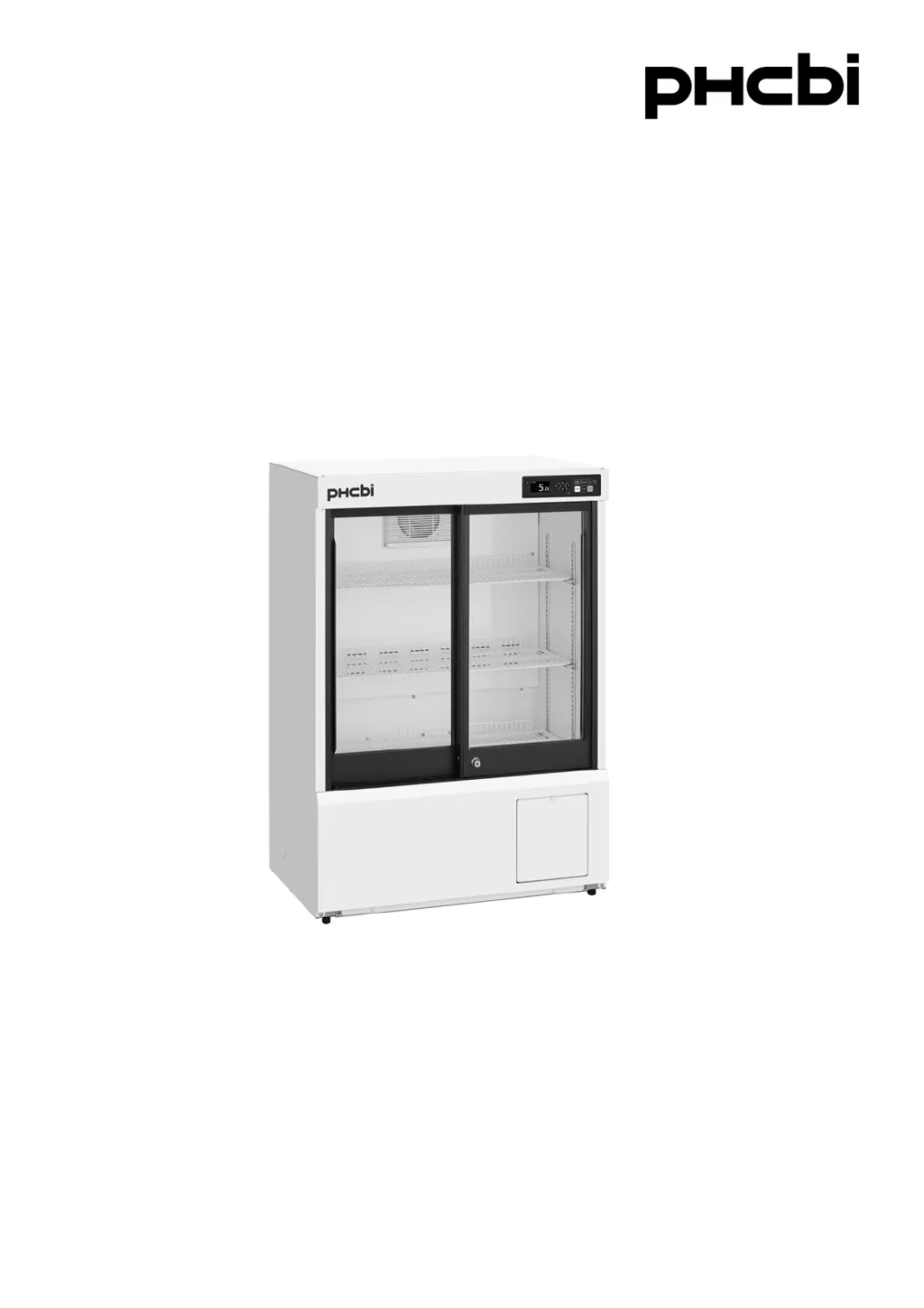
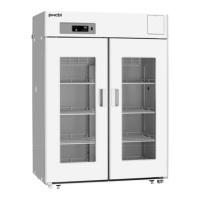
MPR-S150H
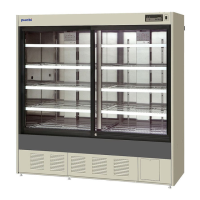
MPR-S300HSeries
Please read the operating instructions carefully before using this product, and keep the operating
instructions for future use.
See page 63 for all model numbers.
Operating Instructions
Pharmaceutical Refrigerator
MPR-S150H

Table of Contents

Questions and Answers

  • D
    Dana FullerAug 13, 2025
    Why is my Phcbi Refrigerator so noisy?
    • H
      Hector MitchellAug 13, 2025
      A noisy Phcbi Refrigerator could be due to several reasons related to its placement and stability. First, ensure the floor beneath the refrigerator is sturdy. Next, check if the installation site is level; if not, level it. Also, verify that the refrigerator itself is level. Finally, confirm that the cabinet isn't touching the surrounding walls, ensure there is space between the cabinet and walls.
  • M
    Megan DelgadoAug 18, 2025
    What to do if the alarm is activated during operation of Phcbi Refrigerator?
    • S
      Seth HernandezAug 18, 2025
      If the alarm activates during the operation of your Phcbi Refrigerator, several factors could be the cause. Check the power supply connection and verify that the capacity and voltage are sufficient. Also, check for a power failure, and reset the circuit breaker or replace the blown fuse if necessary. Consider whether the chamber temperature setting was recently changed and adjust it if needed. Ensure the door hasn't been open for an extended period and close it if it has. Remove any high-temperature items from the chamber and minimize door openings.
  • L
    Lisa ManningAug 23, 2025
    How to fix a Phcbi MPR-S300H that won't turn on?
    • A
      Alejandro JacksonAug 23, 2025
      If your Phcbi Refrigerator isn't operating even when plugged in, begin by checking the power supply connection. Verify that the power supply capacity and voltage are sufficient. Check for a power failure, and ensure that the circuit breaker on the supply circuit hasn't been activated; reset it if necessary. Also, check the fuse on the supply circuit and replace it if blown. Make sure the circuit breaker switch is turned ON and that the standby key is pressed. Finally, ensure the plug on the unit side is properly connected; reconnect it if needed.
  • A
    Andrea HarperAug 28, 2025
    What to do if no key operation is available on Phcbi Refrigerator?
    • J
      joshuawilliamsAug 28, 2025
      If no key operation is available on your Phcbi Refrigerator, the key lock may be set to ON. To resolve this, set the key lock to OFF.
  • R
    Robert BrownSep 2, 2025
    Why does the Phcbi MPR-S300H Refrigerator setting mode return to the temperature display mode?
    • G
      Gina BennettSep 2, 2025
      The setting mode returns to the temperature display mode automatically when 90 seconds has passed without any key operation (auto-return function).
  • D
    Donald DillonNov 7, 2025
    What to do if my Phcbi MPR-S300H chamber does not get cold enough?
    • C
      Chad RiveraNov 7, 2025
      If the chamber of your Phcbi refrigerator isn't getting cold enough, several factors could be at play. Ensure that you haven't placed a large amount of items or warm products inside recently; if so, reduce the quantity or allow them to cool before storing. Minimize how often you open the door. Check the chamber temperature setting and lower it if it's set too high. Ensure the unit isn't in direct sunlight or near a heat source, and that there's proper ventilation around it. Also, make sure the ambient temperature is within the allowable range (between -5 oC and 35 oC). Reduce the amount of stored items and clear the air exhaust vent if it's blocked. Cover the access port, using insulation and rubber caps when not in use. Finally, check the door gaskets for damage or foreign substances; rem...

Summary

INTRODUCTION

Intended Use

Specifies the equipment's intended use for storing pharmaceuticals and samples.

PRECAUTIONS FOR SAFE OPERATION

General Safety Warnings and Precautions

Comprehensive list of safety warnings and precautions for operation, installation, and maintenance.

ENVIRONMENTAL CONDITIONS

REFRIGERATOR COMPONENTS

Component Identification and Description

Identifies and describes the various parts and features of the refrigerator unit.

CONTROL PANEL OPERATION

Button and Indicator Functions

Explains the functions of each button and LED indicator on the control panel.

INSTALLATION GUIDELINES

Site Selection Criteria

Details the ideal locations and conditions for installing the refrigerator.

Setup and Securing Procedures

Steps for unpacking, cleaning, levelling, securing, and grounding the unit.

OPERATIONAL PROCEDURES

Start-Up Guide

Step-by-step guide for initial operation and subsequent startups.

Power Failure Recovery

Explains unit behavior and checks after a power interruption.

Home Screen Display

Describes the main display screen showing temperature and status.

Menu Screen Navigation

Overview of the main menu structure and its options.

TEMPERATURE SETTINGS

Adjusting Chamber Temperature

Detailed steps for adjusting the internal temperature of the refrigerator.

SECURITY AND LOCKING

DATA LOG MANAGEMENT

Displaying and Exporting Log Data

Guide to viewing and exporting temperature and door operation logs via chart or USB.

PARAMETER SETTINGS

High-Temperature Alarm Setup

How to set the threshold for the high-temperature alarm.

Low-Temperature Alarm Setup

How to set the threshold for the low-temperature alarm.

ALARM AND SELF-DIAGNOSIS

Error Code and Alarm List

Lists and explains various alarm codes, their meanings, and associated indicators.

ROUTINE MAINTENANCE

TROUBLESHOOTING GUIDE

Common Malfunctions and Solutions

A guide to diagnosing and resolving common malfunctions and issues.

TECHNICAL SPECIFICATIONS

PERFORMANCE CHARACTERISTICS

Phcbi MPR-S300H Series Specifications

General IconGeneral
ModelMPR-S300H Series
Defrost SystemAutomatic
Door LockYes
CategoryRefrigerator
Power SupplyAC 220V, 50Hz

Related product manuals