26
0
1
0
2
1
1
1
2
1
3
1
4
1
5
1
6
1
7
1
8
1
9
2
0
2
1
2
2
2
3
2
4
2
5
2
6
2
7
2
8
2
9
3
0
3
1
3
2
3
3
3
4
3
5
3
6
3
7
3
8
3
9
4
0
1
T o p S c r e e n
2
T e m p - 8 0
o
C C o n t r o l : S T D
3
A l a r m: N
o r m a l
4
S
t a t u s : S t a n d - b y
5
D
o o r : C l o s e d
6
2 0 0 9 / 1 2 / 0 1 1 2 : 0 0 : 0 0
-80
℃
M E N U
S e t
L o g
T o o l s
0
1
0
2
0
3
0
4
0
5
0
6
0
7
0
8
0
9
1
0
1
1
1
2
1
3
1
4
1
5
1
6
1
7
1
8
1
9
2
0
2
1
2
2
2
3
2
4
2
5
2
6
2
7
2
8
2
9
3
0
3
1
3
2
3
3
3
4
3
5
3
6
3
7
3
8
3
9
4
0
1
S e l e c t T o o l s M D F - U 5 0 0 V X
3
D e f a u l t S e t t i n g
4
D a t e T i me
5
K e y L o c k P
S e t t i n g
6
M E N U
O K
S v c
C a n c e l
0
1
0
2
0
3
0
4
0
5
0
6
0
7
0
8
0
9
1
0
1
1
1
2
1
3
1
4
1
5
1
6
1
7
1
8
1
9
2
0
2
1
2
2
2
3
2
4
2
5
2
6
2
7
2
8
2
9
3
0
3
1
3
2
3
3
3
4
3
5
3
6
3
7
3
8
3
9
4
0
1
S e l e c t T o o l s M D F - U 5 0 0 V X
3
D e f a u l t S e t t i n g
4
D a t e T i me
5
K e y L o c k P
S e t t i n g
6
M E N U
O K
S v c
C a n c e l
VARIOUS SETTING (MENU/Log)
PC setting
As for setting in PC side for transmission of log data, please contact our sales representative or agent.
VARIOUS SETTING (MENU/Tools)
You can change various settings with the Tools.
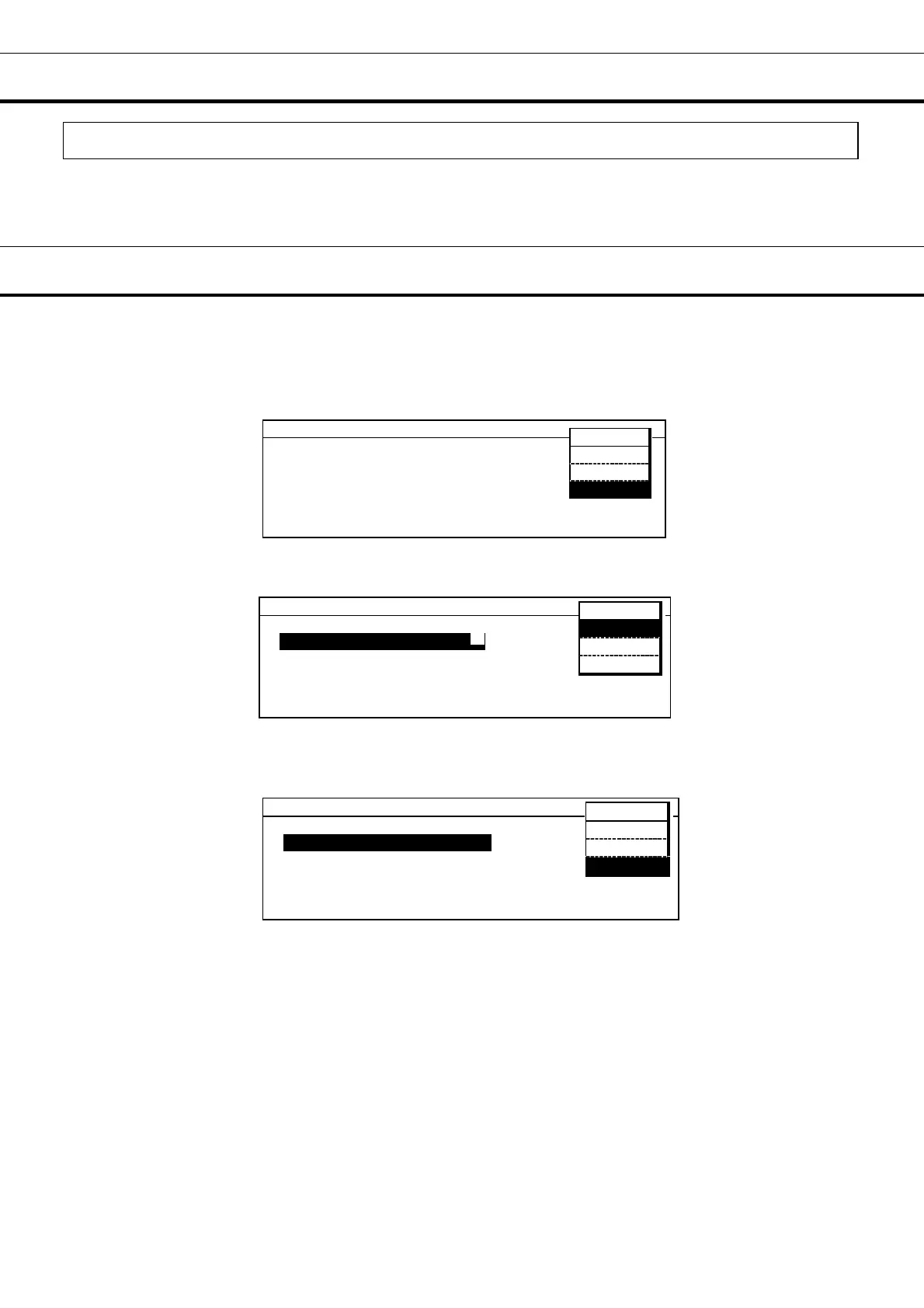
1. From the Top screen of the LCD panel section, press the menu button (MENU). The menu window is
indicated. Press the shift key (downward), highlight the “Tools” menu window, and press the ENTER key.
Select Tools screen is indicated.
2.
On the Select Tools screen, use the shift key to select the setting. The selected item is highlighted.
Select the item, press the menu button (MENU) to display the menu window, select OK and press the
enter key (ENTER).
3.
When returning from the Select Tools screen to the Top screen.
• When the menu window is not displayed, press the clear key (CE).
• Press the menu button (MENU) to display the menu window, select Cancel and press the enter
key (ENTER).
7
7



 To Next Page