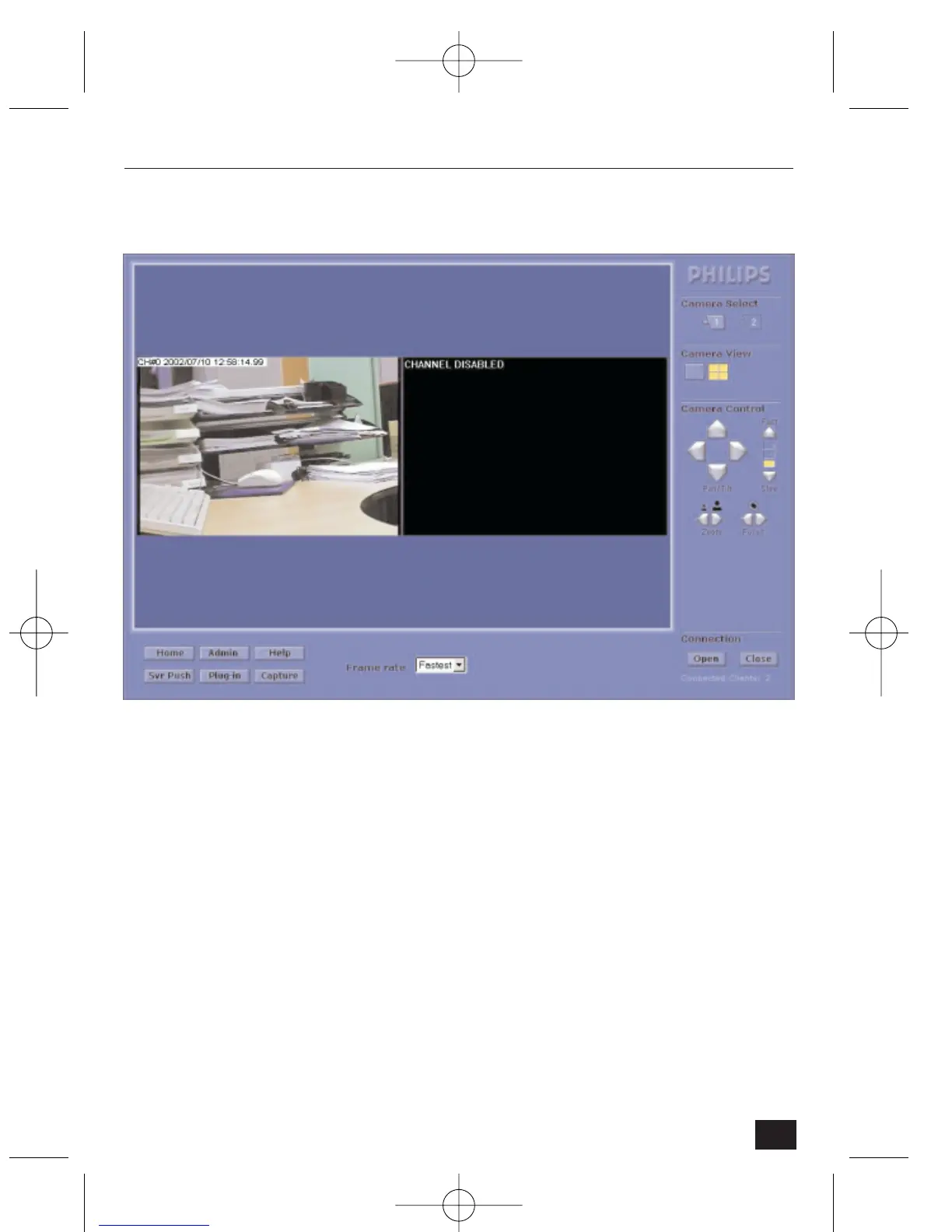
3.3.3 Real-time monitoring through Full viewer (dual image)
To use the Full viewer in quad mode:
• Click on the quad icon in ‘Camera Select’
Compared to full-screen mode, this viewer does not have the following controls:
• Resolution
• Expansion
• Greymode
• Progressive
• Single shot
Note: To select a camera in dual mode, click on one of the two camera select buttons.
23
NetCam2 Section 3










 To Next Page