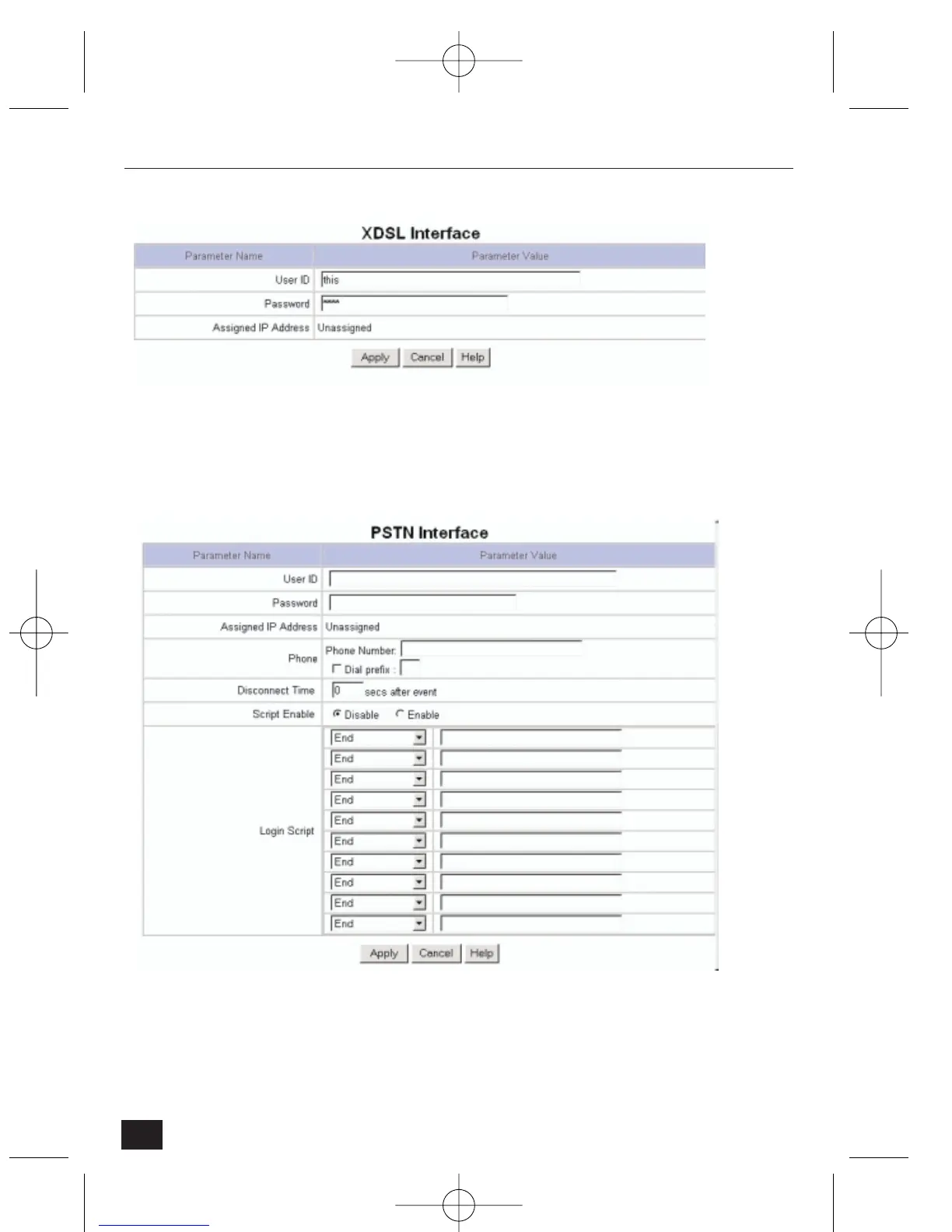
xDSL Interface
If the NetCam2 is connected to an xDSL line and uses PPPoE communication,
select 'xDSL Interface'
• User ID – enter the user password for PPPoE
• Password – enter the user password for PPPoE
PSTN Interface
If the NetCam2 is connected to the Internet via an PSTN line (Public Switched
Telephone Network) based on PPP, select 'PSTN(Dial-out)' In this case
NetCam2 is connected to a dial-up modem with a serial cable (rather than a
LAN cable).
34
NetCam2 Section 4











 To Next Page