12
5. Channel options
a. Reordering channels
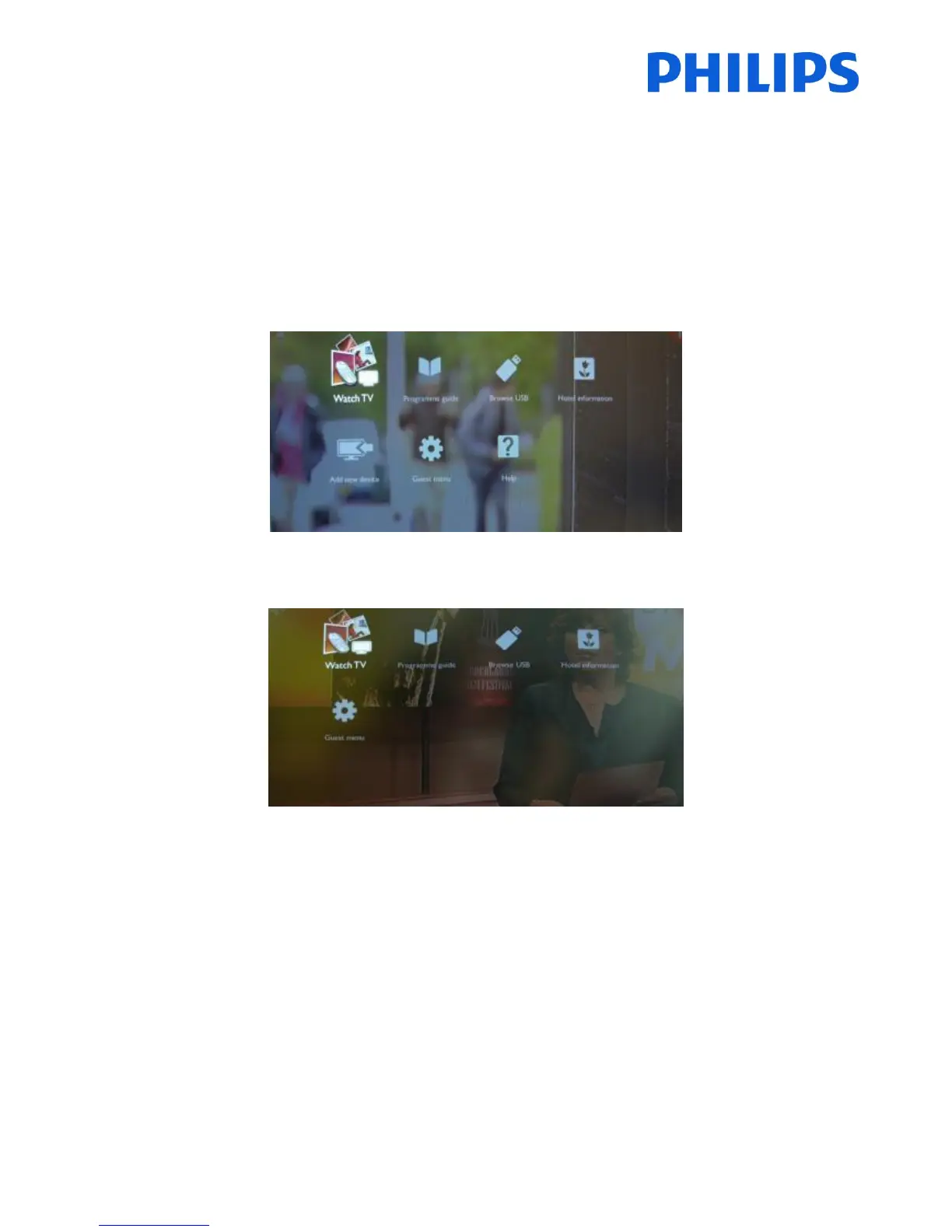
Check if PBS Menu is active.
Press “Home” button to see the guest menu.
If the menu is displayed with “Add new device” and “Help”, the PBS Menu is not active.
If the menu is displayed without “Add new device” and “Help”, the PBS Menu is active and TV menu has restrictions.
Also in the Guest menu are options that will not be displayed if PBS Menu is active.
The PBS menu can be accessed by using Yellow remote (RC 22AV8573 Master Remote control) and pressing MENU
Button or with TV remote press 3,1,9,7,5,3, MUTE).















 To Next Page