4
3. Re-install TV
If you want to start an installation from scratch you can always re-install the TV. This can be done by using the
option: Re-install TV set.
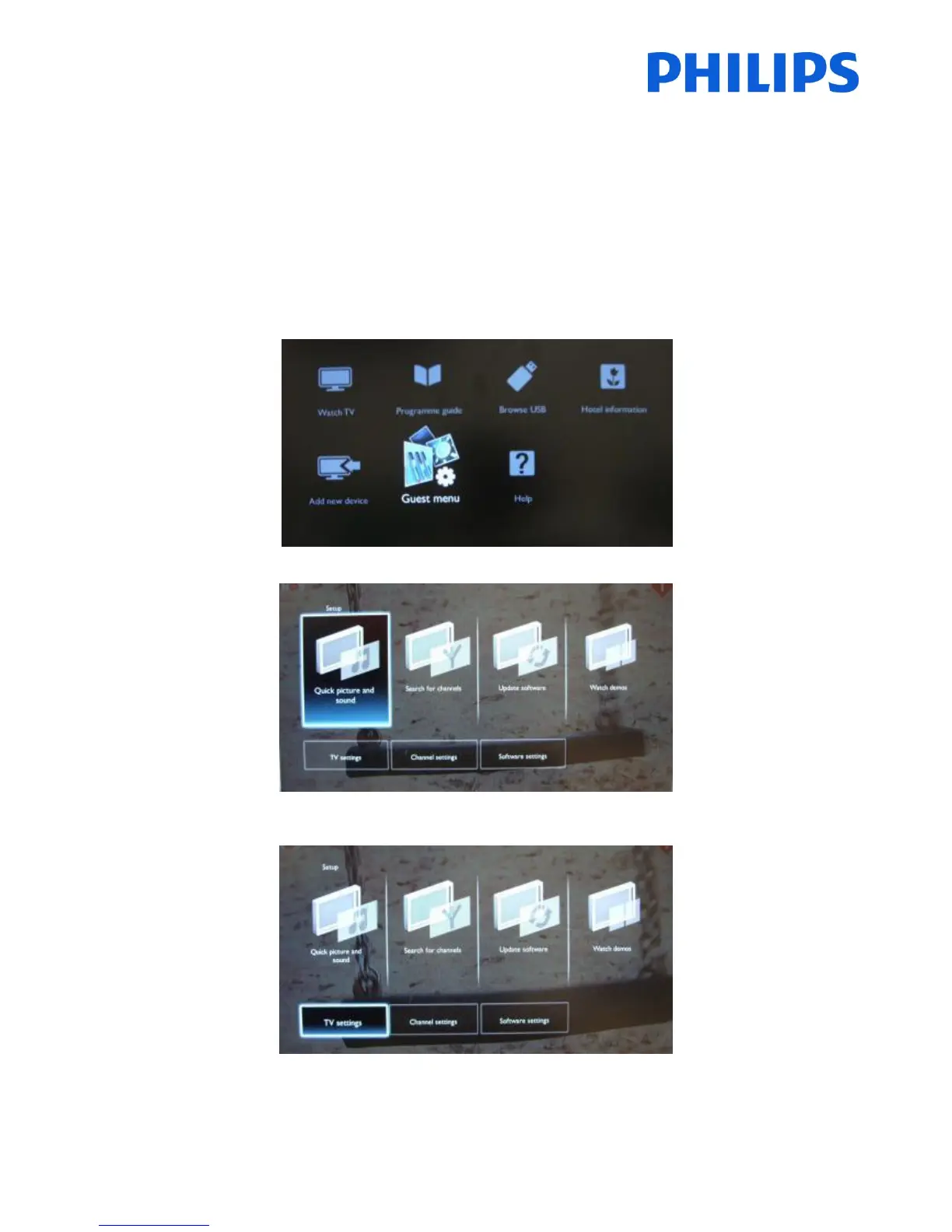
If PBS is active you can access the setup menu press the ‘RC5 SETUP’ key, and then press the ‘Home/Menu’ button
(For the guest remote control, press the following keys in sequence: 3,1,9,7,5,3, ‘MUTE’) , then go to Consumer
Setup, confirm with “OK”. This menu will appear
Select “Guest Menu” and press “OK”
Select the option TV settings for this menu
Press “OK” to access the sub-menu















 To Next Page