5
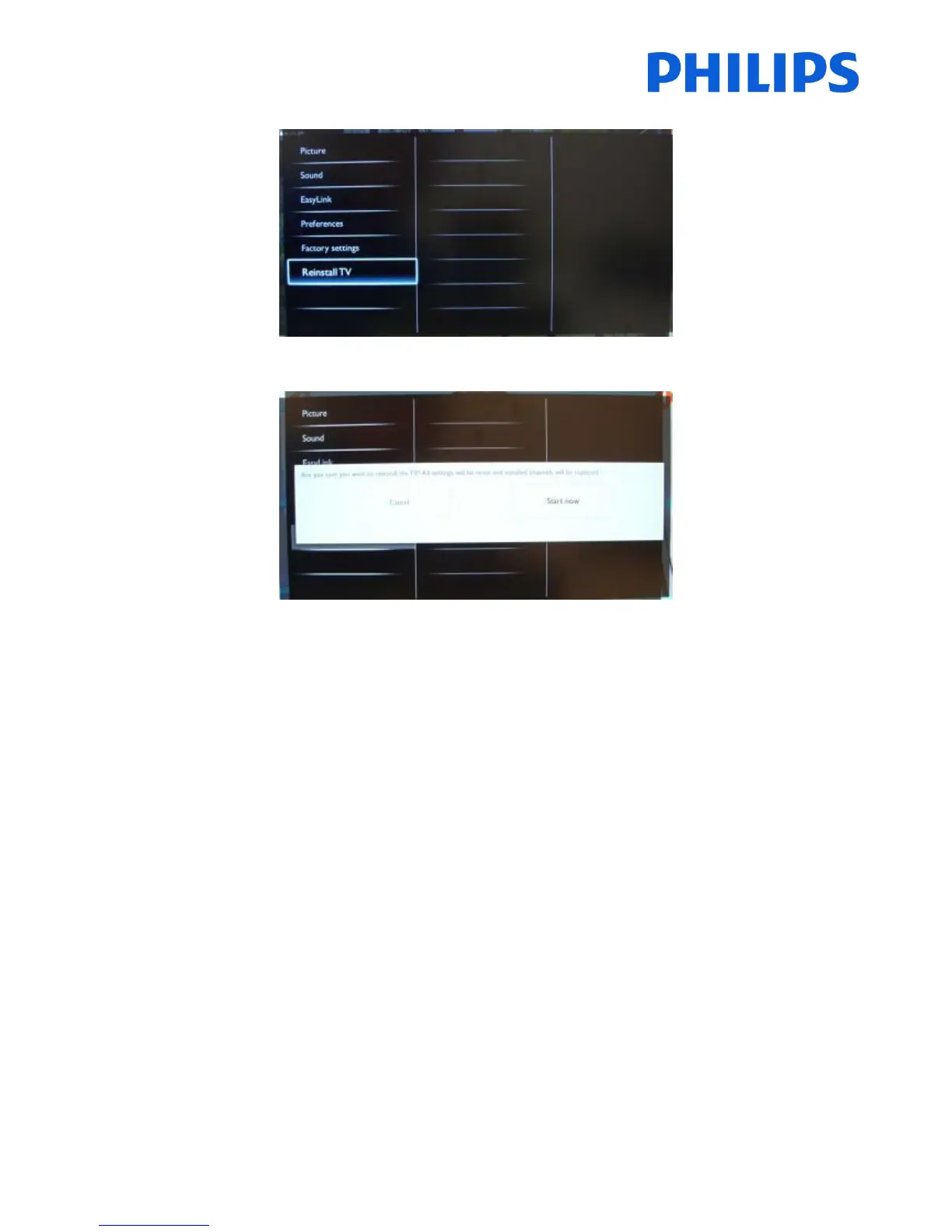
Navigate to “Reinstall TV”
Press “OK” to reinstall TV set.
If all is correct select “YES” and press “OK”.
After this operation the TV will power off and on and display the installation wizard.
Note: All settings are at default values and no channel plan is available.
After reinstalling, the PBS Setup menu will keep the PBS Mode, Room ID and PBS Setup menu and reset all other parameters to default values.















 To Next Page