[HDMI-CEC in]
HDMI-CEC (Philips EasyLink) enables one-touch
play and one touch standby between HDMI-CEC
compliant devices.
Note
Before activating HDMI-CEC in function, make •
sure the HDMI-CEC compliant devices are
turned to on.
Selects • [EasyLink] > [On] rst before enabling
[HDMI-CEC in] in Professional mode.
Refer to page 40 on • “Use Philips EasyLink” for
more details about HDMI-CEC function.
[Off]: • Disables HDMI-CEC feature in
Professional mode.
[On]: • Enables HDMI-CEC feature in
Professional mode.
[USB break-in]
Enables or disables USB break-in feature in
Professional mode.
[Off]: • When USB is plugged in,
the [Multimedia] menu will not
appear automatically, but users can
access [Multimedia] menu from the
[Consumer setup] menu.
[On]: • When USB is plugged in,
the [Multimedia] menu appears
automatically.
[Monitor out]
Refer to the blanking and muting of the video
and audio out to prevent illegal copying of TV
channels.
[Off]: • Disables monitor out.
[On]: • Enables monitor out.
Note
If SCART 1 is selected as TV input source, •
monitor out function will be disabled through
SCART 2.
[Enable teletext]
[Off]: • Disables teletext in Professional
mode.
[On]: • Enables teletext in Professional
mode.
[Enable MHEG] (For UK only)
[Off]: • Disables MHEG in Professional
mode.
[On]: • Enables MHEG in Professional
mode.
[Enable EPG]
[Off]: • Disables EPG in Professional
mode.
[On]: • Enables EPG in Professional mode.
[Enable subtitle]
[Off]: • Closes subtitles in Professional
mode.
[On]: • Displays subtitles in Professional
mode.
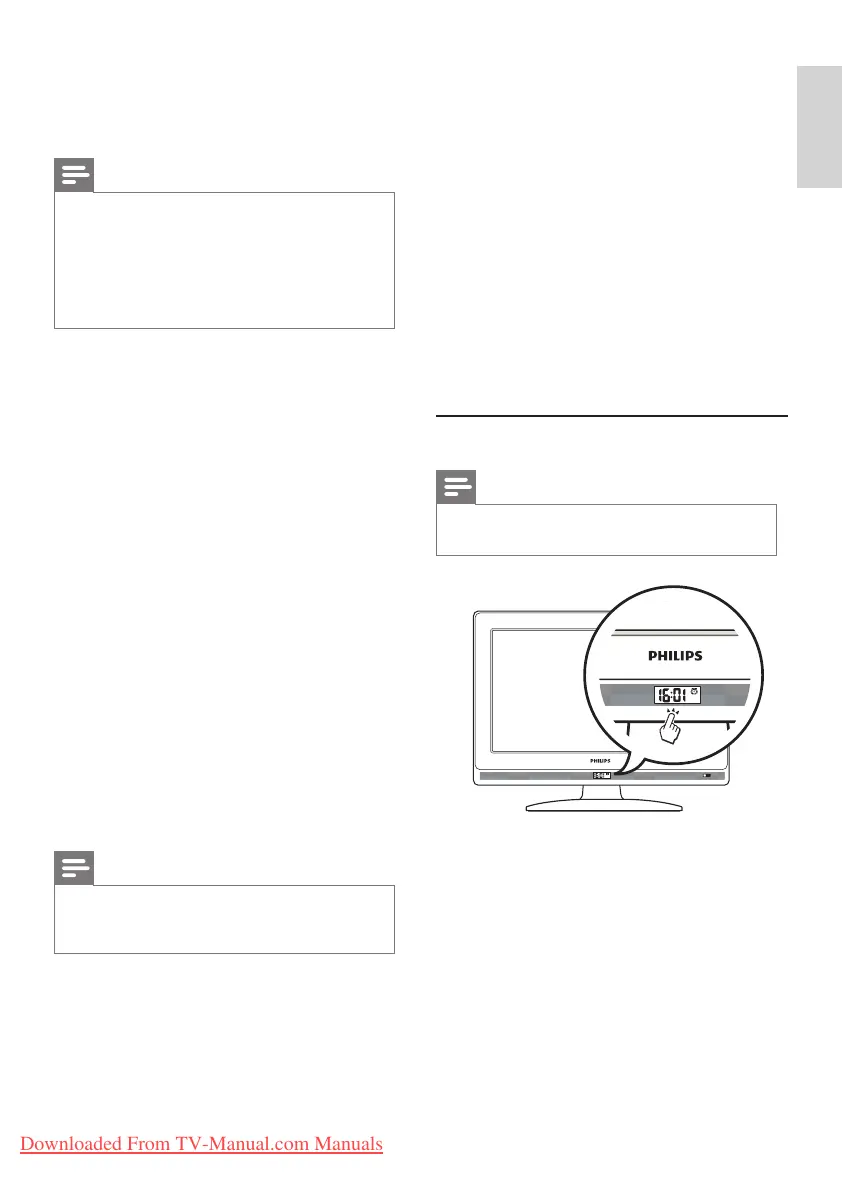
Clock setup
Note
Only applicable for the models with clock •
display.
[Display standby]
Adjusts the brightness of clock display when the
TV is in standby mode.
[Display on]
Adjusts the brightness of clock display when the
TV is on.
[Time setting]
(Appears if you select [Clock setup] ≥ [Time
download] ≥ [Off]) Sets the time manually.
Downloaded From TV-Manual.com Manuals








 To Next Page