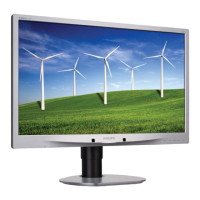
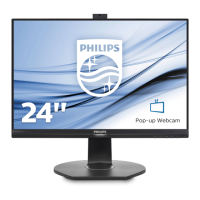
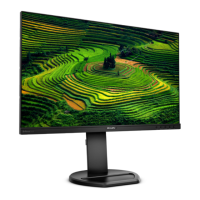
0.1 M4 241S4 / 241B4 24” Wide 16:9 LCD Monitor
2011/07/12 PHILIPS 11 of 20
241B4LP LCD 67
Mode HSYNC VSYNC Video Pwr-cons. Indication Rec. time
Power-On On On Active
241S4L, 241S4LC, 241S4LY <32W(max.)
241S4LA, 241B4LP, 241B4LPY <45W(max.)
EPA5.0 < 33.97W
White LED --
Standby Off Off Blanked < 0.2W
Blinking white
LED
Period 1sec on
3sec off
< 3 s
DC Power Off N/A < 0.2W LED Off
3.8 VGA Display identification
In accordance with VESA Display Channel Standard Ver.1.0 and DDC 2B capability
3.9 DVI Display identification
In accordance with DVI requirement (DDWG digital Visual Interface revision 1.0) use DDC-2B,
DDC/CI, and EDID V1.3.
3.10 Display port identification
3.11 USB support
(option , refer to Quick specification table)
Connect the upstream port of the monitor to host PC’s USB port via USB cable. Then attach
external device to the downstream port of the monitor. Check if the device can work properly.
3.12 DDC /CI Support and Smart Manage/Control
In accordance with VESA DDC/CI and MCCS ver.2.0, the monitor should be workable with
Philps SmartManage, SmartControl V6.1, and Protrait Display Tune at least.
3.13 Pivot function (option , refer to Quick specification table)
It needs to support AUTO PIVOT function with SmartControl PC application tool.
3.14 Hot-key definition
ˠˇʳˢ˦˗ʳ˕ʳ
˷˸˹˼˼˼ʳ˲ʳ˅˃˄˄˃ˉ˃










 To Next Page