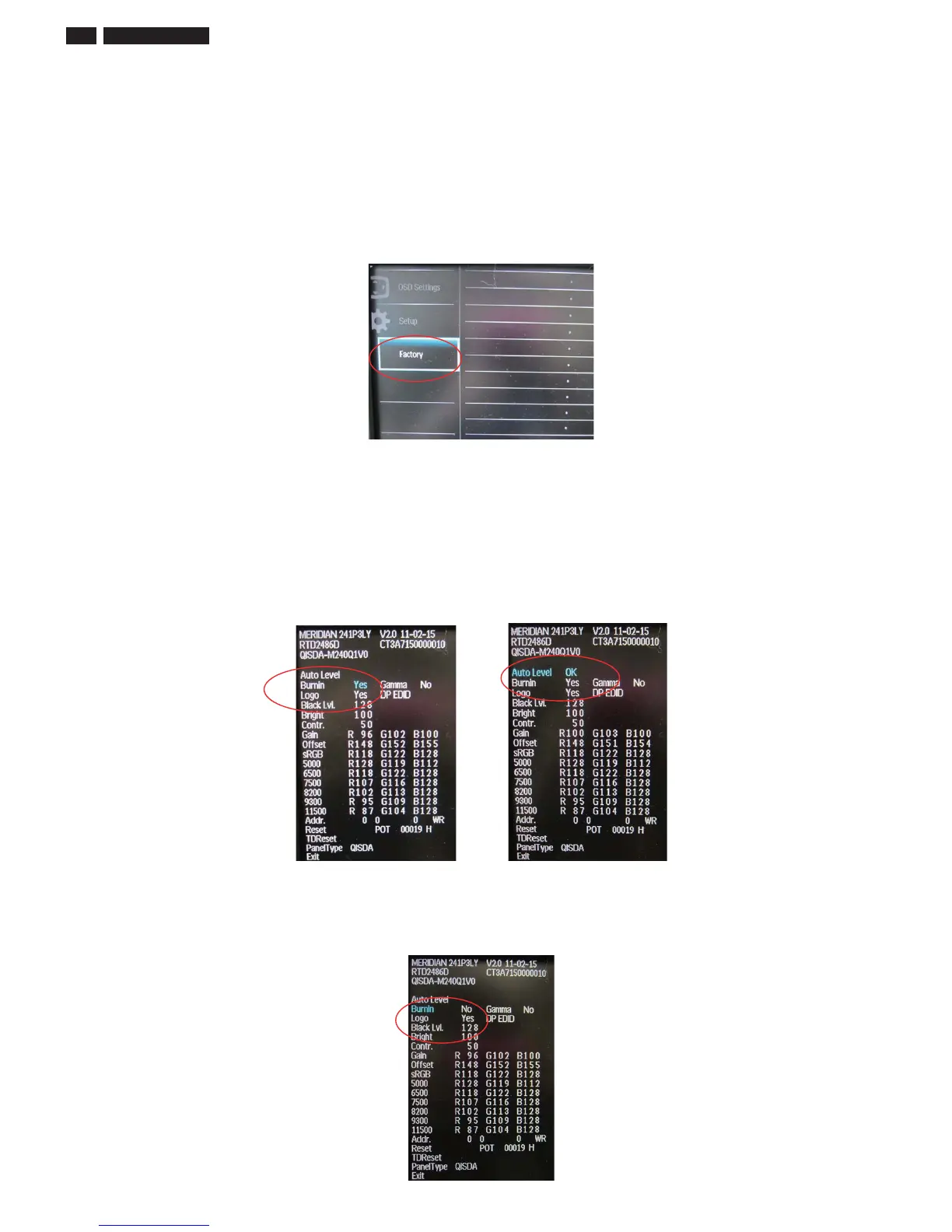
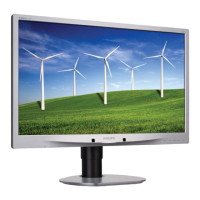
Philips M3M4 Series Auto Color SOP
Step 1:
Setup input timing 1920*100 0H and enter factory mode press Menu
Down Power buttons at the same time to turn on monitor.
Step 2:
Move cursor into Burn-in Mode and select Yes to enable burn-in mode.
Move cursor into Auto Level and press Menu button. It will show ok
meaning AUTO COLOR O
Step 3: Before you leave the factory mode, please remember to move cursor
into Burn-in Mode and select o
97! 142 C 4LQ LCD










 To Next Page