!
58
Meridian 3
5. Color Temp confirmation
Connect the signal to the monitor, the monitor displays white-picture, use CA-210 to measure the Color Temp of the
screen center and select the OSD to make sure whether the Color Temps accord with the SPEC.
CIE coordinates 9300K 6500K/sRGB sRGB
x 0.283 ± 0.02 0.313 ± 0.02 0.313 ± 0.02
y 0.297 ± 0.02 0.329 ± 0.02 0.329 ± 0.02
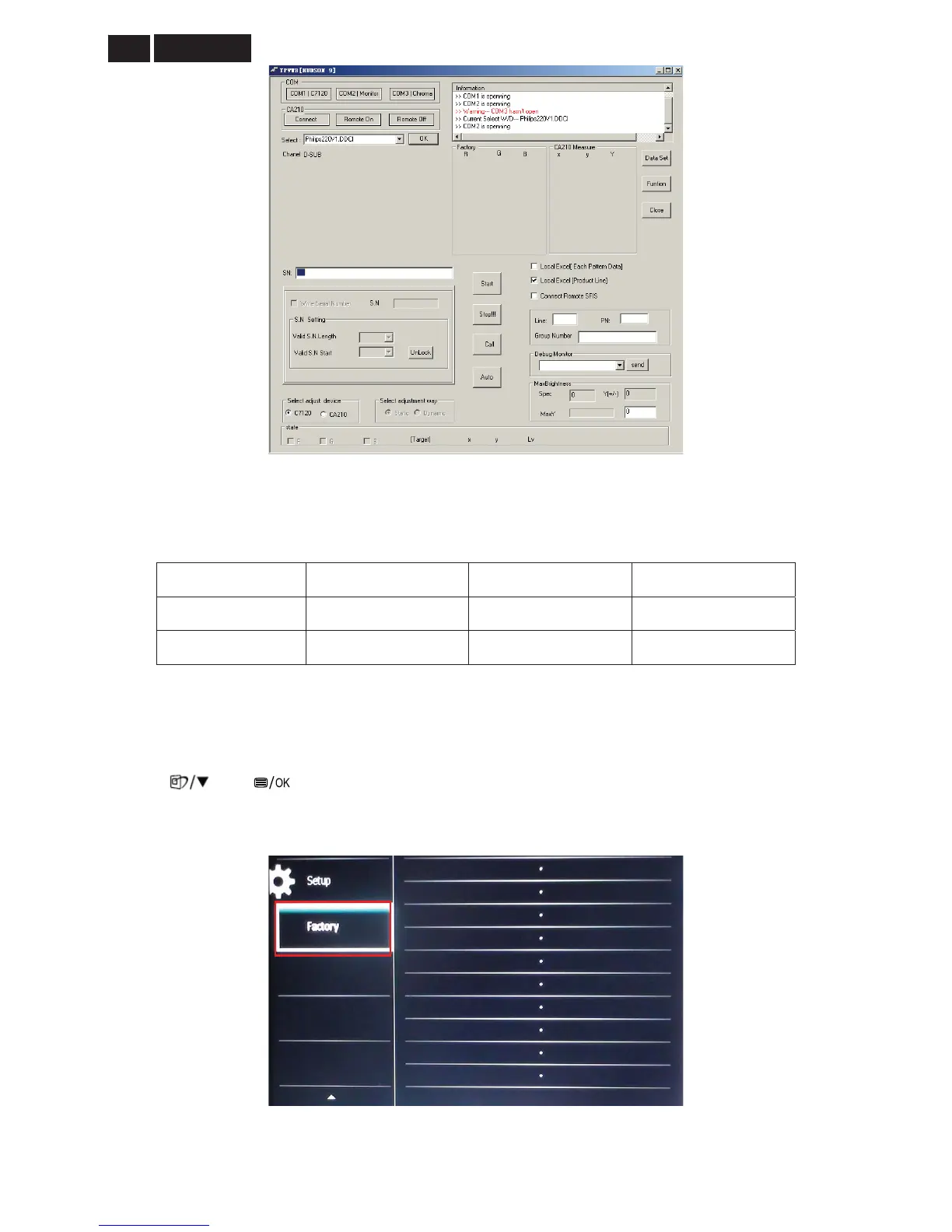
6. How to enter into the factory mode:
1. Connect the VGA or DVI source and power off the monitor.
2. Press and buttons at the same time, power on the monitor, and then press the menu again; the
picture will appear on the top left corner.
3. Select the “Factory” and press the “MENU” button to enter the factory mode.


 To Next Page