Service Modes, Error Codes, and Fault Finding
EN 17TPS10.1L LA 5.
2013-Apr-26
back to
div. table
How to Exit the Factory mode
Use one of the following methods:
• Select EXIT_FACTORY from the menu and press the “OK”
button.
Note: When the TV is switched “off” by a power interrupt, or
normal switch to “stand-by” while in the factory mode, the TV
will show up in “normal operation mode” as soon as the power
is supplied again. The error buffer will not be cleared.
5.2.5 Customer Service Mode (CSM)
Purpose
The Customer Service Mode shows error codes and
information on the TVs operation settings.The call centre can
instruct the customer (by telephone) to enter CSM in order to
identify the status of the set.This helps the call centre to
diagnose problems and failures in the TV set before making a
service call.
The CSM is a read-only mode; therefore, modifications are not
possible in this mode.
Specifications
• Ignore “Service unfriendly modes”.
• Line number for every
line (to make CSM language independent).
• Set the screen mode to full
screen (all contents on screen is visible).
• After leaving the Customer Service Mode, the original
settings are restored.
• Possibility to use “CH+” or “CH-” for channel surfing, or
enter the specific channel number on the RC.
How to Activate CSM
To activate CSM, press the following key sequence on a
standard remote control transmitter: “123654” (do not allow the
display to time out between entries while keying the sequence).
After entering the Customer Service Mode, the following items
are displayed.
Note: Activation of the CSM is only possible if there is no (user)
menu on the screen!
Contents of CSM
• 1.1 Set Type This information is very helpful for a
helpdesk/workshop as reference for further diagnosis. In
this way, it is not necessary for the customer to look at the
rear of the TV-set. Note that if an NVM is replaced or is
initialized after corruption, this set type has to be re-written
to NVM.
• 1.2 Production code Displays the production
code (the serial number) of the TV. Note that if an NVM is
replaced or is initialized after corruption, this production
code has to be re-written to NVM.
• 1.3 Installation date Indicates the date of the first
installation of the TV. This date is acquired via time
extraction.
• 1.4 Option Code 1 Gives the option codes of option group
1 as set in SAM.
• 1.5 Option Code 2 Gives the option codes of option group
2 as set in SAM.
• 1.6 SSB Gives an identification of the SSB as stored in
NVM. Note that if an NVM is replaced or is initialized after
corruption, this identification number has to be re-written to
NVM. This identification number is the 12NC number of the
SSB.
• 1.7 Display 12NC NVM read/write.
• 1.8 PSU 12NC NVM read/write.
• 2.1 Current Main SW Displays the built-in main software
version. In case of field problems related to software,
software can be upgraded. As this software is consumer
upgradeable, it will also be published on the internet.
• 2.2 Standby SW Displays the built-in stand-by processor
software version. Upgrading this software will be possible
via USB.
•
2.3 Panel Code Displays t
he Display Code number.
• 2.4 NVM version D
etects and displays NVM version.
• 2.5 Error Codes Detects and displays errors.
• 3.1 Signal Quality Analog/digital signal strength.
• 3.2 Child lock Not active / active. This is a combined item
for locks. If any lock (channel lock, parental lock) is active,
it is indicated as “active”.
• 3.3 HDCP keys
Indicates the validity of the HDMI keys (or
HDCP keys). In case these keys are not valid and the
customer wants to make use of the HDMI functionality, the
SSB has to be replaced.
• 3.4 Ethernet MAC address A Media Access Control
address (MAC address) is a unique identifier assigned to
network interfaces for communications on the physical
network segment.
• 3.5 Wireless MAC address Wireless Media Access
Control address.
How to Navigate
By means of the “CURSOR-DOWN/UP” knob (or the scroll
wheel) on the RC-transmitter, can be navigated through the
menus.
How to Exit CSM
To exit CSM, use one of the following methods.
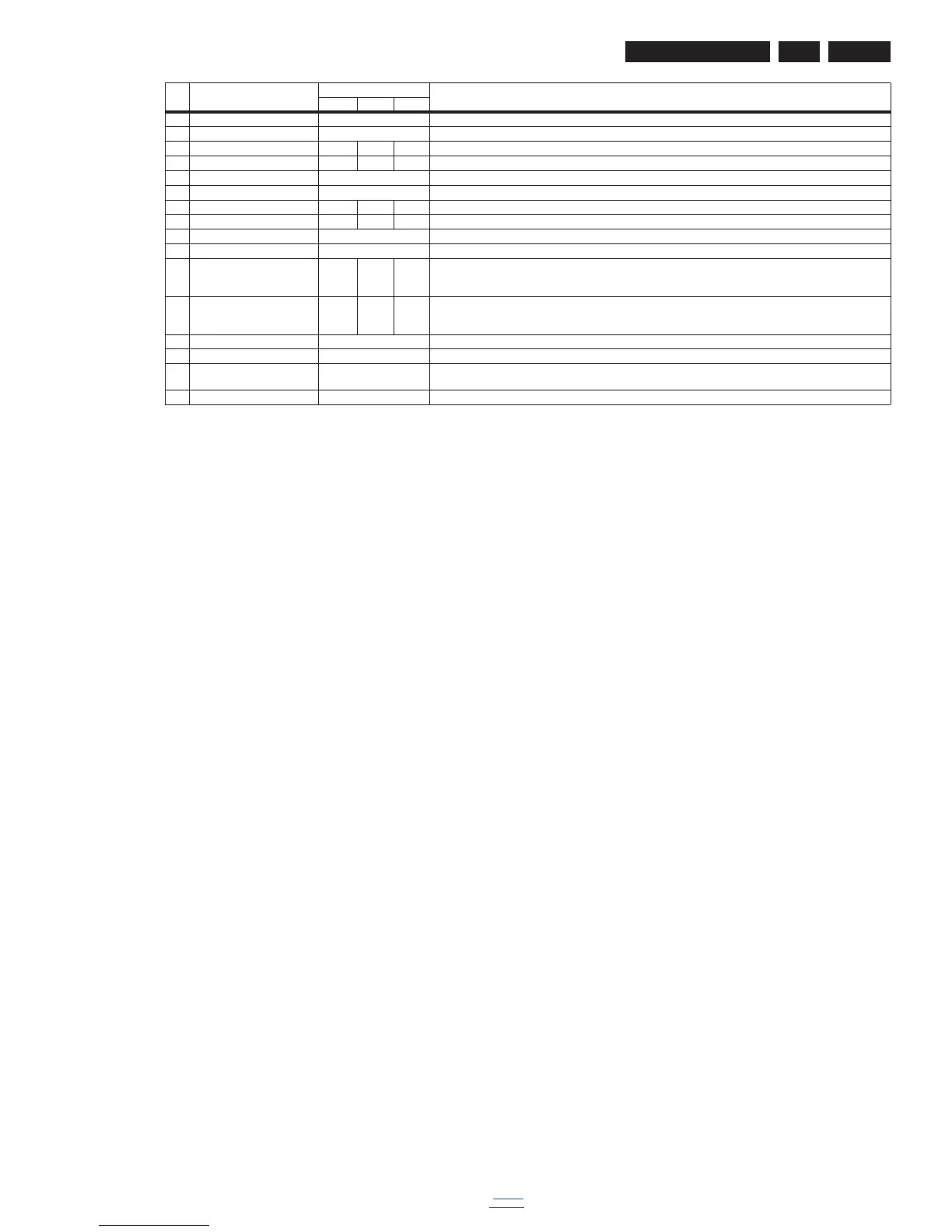
10 W/B Pattern OFF W/B Pattern
11 ADC ADC
12 Gain R61 G60 B61 ADC Gain
13 Offset R64 G8 B64 Offset RGB
14 ColorTemp cool The current set of color temperature
15 Scaler MST6931XP Scaler model
16 Gain R137 G128 B133 ADC Gain
17 Offset R128 G128 B128 Offset RGB
18 Burn in OFF Turn on or turn off Burn in pattern
19 V-COM V-COM
20 Bcak LIT Time 01340.0
Hrs Hrs
00000.
0Hrs
Hrs
00000.
3Hrs
Hrs
Bcaklight time
21 Total Time 01416.4
Hrs Hrs
00000.
0Hrs
Hrs
S0640.
7Hrs
Hrs
Total time
22 BackLight 100 Set the brightness of the backlight
23 Language English Factory Lanuguage
24 System Reset Reset the EEPROM data except the HDCP,product serial number,the factory menu ADC data,white balance set
point,Black light,language and Energy Logo.
25 Exit Exit
Item Item value
Default value
Description32" 39" 42"











 To Next Page