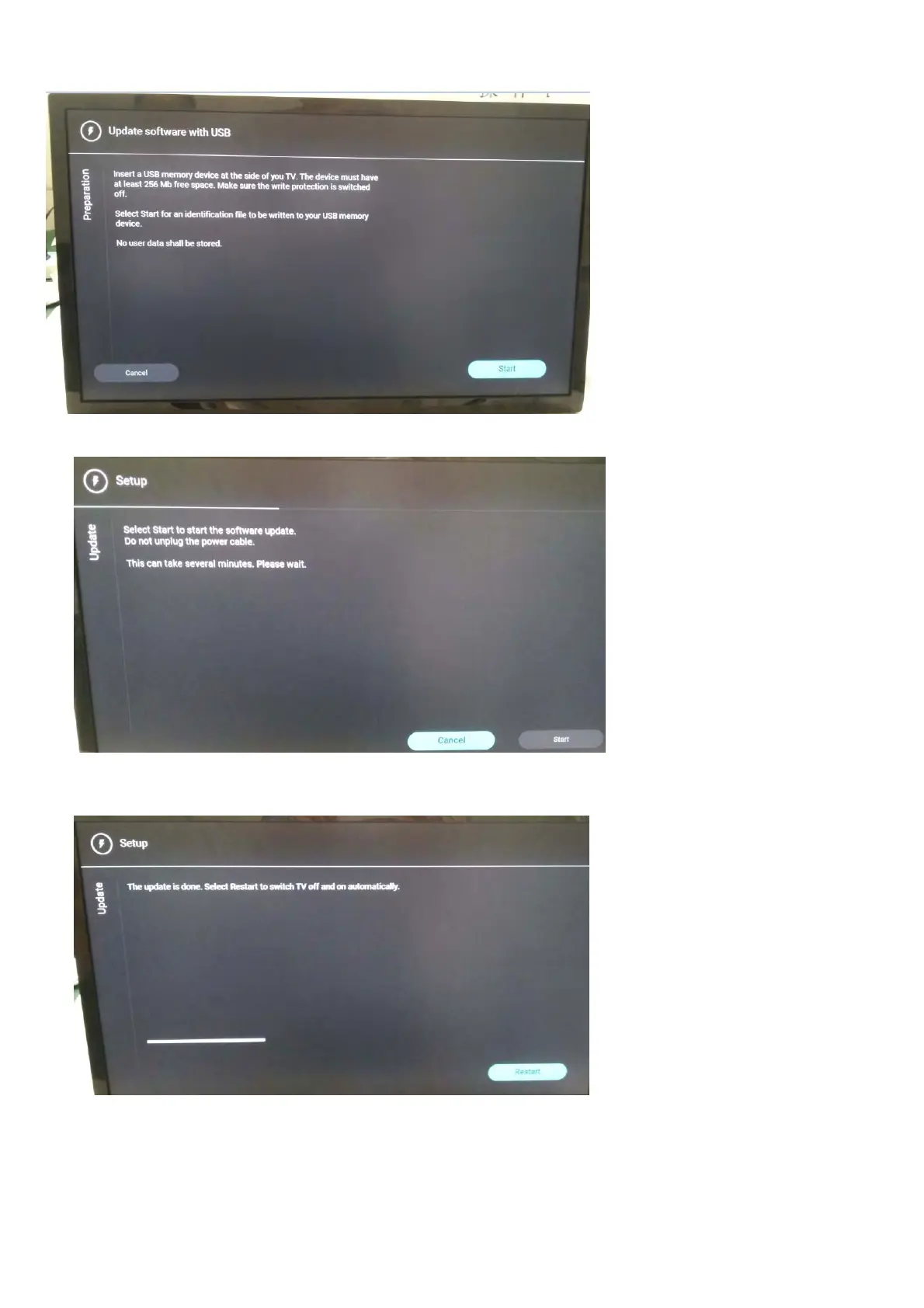
1. Press [Start] to start software upgrade
2. Upgrade in progress
3. After software upgrade complete, select [Restart] to reboot TV.
Step 3: Check the SW version
1. After burning software, TV will restart
2.
Press “Menu+1999+back”, enter Factory mode to check if the software version is correct
Caution: Please make sure that software upgrade is finished before unplug the USB and AC power!





 To Next Page