EN-29
EN
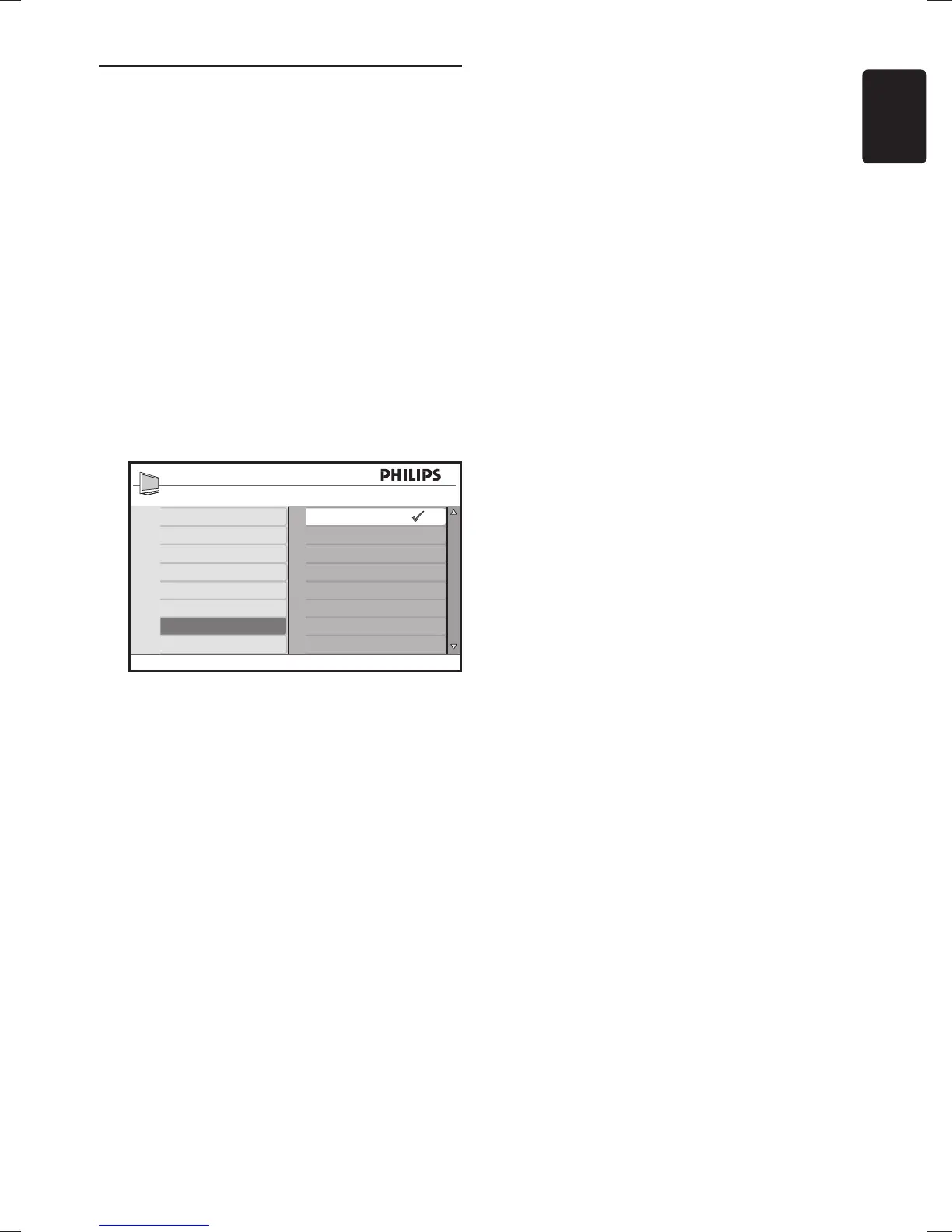
Change to Shop or Home 6.4
mode
Press 1. MENU on the remote control and
select Location.
Press 2. Æ to enter the Location menu.
Use 3. Î or ï to select the TV mode:
Shop•
Sets smart settings to Vivid, ideal for
a shop environment. The flexibility to
change settings is limited.
Home•
Gives home users the full flexibility to
change all TV settings.
Press 4. OK to confirm.
Main
Picture Setting
Advanced Picture
Sound
Ambilight*
Features
Install
Location
Home
Shop
Press 5. MENU to exit.









 To Next Page