65BDL6005X
35
PIP position
Select the position of the sub picture in the PIP (Picture-in-
Picture) mode.
Choose from: {Bottom-Right}/{Bottom-Left}/{Top-Right}/
{Top-Left}/{Center}/{Custom}.
PIP change
Exchange Main and PIP / PBP / Quick swap input signal.
PIP source
Select the input signal for the sub picture.
NOTE: HDMI1 and HDMI2 can’t coexist in PIP mode.
HDMI1 HDMI2 DVI DisplayPort VGA OPS
HDMI1 O X O O O O
HDMI2 X O O O O O
DVI O O O O O* O
DisplayPort O O O O O O
VGA O O O* O O O
PIP audio
Select the audio source in the Sub mode.
• {Main} - Select audio from the main picture
• {Sub} - Select audio from the sub picture.
PIP reset
Reset all settings in the PIP menu to factory preset values.
• The PIP function is available only for certain signal source
combinations as shown in the table below.
• The availability of the PIP function will also depend on
the resolution of the input signal being used.
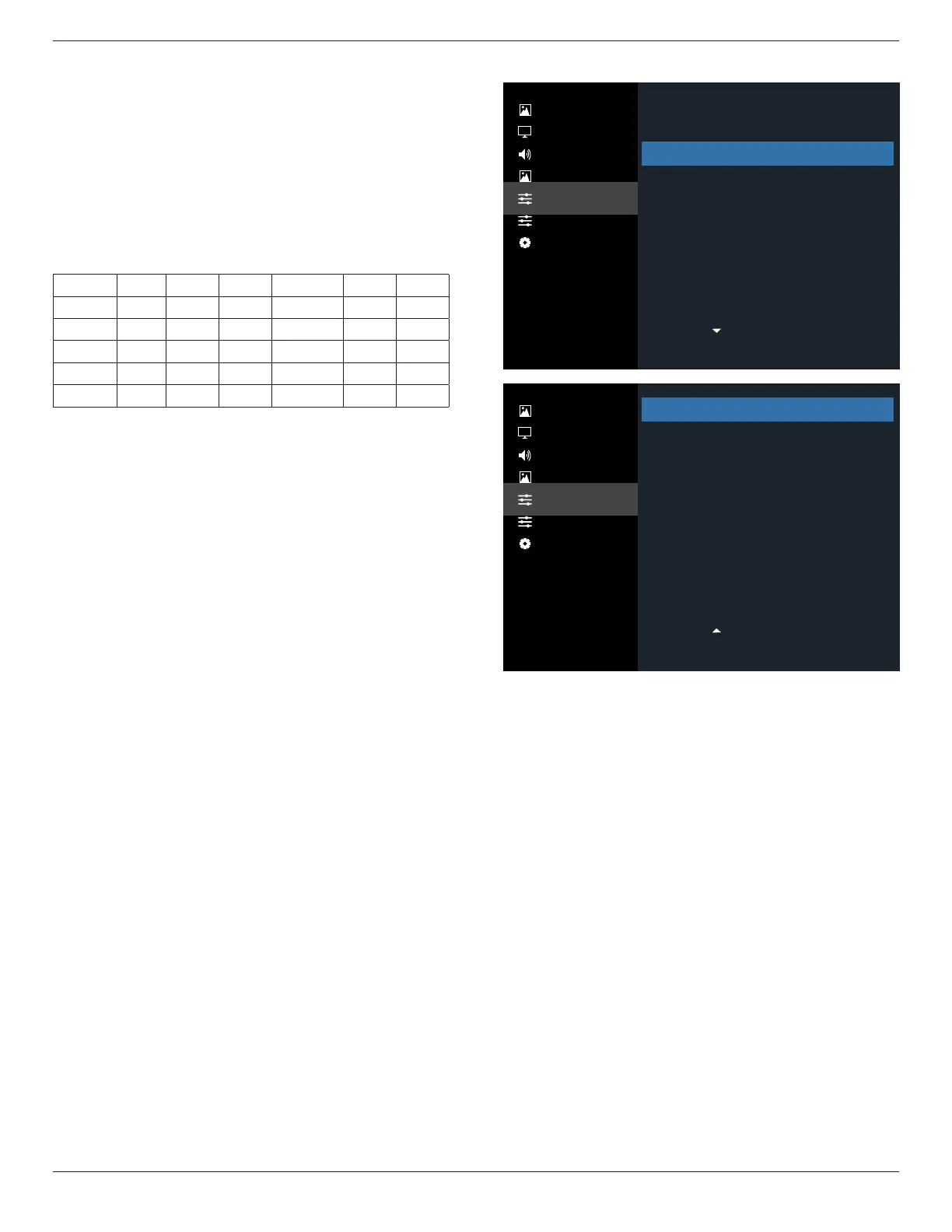
6.2.5. Configuration1 menu
Picture
Screen
Audio
PIP
Configuration 1
Configuration 2
Advanced Option
Picture
Screen
Audio
PIP
Configuration 1
Configuration 2
Advanced Option
Last status
Action
RS232/LAN
Action
Off
Off
Off
Action
On
Action
Switch on state
Panel saving
RS232 routing
Boot on source
WOL
Light sensor
Human sensor
NetworkSettings
Power LED Light
Configuration1 reset
ActionFactory reset
Switch on state
Select the display status used for the next time you connect
the power cord.
• {Power o} - The display will remain o when the power
cord is connected to a wall outlet.
• {Forced on} - The display will turn on when the power
cord is connected to a wall outlet.
• {Last status} - The display will return to the previous
power status (on/o/standby) when removing and
replacing the power cord.
Panel saving
Choose to enable the panel saving functions and thus reduce
the risk of “image persistence” or “ghost-imaging”.
• {Brightness} - Select {On} and the image brightness will be
reduced to an appropriate level. The Brightness setting in
the Picture menu will be unavailable when selected.
• {Pixel shift} - Select the time interval ({Auto} / {10 ~
900} Seconds / {O}) for the display to slightly expand
the image size and shift the position of pixels in four
directions (up, down, left, or right).
• {Cooling fan} - Select for fan speed {O}(Default)/{Auto}/
{Low}/{Medium}/{High}.
RS232 routing
Select the network control port.













 To Next Page