Getting Started 9
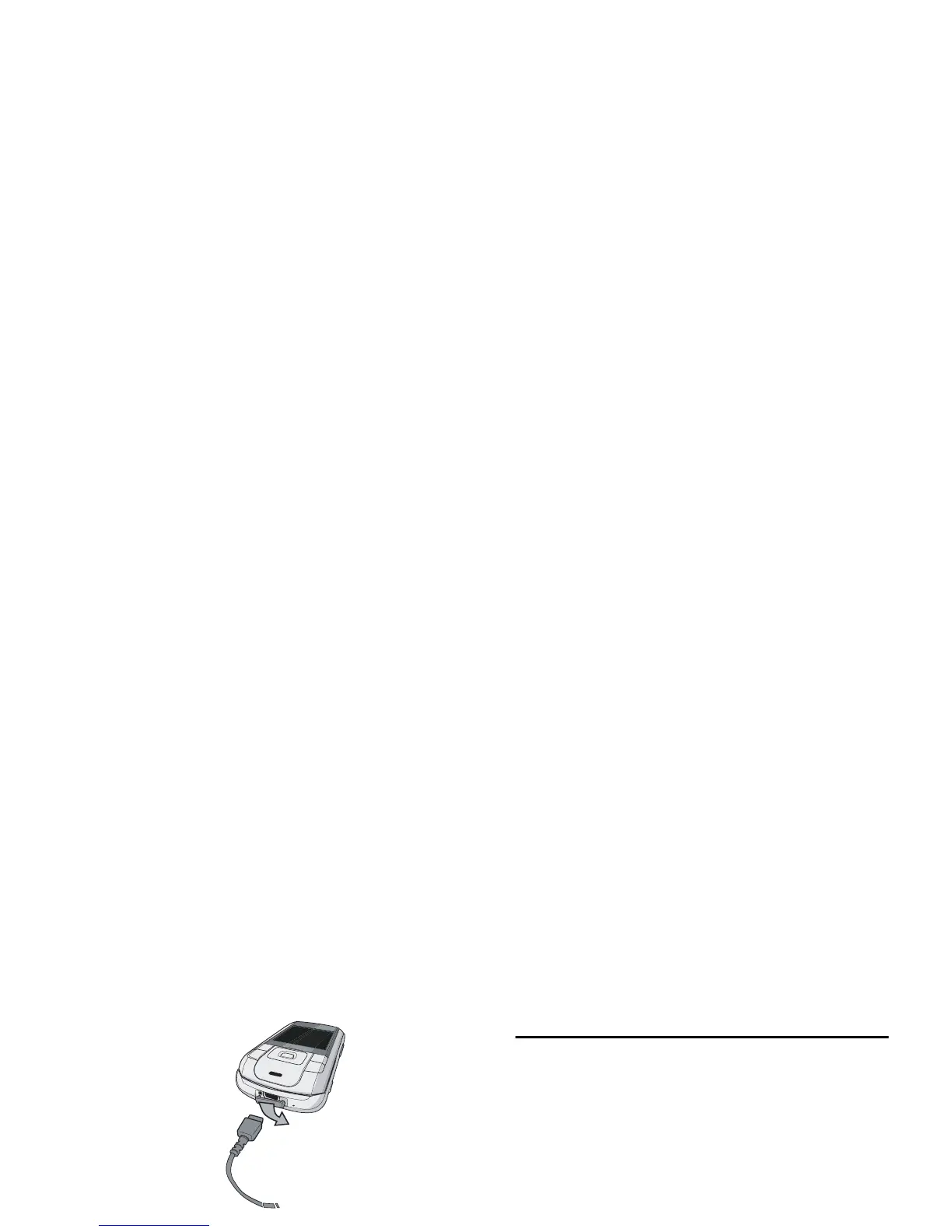
The battery symbol indicates the state of charge.
During charging, the 4-bar charge indicators scroll;
the maximum charge time for empty battery is 3
hours for a standard charger. When all four bars are
steady, the battery is fully charged. You can then
disconnect the charger. Depending on the network
and condition of use, talk time goes up to 4 hours and
stand-by time up to 300 hours.
Keeping the charger plugged to the mobile when the
battery is fully charged will not damage the battery.
The only way to turn off the charger is to unplug it,
so use an easily accessible AC power socket.
You may lose all your personal settings if you remove
the battery when the phone is switched on.
Copying the contents of your SIM card
If you are transferring your SIM card from another
phone, you may want to copy the contents of your
SIM phonebook to your Philips 960 mobile phone.
To do so, proceed as follows:
For more information on managing your
phonebooks, please see “Contacts” on page 43.
1.
From the home screen, press,and select
Contacts.
2.
To copy all contacts, select Advanced. Then
select Copy to Phone. A message "Copy to
phone?" appears. Press
L
Yes to proceed
or
R
No to cancel.
3.
To copy only one entry, from the home
screen, press
,
and select Contacts. Then
select View contacts. Browse in the contacts
list to select one of the entries and
press
L
Options to select Copy contact to
phone. A message appears. Press
L
Yes to
proceed or
R
No to cancel.



 To Next Page