4 EN
2 Your air purifier
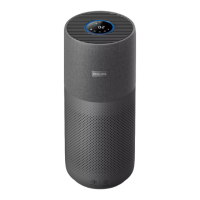
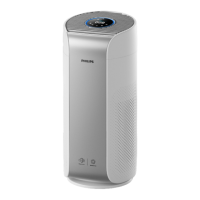
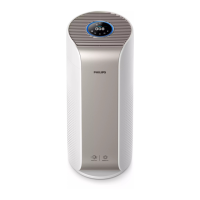
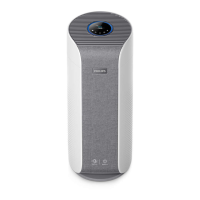
Congratulations on your purchase of air cleaner AC3033/AC3036/AC3039.
To fully benet from the support that Philips oers, register your product at
www.philips.com/welcome.
a
A Control panel
B Gas sensor
C Air outlet
D Particle sensor
E NanoProtect lter Series 3 (FY3430/30)
Back cover
b
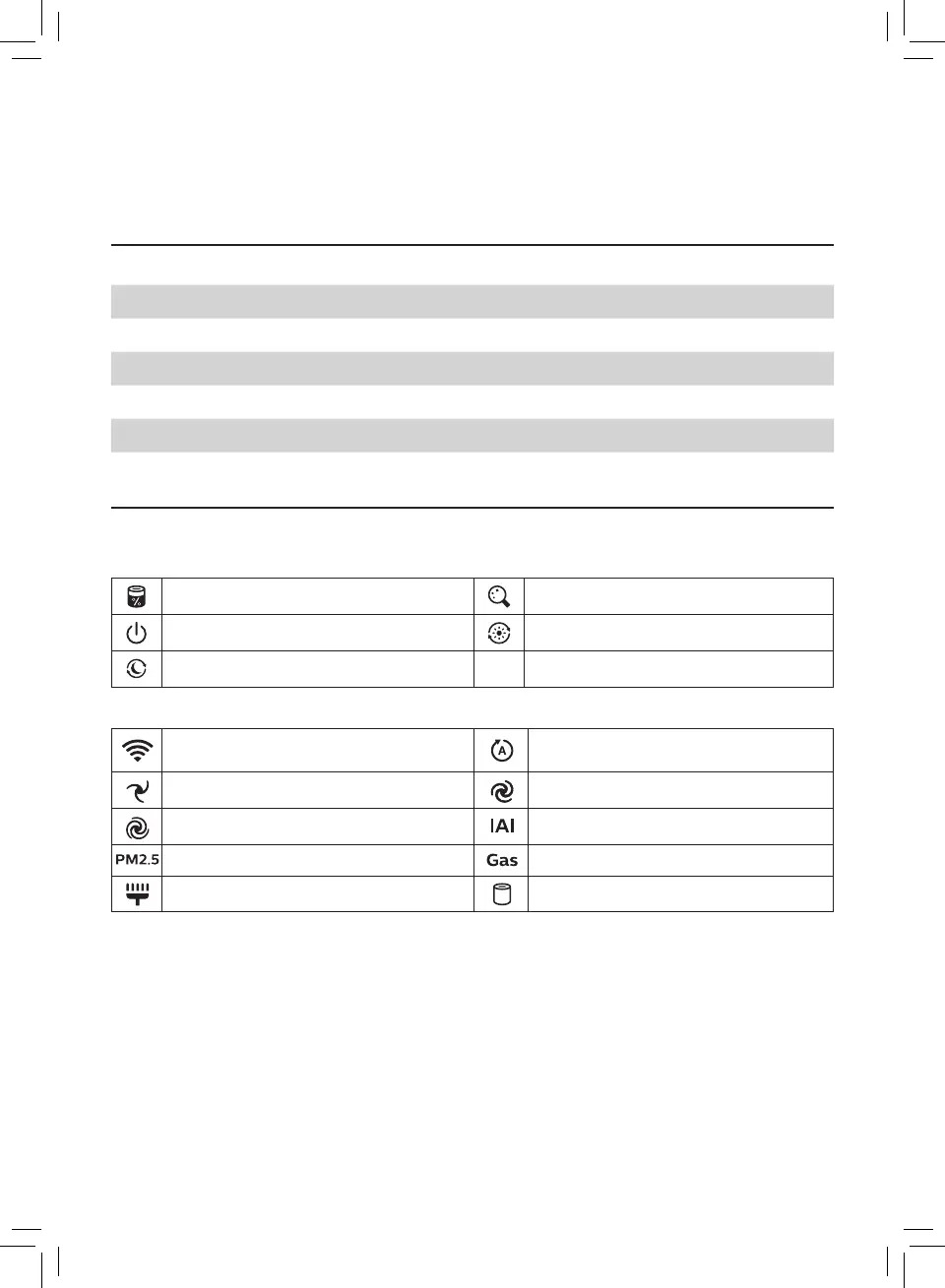
Control buttons
Filter status/reset button Display switch/Light on/light o button
Power on/o button Day mode button
Night mode button
Display panel
Wi-Fi indicator
Auto mode (day)/
Allergy Sleep mode (night)
Manual speed 1 Manual speed 2
Turbo mode
Indoor Allergen Index display
PM2.5 display Gas pollution display
Filter cleaning alert Filter replacement alert


 To Next Page
 Loading...