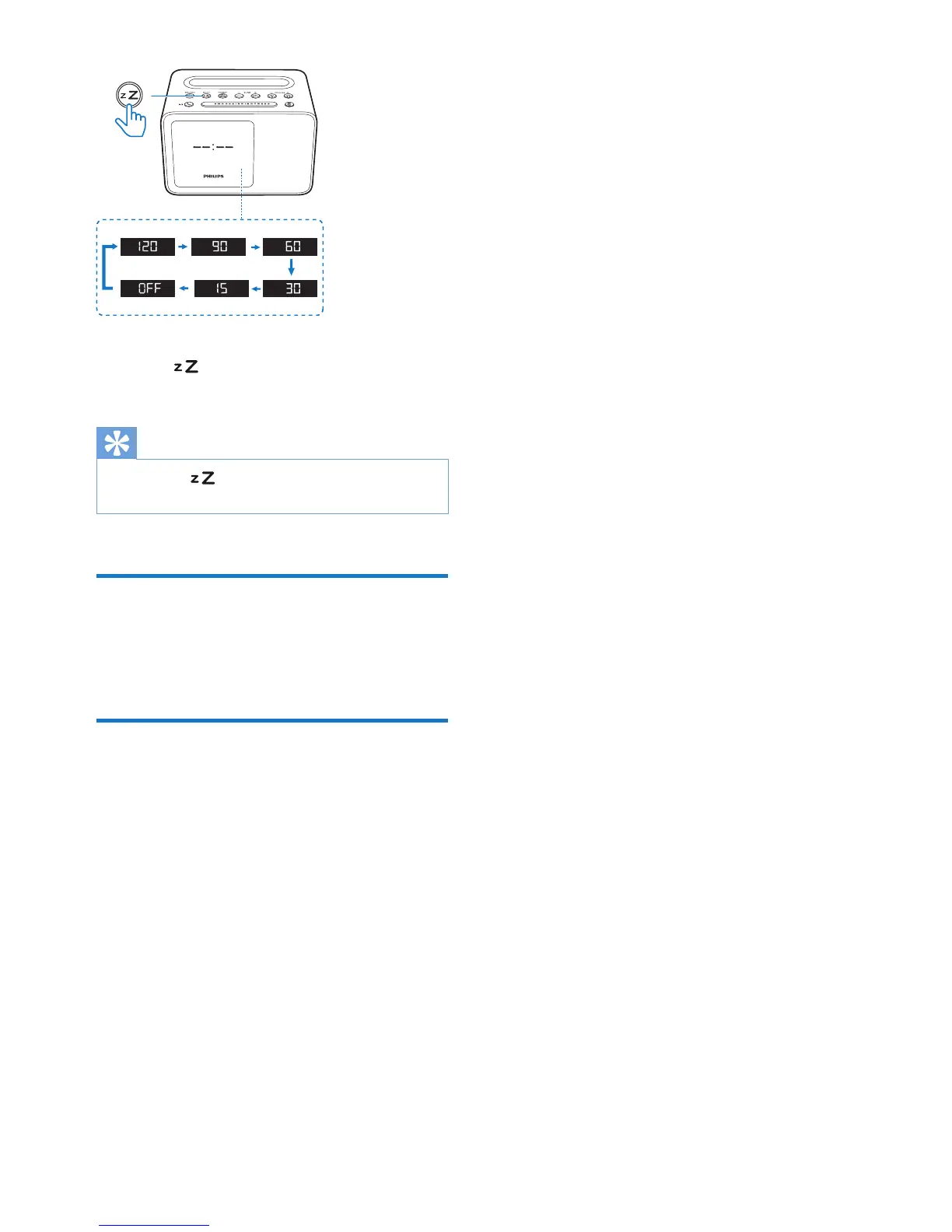
To deactivate the sleep timer:
• Press repeatedly until [OFF] (off)
appears.
Tip
• If you press in standby mode, the clock radio will
switch to FM tuner mode.
Adjust volume
While listening, press - VOLUME + to adjust
volume.
Adjust display brightness
Press BRIGHTNESS repeatedly to select
different brightness levels:
• High
• Medium
• Low


 To Next Page