- English 17 -
2
Lullabies
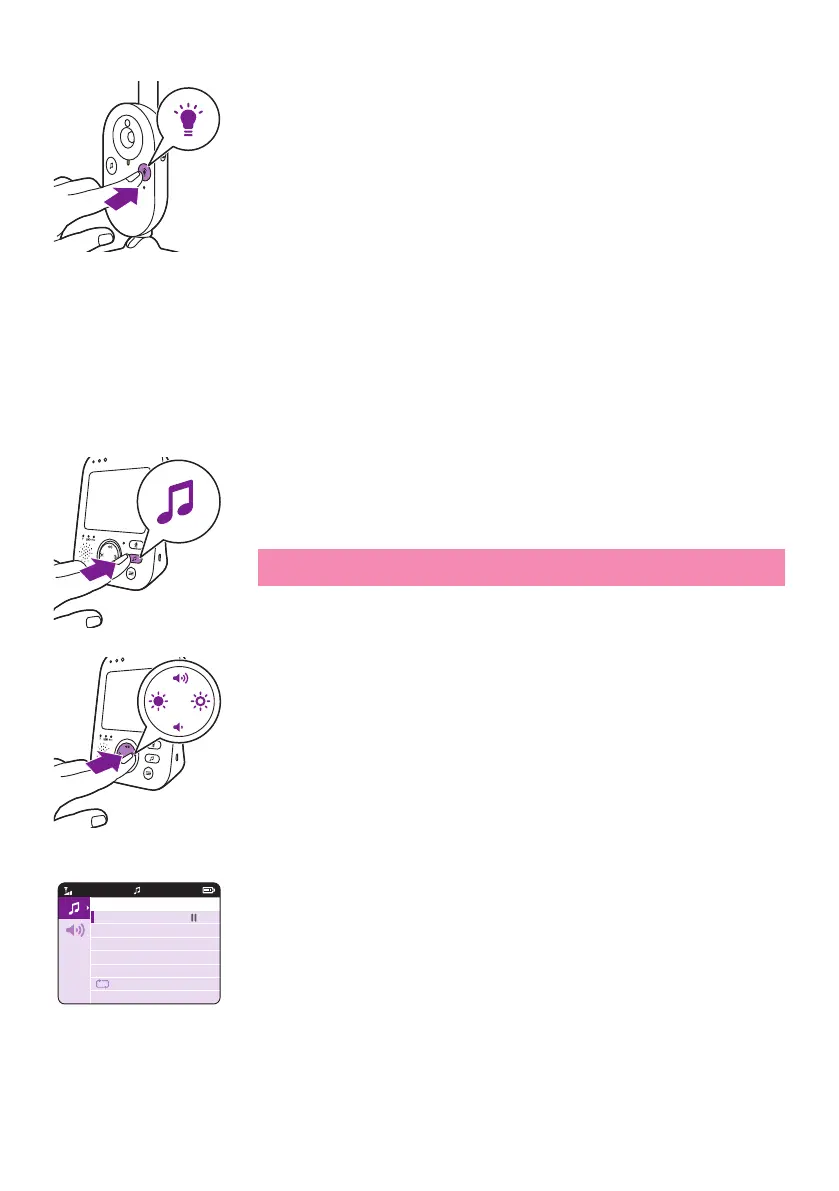
You can activate the lullaby feature either from the parent unit or from
the baby unit�
instructions below:
Lullaby selection
1 Press the lullaby button on the parent unit to open the menu for
lullabies�
Note: Pressing the lullaby button while the lullaby menu is already
2 Press the right part of the control button to enter the list of lullabies
3 Press the top or bottom part of the control button to scroll through
the list of lullabies�
20°CVIDEO
1
Lullaby Songs
1 Rock-a-Bye Baby
2 Twinkle, Twinkle
3 Hush, Little Baby
4 Brahm’s Lullaby
5 Golden Slumbers








 To Next Page