- English 20 -
Menu features
All features described in the following sections can be operated through
the menu of the parent unit�
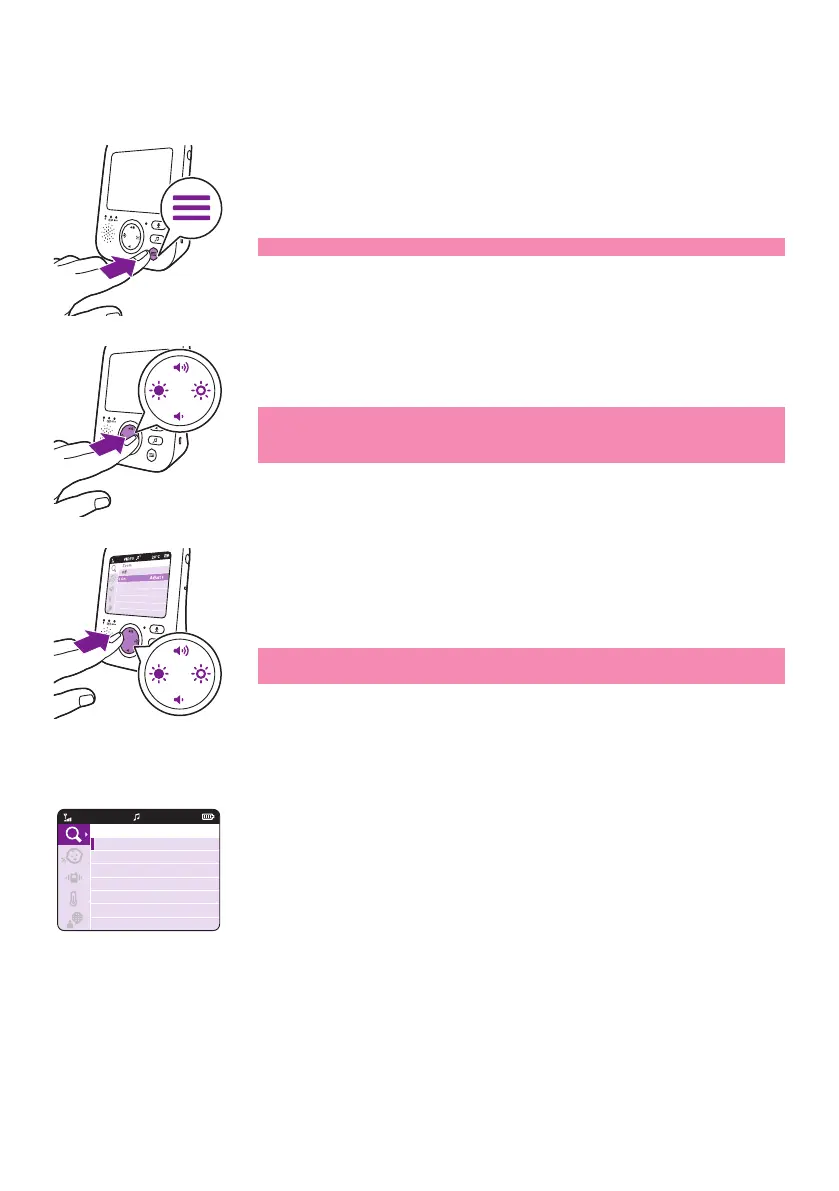
1 Press the menu button to enter the menu�
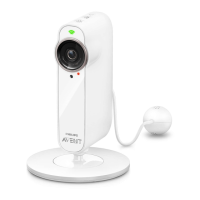
2 Use the control button to navigate through the menu� The selected
menu item is highlighted purple�
Note: If you are already in one of the sub menus and you want to
button to navigate back to the main menu�
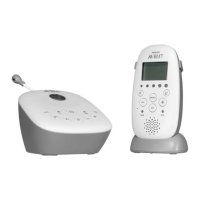
3 Press the top or bottom part of the control button to scroll through
When you are navigating through the menu features and do not want
without changing any settings�
Zoom
1
20°CVIDEO
1
Zoom
Off
On












 To Next Page